EasyManua.ls Logo

Brother Entrepreneur PR650e - User Manual

Brother Entrepreneur PR650e
280 pages
Print Icon
To Next Page IconTo Next Page
Loading...
English
884-T07
XE9981-001
Printed in Taiwan
Please visit us at http://solutions.brother.com where you can get product
support and answers to frequently asked questions (FAQs).
Operation Manual
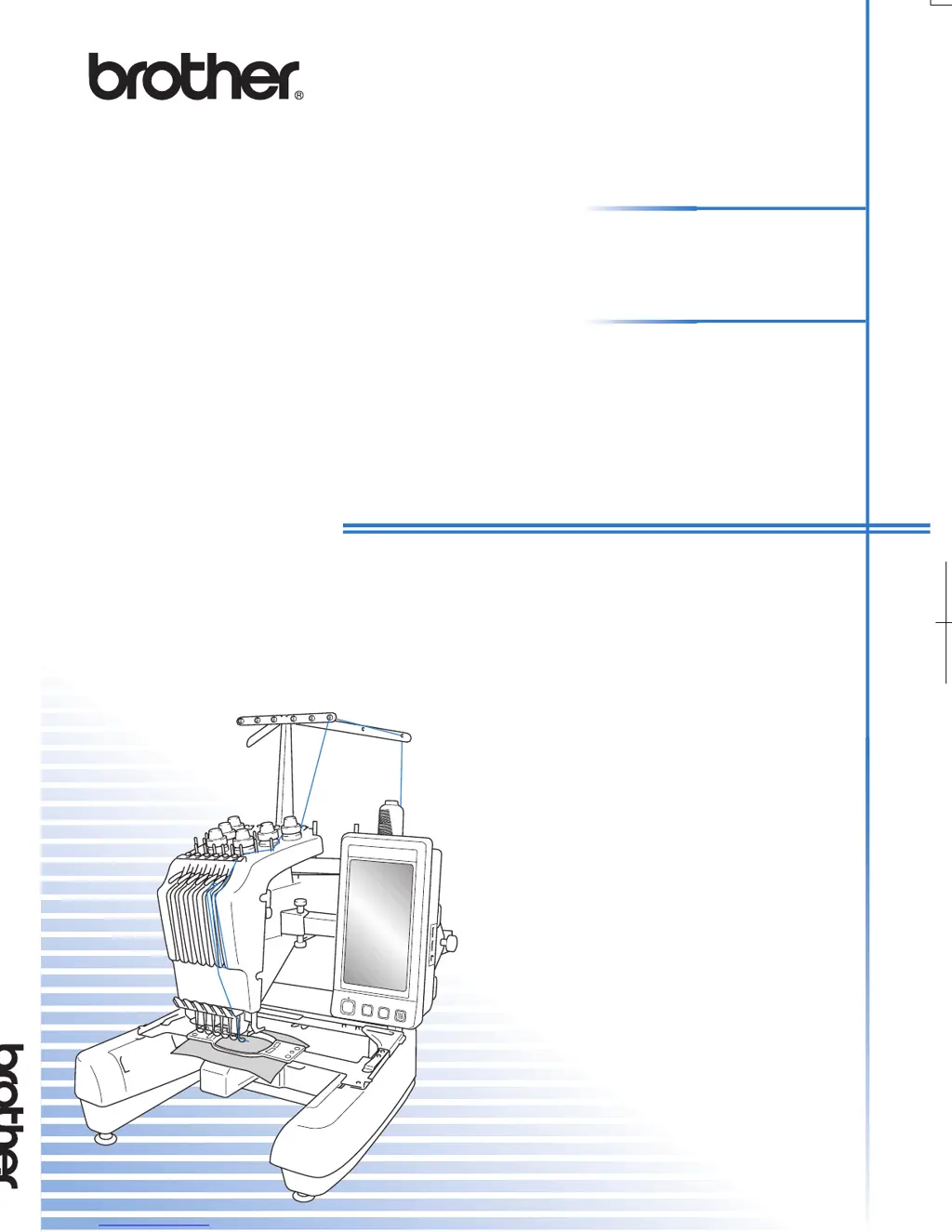
Embroidery Machine
Product Code: 884-T07
XE9981-001_cover_H1-4
PANTONE 285C K
Operation Manual
884-T07

Table of Contents

Other manuals for Brother Entrepreneur PR650e

Questions and Answers

  • S
    Stacey GarzaAug 17, 2025
    Why does the needle keep breaking on my Brother Entrepreneur PR650e?
    • T
      thomasstevenAug 17, 2025
      The needle may break due to several reasons: * Incorrect installation: Ensure the needle is correctly installed. * Loose screw: Tighten the needle set screw using the Allen screw driver. * Damaged needle: Replace the needle if it's bent or blunt. * Damaged needle plate: If the area around the needle plate hole is damaged, consider replacing the needle plate. * Needle hitting the plate: Replace the needle or consult your nearest authorized dealer. * Incorrect presser foot position: Consult your nearest authorized dealer.
  • A
    Andrew EricksonAug 19, 2025
    Why does the upper thread keep breaking on my Brother Sewing Machine?
    • P
      Paul ReynoldsSep 12, 2025
      The upper thread may break because: * The needle is not correctly installed. Make sure to correctly install the needle. * The needle set screw is loose. Use the Allen screw driver to tighten the needle set screw. * The needle is bent or blunt. Replace it with a new one. * The area around the hole in the needle plate is damaged. Replace the needle plate or consult your nearest authorized dealer. * You are using a weak thread. Slow down the machine sewing speed.
  • R
    Rachel WoodsAug 22, 2025
    What to do if my Brother Sewing Machine is skipping stitches?
    • E
      Eric HoffmanAug 22, 2025
      Skipped stitches can occur if: * The upper thread isn't threaded correctly, so thread it correctly. * The needle is bent or blunt, so replace it with a new one. * The needle is not installed correctly, so correctly install the needle. * Dust has accumulated under the needle plate or in the hook, so clean the hook and the needle plate.
  • J
    John GreerAug 25, 2025
    How to fix a noisy Brother Entrepreneur PR650e?
    • L
      laratravisAug 26, 2025
      A noisy machine could be due to: * Lint wound in the hook. Clean the hook. * The upper thread not threaded correctly. Check the thread path, and then thread the upper thread again. * Not enough oil applied. Oil recommended parts.
  • S
    Sharon SimmonsAug 28, 2025
    What to do if the bobbin thread breaks on my Brother Entrepreneur PR650e?
    • T
      taylorjodiAug 28, 2025
      If the bobbin thread breaks, check the following: * Ensure the bobbin thread is correctly threaded. * Replace the bobbin if it's scratched or doesn't rotate smoothly. * Replace the bobbin case if it's damaged. * Remove any tangled thread and clean the hook.
  • D
    David JeffersonAug 30, 2025
    How to fix loops in the upper thread of my Brother Sewing Machine?
    • D
      David AndersonAug 30, 2025
      Loops in the upper thread may appear because: * The upper thread tension is low. After passing the upper thread through the hole in the presser foot, pull the thread by hand to check the thread tension. * The thread quality is poor. Try sewing with different thread. If the problem no longer occurs after the thread is changed, the thread quality is the problem. Replace the thread with one of good quality.
  • S
    smithleslieSep 2, 2025
    Why is my Brother Embroidery Machine not operating?
    • R
      Rebecca MossSep 2, 2025
      The embroidery machine might not be operating because: * The machine is not turned on. Turn on the embroidery machine. * The machine has not been unlocked. Touch the unlock key. * The start/stop button was not pressed. With the machine unlocked, press the start/stop button.
  • L
    Lauren SampsonSep 5, 2025
    What to do if my Brother Entrepreneur PR650e shows a broken thread error when the thread isn't broken?
    • J
      john08Sep 5, 2025
      This error can occur if the thread breakage sensor in the thread tension disc of the thread tension knobs cannot detect that the thread is being fed, even if the machine is running. Clean the tension unit and correctly pass the thread through the thread tension disc.
  • J
    jamesthompsonSep 7, 2025
    Why doesn't the upper thread reach the bobbin thread when my Brother Entrepreneur PR650e starts embroidering?
    • J
      James PageSep 7, 2025
      The upper thread may not reach the bobbin thread if there is no more thread in the bobbin, the thread does not feed from the bobbin, or the thread that is fed from the bobbin is too short. Correctly thread the lower thread.
  • H
    hamiltonrhondaSep 10, 2025
    Why does my Brother Entrepreneur PR650e make needle cuts or holes in the garment?
    • S
      Scott MitchellSep 10, 2025
      Needle cuts or holes in the garment are caused if the needle is dull. Replace the needle. Dull needles have a difficult time passing through the garment, causing fabrics to tear.

Summary

Trademarks

Introduction

IMPORTANT SAFETY INSTRUCTIONS

Warning Labels

Label locations

Indicates the specific locations of warning labels on the machine for user awareness.

Machine Structure and Features

Six-needle machine embroidering

Details the six-needle embroidery capability, including automatic needle selection by color.

Differences with single-needle machines

Compares features of this machine to single-needle machines, highlighting advantages.

Other features

Highlights additional functionalities such as the LCD screen and safety mechanisms.

Available features

Lists available features including design size, built-in patterns, and pattern editing.

Manual Structure

Read before use

Provides initial setup and preparation steps required before operating the machine.

Read when additional information is required

Guides users to sections for detailed information on settings and procedures.

Searching for information

Explains methods for finding information within the manual, such as by title or keyword.

GETTING READY

Names of Machine Parts and Their Functions

Identifies and describes the various parts of the embroidery machine and their functions.

Accessories

Lists and details the included and optional accessories for the embroidery machine.

Setting Up the Machine

Provides procedures and precautions for correctly setting up the embroidery machine.

EMBROIDERING TUTORIAL

Operating Precautions

Outlines essential safety and operational precautions for using the machine correctly.

Basic Procedures

Describes the fundamental steps for operating the embroidery machine from start to finish.

Screen Quick Reference Guide

Provides a visual guide to the machine's screens, keys, and their functions.

When You Have a Question, This May Help You

TECHNICAL TERMS:

Defines key technical terms related to embroidery data, needles, and machine operations.

PATTERNS:

Lists the types of embroidery patterns that can be processed by the machine.

EMBROIDERING:

Explains how to customize embroidery colors and resume unfinished patterns.

USB connectivity

Editing the Embroidery Pattern (Pattern Editing Screen)

Changing the size

Details how to increase or decrease the size of a pattern between 90% and 120%.

Rotating the pattern

Explains how to rotate patterns by 1 to 359 degrees clockwise or counterclockwise.

Embroidery Frame Position and Movement

Switching the Thread Colors on the Screen

Embroidering a Pattern Containing Seven or More Colors

If the Thread Breaks or the Bobbin Thread Runs Out While Embroidering

Adjusting the Thread Tension

Basting Embroidery

Creating an Appliqué Piece

Using a frame pattern for the outline

Automatic Lock Stitch Setting

Starting;Ending Position Settings

Maximum Sewing Speed Setting

Setting the Machine to Stop at Color Changes

Temporary Needle Bar Setting

Reserved Needle Bar Settings

SELECTING;EDITING;SAVING PATTERNS

Precautions

Provides essential precautions for handling embroidery data, cards, and USB media.

Selecting an Embroidery Pattern

Details the process of selecting patterns from various sources like built-in memory, cards, or PC.

Editing the Embroidery Pattern (Pattern Editing Screen)

Guides users through editing patterns, including combining, moving, and transforming designs.

Saving Embroidery Patterns

Machine’s memory

Explains how to save customized patterns to the machine's internal memory.

If the embroidery pattern cannot be saved

Troubleshoots issues when the machine's memory is full or pattern size exceeds limits.

BASIC SETTINGS AND HELP FEATURE

Using the Settings Key

Details how to use the settings key to access and modify basic machine configurations.

Changing the display guides

Changing the thread color information

Specifying the thumbnail size

Specifying jumpstitch trimming; “DST” jump codes for trimming

Deleting short stitches

Changing the screen saver settings

Changing the screen saver image

Explains how to customize the machine's screen saver with personal images.

Changing the pointer shape when a USB mouse is used

Changing the units of measurements

Changing the language

Using the Machine Operations Guide Key

APPENDIX

Appliqué Sewing

Provides detailed instructions for sewing appliqué designs using various patterns.

Sewing Large-size (Split) Embroidery Patterns

Guides on sewing large designs divided into multiple sections for hoop limitations.

Helpful Tips for the Operation of the Machine

Checking the thread tension of built-in patterns

Uses a specific pattern to demonstrate how to check and adjust thread tension.

Sewing a pattern aligned with a mark on the fabric

Explains how to align patterns precisely on fabric using starting and ending points.

Color thread table

Creating Beautiful Embroidery

Threads

Provides guidance on selecting, storing, and the importance of quality embroidery threads.

Stabilizers (backing)

Explains the role of stabilizers in supporting fabric and improving embroidery quality.

OPTIONAL ACCESSORIES

Attaching an optional embroidery frame for industrial embroidery machines

Details the process of attaching industrial embroidery frames to the machine.

Using the Optional Cap Frame

Guides on using the optional cap frame for embroidering on caps and hats.

Using the Optional Bobbin Winder

Precautions

Lists safety precautions for using the optional bobbin winder and its power supply.

Winding the bobbin

Provides step-by-step instructions for winding thread onto a bobbin using the winder.

Maintenance

Cleaning the LCD

Instructions for gently cleaning the LCD screen without damaging it.

Cleaning the machine surface

Guidance on cleaning the exterior surfaces of the embroidery machine.

Cleaning the hook

Details on removing lint and dust from the hook race area for optimal performance.

Cleaning around the needle plate

Cleaning the bobbin case

Cleaning the thread paths of the upper threads

Disassembling and cleaning the tension unit

Oiling the machine

About the maintenance message

Troubleshooting

On-screen troubleshooting

Explains how to use the machine's built-in troubleshooting feature for problem diagnosis.

Troubleshooting

Provides a table of common symptoms, probable causes, remedies, and reference pages.

Error messages

Specifications

Embroidery machine specifications

Lists the technical specifications of the embroidery machine, including weight and size.

Upgrading Your Machine’s Software

Upgrade procedure using USB media

Guides on how to download and install software upgrades via USB media.

Upgrade procedure using computer

Explains the process of downloading and installing software upgrades via a computer.

Brother Entrepreneur PR650e Specifications

General IconGeneral
BrandBrother
ModelEntrepreneur PR650e
CategorySewing Machine
LanguageEnglish

Related product manuals