Home > Introduction to Your Brother Machine > Front View and Back View
Front View and Back View
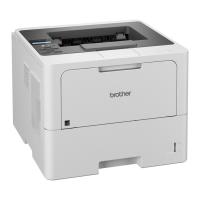
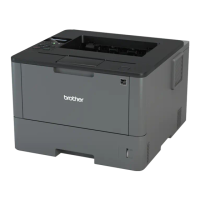
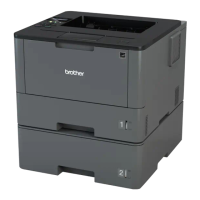
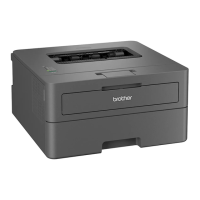
HL-L5000D/HL-L5100DN/HL-L5200DW/HL-L6200DW
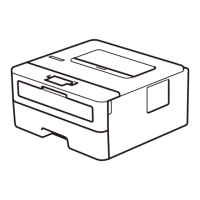
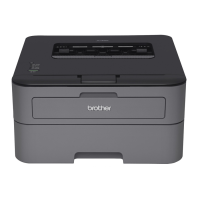
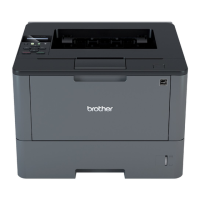
Front View
Back View
1. Face down output tray support flap (support flap)
2. Face down output tray
3. Front cover release button
4. Front cover
5. Paper tray
6. Multi-purpose tray (MP tray)
7. Control panel with a Liquid Crystal Display (LCD)
8. (For wired network models)
10BASE-T / 100BASE-TX / 1000BASE-T port (supported models only)
9. USB port
10. Parallel port (supported models only)
11. AC power connector / cord
12. Back cover (Face up output tray)
The machine is equipped with a non-detachable AC power cord depending on the model.
8


 To Next Page
 Loading...