Editing All Patterns
Embroidering E-17
EMBROIDERY
E
i
As in step a , select the character patterns for “DEF”.
j
Press .
k
Press , and then press .
→ The needle is positioned in the lower-left corner of
the pattern. The embroidery frame moves so that the
needle is positioned correctly.
l
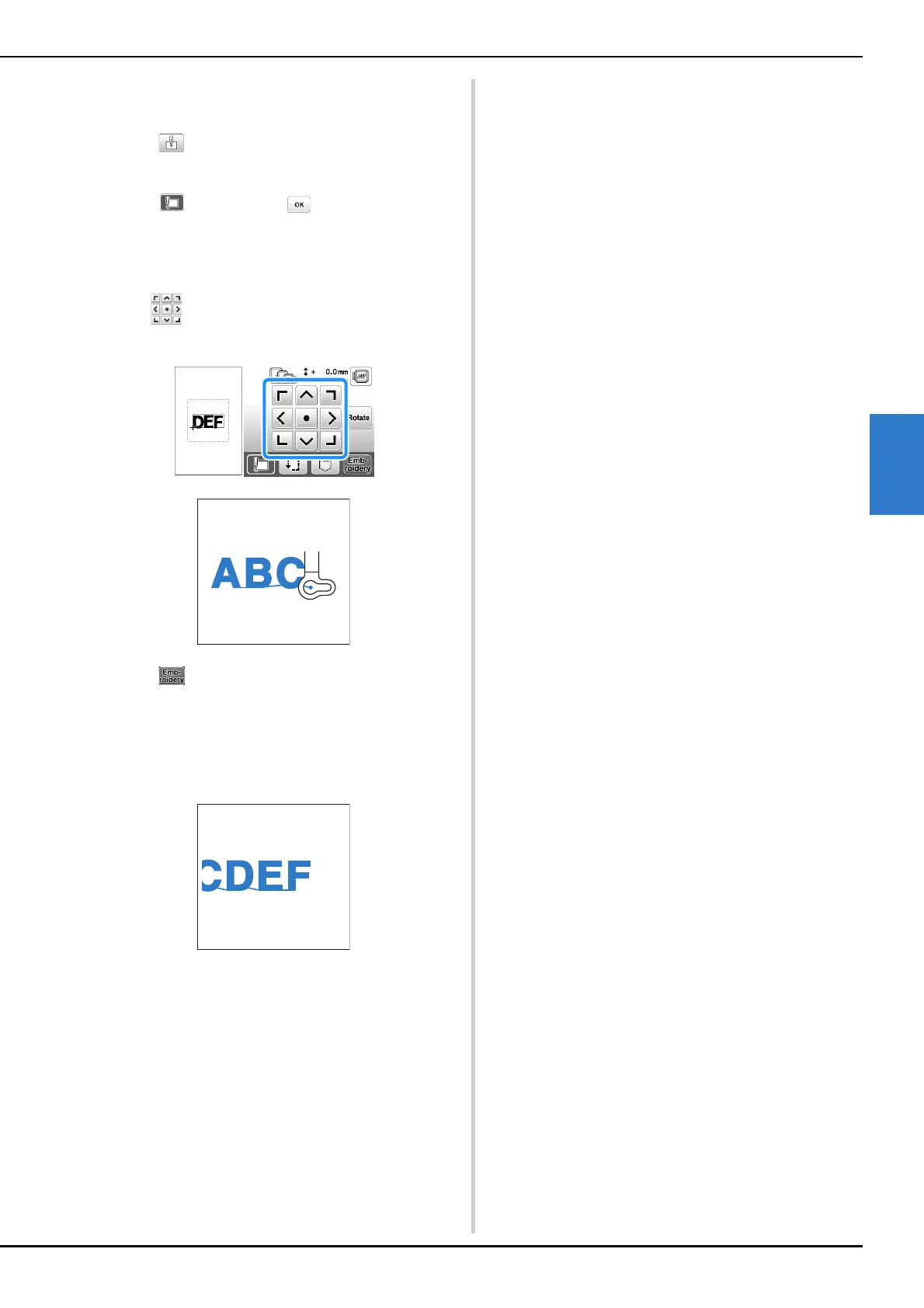
Use to align the needle with the end of the
embroidering for the previous pattern.
m
Press .
n
Lower the embroidery foot and press the “Start/Stop”
button to begin embroidering the remaining character
patterns.



 To Next Page