-10-
CREATING A MESSAGE
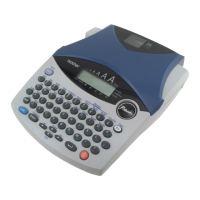
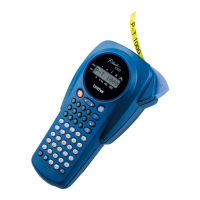
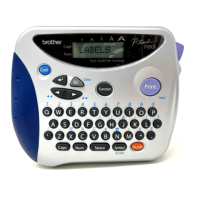
You are now ready to create a message on the machine.
The machine’s LCD display is four characters wide. Actually though, you can
create messages up to 55 characters in length. The four-character display is like a
window which moves across your message.
You can review and edit different parts of your message by moving the cursor
backward and forward.
To move the cursor through your message:
Press the and keys to move the cursor one space at a time.
●
Hold down the
CODE
key and press the
TOP
key to return the cur-
sor to the beginning of the message.
●
Hold down the
CODE
key and press the
RELOC
key to advance the
cursor to the end of a message.
DISPLAY
MOVING THE CURSOR
1234567890123456789012345678901234567890123456789012345
Note:



 To Next Page
 Loading...