1
Before UseContents Installing the Software Getting Started Menu Bar Commands
● ● ● ● ● ● ● ● ● ● ● ● ● ● ● ● ● ● ● ● ● ● ● ● ● ● ● ● ● ● ● ● ● ● ● ● ● ● ● ● ●
Product description
This system allows you to perform simple editing operations of embroidery data (.pes files) created with
our embroidery design software, then write them to original cards. PES files can also be purchased or
obtained from the Internet.
● ● ● ● ● ● ● ● ● ● ● ● ● ● ● ● ● ● ● ● ● ● ● ● ● ● ● ● ● ● ● ● ● ● ● ● ● ● ● ● ●
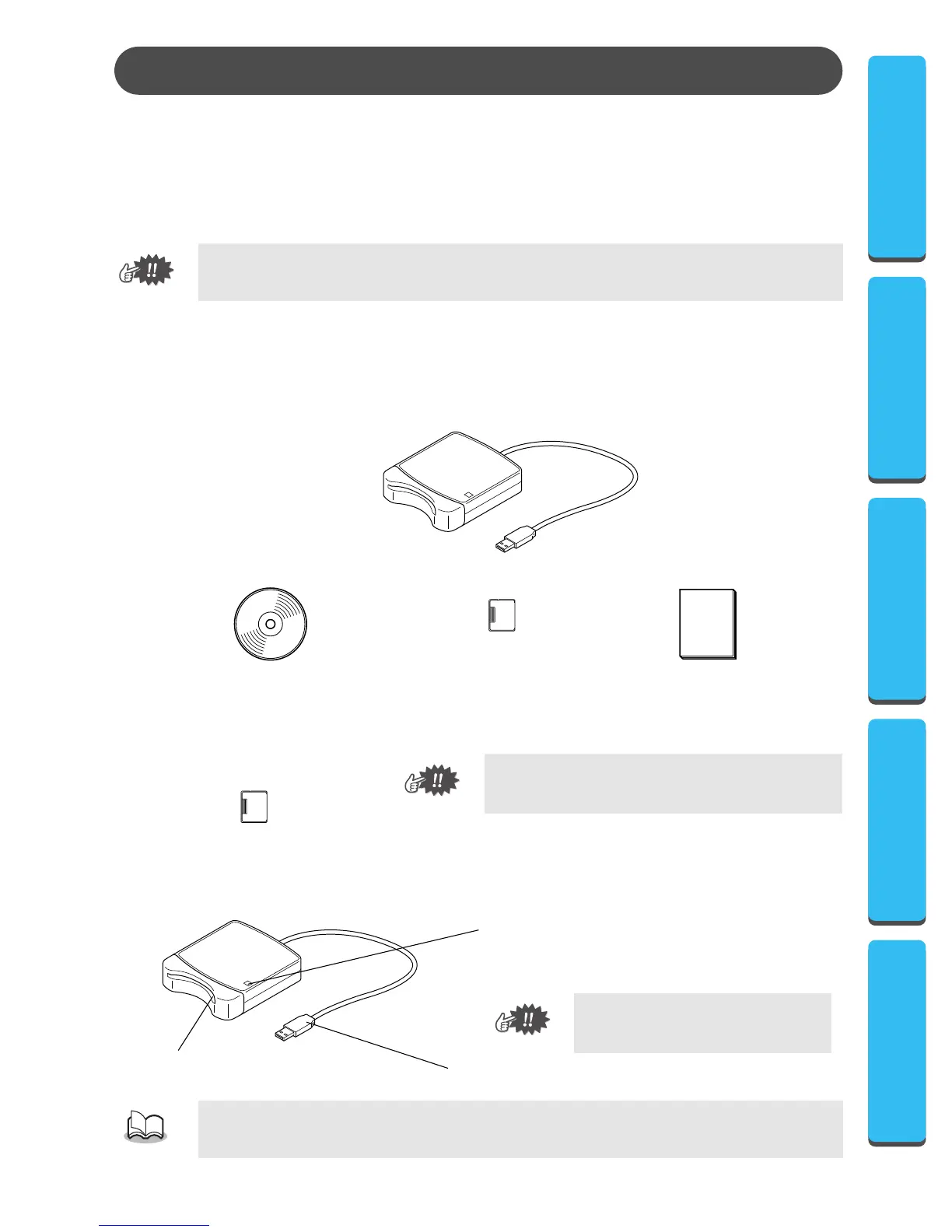
Package includes
Check that the following items are included. If anything is missing or damaged, contact your service repre-
sentative.
● ● ● ● ● ● ● ● ● ● ● ● ● ● ● ● ● ● ● ● ● ● ● ● ● ● ● ● ● ● ● ● ● ● ● ● ● ● ● ● ●
Optional supplies
● ● ● ● ● ● ● ● ● ● ● ● ● ● ● ● ● ● ● ● ● ● ● ● ● ● ● ● ● ● ● ● ● ● ● ● ● ● ● ● ●
Principal parts
This product cannot be used to create embroidery data.
The only original cards that can be used with this
USB card writer box are those like the one enclosed
or optional original cards of the same type.
Since power is supplied to the USB card writer box through the USB connection with the computer,
there is no power supply cable or power switch.
Before Use
CD-ROM
Original card
Instruction manual
USB card writer box
Original card
USB connector
Connect to the computer.
n
cator
This indicator lights up when the unit is turned on, and
flashes when the USB card writer box is communicating
with the computer.
Never remove an original card or
unplug the USB cable while this indi-
cator is flashing.
Card slot
Insert an original card here.






 To Next Page