EasyManua.ls Logo

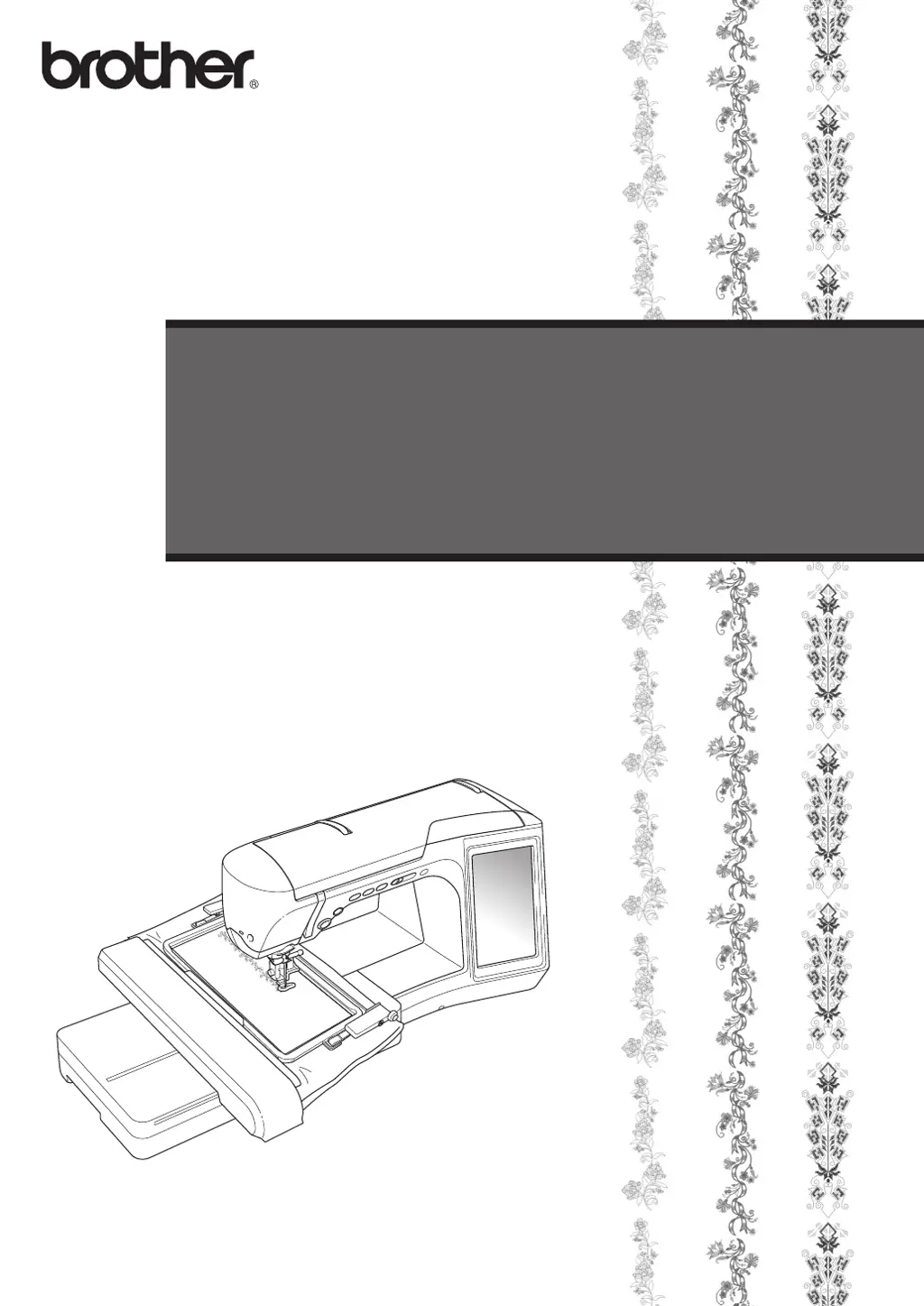
Brother Quattro 6000D - User Manual

Brother Quattro 6000D
48 pages
Print Icon
To Next Page IconTo Next Page
Loading...
Upgrade KIT
III
Operation Manual

Other manuals for Brother Quattro 6000D

Questions and Answers

  • C
    Christine JohnsonJul 26, 2025
    What to do if the pattern was embroidered before the reference point for connecting the patterns was selected on my Brother Quattro 6000D?
    • S
      Scott SuarezJul 26, 2025
      If the pattern was embroidered before the reference point was selected, keep the embroidery frame attached to the machine, press the specified button, and continue to the last stitch. Then, start sewing to finish the embroidery.
  • M
    Martha SmithAug 4, 2025
    What to do if the next pattern to be embroidered and the centers of the large circles on the stickers do not fit within the embroidering area of my Brother Quattro 6000D Sewing Machine?
    • S
      Shannon RomeroAug 4, 2025
      If the pattern and sticker centers don't fit, you can either change to a larger embroidery frame or reposition the stickers to fit within the current embroidering area.
  • J
    Jeffrey RiveraAug 15, 2025
    What to do if a sticker peels off the fabric when rehooping on my Brother Quattro 6000D Sewing Machine?
    • D
      David SmithAug 15, 2025
      If a sticker peels off the fabric during rehooping, restart the procedure from the beginning.

Summary

BEFORE YOU START

NEW FEATURES

Overview of enhancements and new capabilities provided by the upgrade.

EMBROIDERING WITH THE BORDER EMBROIDERY FRAME

About the Border Embroidery Frame

Details about the border embroidery frame and its capabilities.

Sample Projects Using the Border Embroidery Frame

Suggestions for projects utilizing the border embroidery frame.

Selecting a Pattern

Hooping the Fabric in the Border Embroidery Frame

Attaching the Border Embroidery Frame to the Embroidery Unit

Embroidering the First Pattern

Removing the Border Embroidery Frame

Embroidering the Next Pattern

USING THE CAMERA TO CONNECT PATTERNS

Connecting Patterns

Method for aligning and connecting multiple embroidery patterns seamlessly.

Preparation (Camera Needle Position Setting)

Practice (Connecting Three Patterns)

CHANGING THE POSITION OF A STICKER

CONNECTING ROTATED PATTERNS

CHANGING THE REFERENCE EDGE AND REFERENCE POINT FOR CONNECTING THE NEXT PATTERN AFTER A PATTERN HAS BEEN EMBROIDERED

SLIDING THE POSITION OF THE PATTERN TO BE CONNECTED

Connecting Patterns to be Joined Along an Edge

Resume Feature

NEW FEATURES OF VERSION 2

Displaying Patterns in The Embroidery Edit Screen Magnified By 200%

Magnifying embroidery patterns for detailed viewing in the edit screen.

Specifying The Size of Pattern Thumbnails

Adjusting the display size of embroidery pattern thumbnails.

Saving a Camera Image or Settings Screen Image to USB Media

Displaying The Grid

Other New Features

New Patterns for Version 2

COLOR CHANGE TABLE FOR THE EMBROIDERY PATTERNS ON THE CD-ROM

Brother Quattro 6000D Specifications

General IconGeneral
BrandBrother
ModelQuattro 6000D
CategorySewing Machine
LanguageEnglish

Related product manuals