EasyManua.ls Logo

Brother XL-2600 - User Manual

Brother XL-2600
82 pages
Print Icon
To Next Page IconTo Next Page
Loading...
XL_brother_cover_Eng-Spa
ENGLISH/SPANISH
885
-
S28/S29
XD1794
-
021
Printed in China
6
5
4
3
2
1
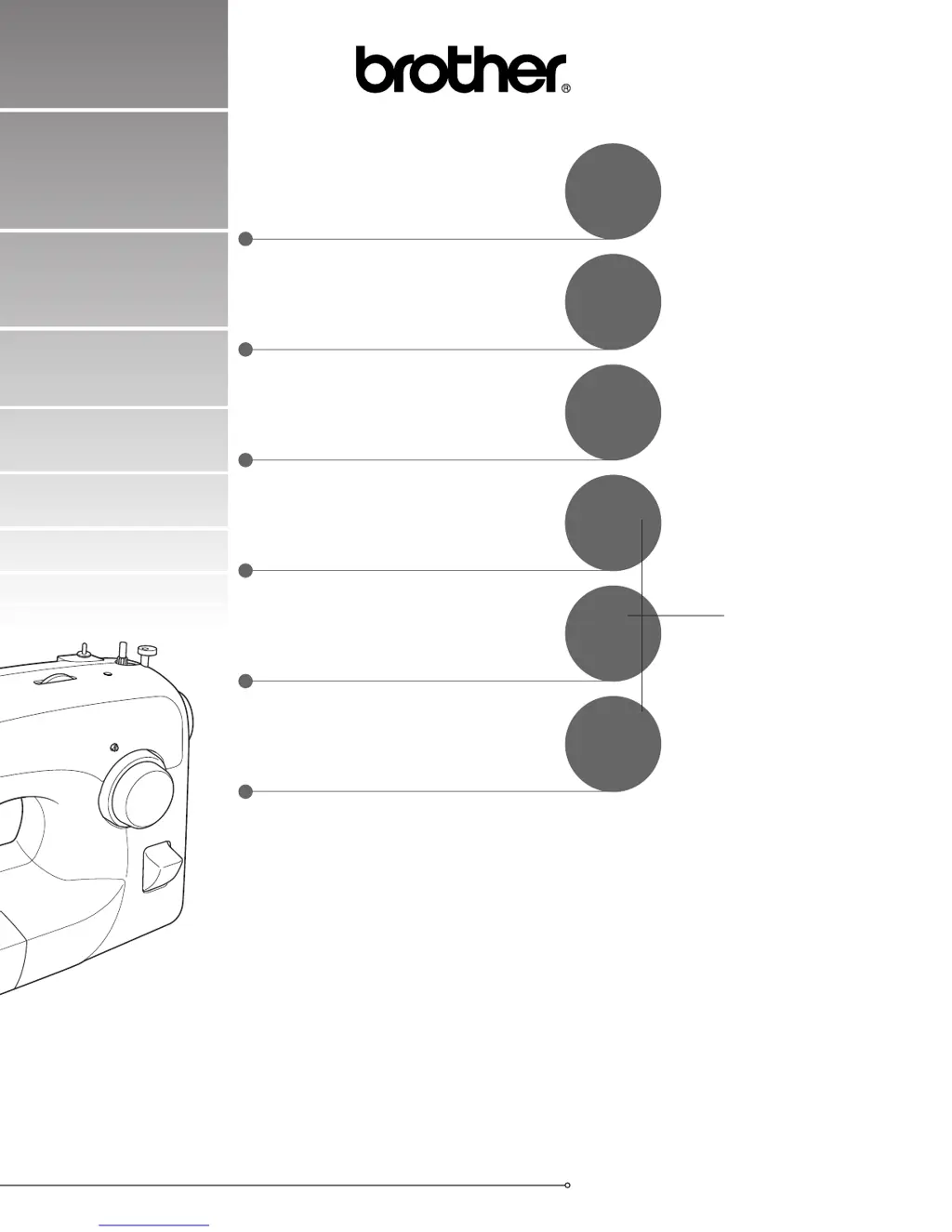
Operation Manual
Manual de Instrucciones
SEWING BUTTONHOLES AND
BUTTONS
COSTURA DE OJALES Y
BOTONES
PUNTADAS DE COSTURA
INCORPORADAS
BUILT-IN STITCHES
ANEXO
APPENDIX
USING ATTACHMENTS AND
APPLICATIONS
USO DE ACCESORIOS Y
APLICACIONES
STRAIGHT AND ZIGZAG
STITCHING
COSTURA RECTA Y EN ZIG-ZAG
KNOWING YOUR SEWING
MACHINE
CONOZCA SU MÁQUINA DE
COSER

Table of Contents

Other manuals for Brother XL-2600

Questions and Answers

  • C
    Candice GriffinJul 25, 2025
    Why my Brother XL-2600 Sewing Machine doesn't work?
    • L
      littleaustinJul 26, 2025
      If your Brother Sewing Machine does not work, make sure it is properly plugged in and that the main power switch is turned on. Also, ensure that the bobbin-winder shaft is moved to the left and that you are using the foot controller correctly.
  • S
    Shelby SanfordJul 30, 2025
    How to fix skipped stitches on Brother XL-2600?
    • J
      Juan HallJul 30, 2025
      If your Brother Sewing Machine is skipping stitches, correct the upper threading and ensure you are using the right combination of fabric, thread, and needle. Replace the needle if it is bent or blunt, and insert the needle properly. Also, remove the needle plate cover and clean the plate and the bobbin case to eliminate any accumulated dust.
  • M
    Matthew PinedaAug 3, 2025
    Why does the upper thread break on my Brother XL-2600 Sewing Machine?
    • A
      Adam ThomasAug 3, 2025
      If the upper thread of your Brother Sewing Machine breaks, ensure that you have threaded the upper thread properly, and that the needle is appropriate for the thread you are using. Also, check if the upper-thread tension is too tight and loosen it if necessary. Remove any tangled thread, and replace the needle if it is bent or blunt. Finally, ensure that you have inserted the needle properly.
  • A
    Alan MooreAug 7, 2025
    Why does the needle keep breaking on my Brother Sewing Machine?
    • B
      Brian MendozaAug 7, 2025
      If the needle breaks on your Brother Sewing Machine, make sure it is fitted properly and that the needle clamp screw is tight. Replace the needle if it is bent or blunt. Ensure you are using the correct combination of fabric, thread, and needle, and that the presser foot is appropriate for the stitch you are using. Loosen the upper thread tension if it is too tight, and fit the spool properly. Note: if the area around the hole in the needle plate or presser foot is scratched, or the bobbin case is scratched, contact your retailer or the nearest authorized service center to replace these parts. Make sure that you use only a bobbin that has been designed for this machine.
  • M
    mstanleyAug 11, 2025
    What to do if the lower thread is tangled on my Brother XL-2600?
    • A
      amanda80Aug 12, 2025
      If the lower thread is tangled or breaks in your Brother Sewing Machine, wind the bobbin properly and reset the bobbin thread correctly. Also, remove any tangled thread and clean the bobbin case.
  • B
    Brenda BrownAug 16, 2025
    Why is the fabric wrinkled when using my Brother Sewing Machine?
    • A
      Amanda GilbertAug 16, 2025
      If the fabric is wrinkling while sewing with your Brother Sewing Machine, thread the upper thread and wind the bobbin thread properly. Replace the needle if it is bent or blunt. If you are sewing thin fabric, use a stabilizer material under the fabric. Also, adjust the tension of the upper thread.
  • A
    alexandraramirezAug 20, 2025
    What to do if the sewing light bulb does not come on in my Brother Sewing Machine?
    • R
      Richard CamachoAug 20, 2025
      If the sewing light bulb on your Brother Sewing Machine does not come on, replace the sewing light bulb.

Summary

KNOWING YOUR SEWING MACHINE

THE MAIN PARTS

Identifies and describes the primary physical components of the sewing machine.

ACCESSORIES; ACCESORIOS

Lists and details the standard accessories included with the sewing machine.

OPTIONAL ACCESSORIES; ACCESORIOS OPCIONALES

Lists and details accessories available for separate purchase.

USING YOUR SEWING MACHINE

IMPORTANT SAFETY INSTRUCTIONS

Critical safety instructions to prevent injury, fire, or electric shock.

Connecting Plugs and Power Switch

Explains machine connection, power, and light switch operation.

Foot Controller Operation

Explains how to use the foot pedal to control sewing speed and operation.

Needle Checks and Replacement

Guides on checking the needle's condition and replacing it.

Changing the Presser Foot

Details the steps for safely attaching and detaching presser feet.

Flat Bed Attachment and Free-arm Style

Describes the flat bed attachment and converting to free-arm sewing.

THE CONTROLS

Pattern Selection Dial

Explains how to select different stitch patterns using the dial.

Stitch Length and Width Adjustment

Details how to adjust stitch length and width for optimal results.

Reverse Sewing Lever

Explains how to use the reverse sewing lever for backtacking.

THREADING THE MACHINE

Winding the Bobbin

Provides instructions on how to wind thread onto the bobbin correctly.

Lower Threading

Details the procedure for threading the lower bobbin thread.

Upper Threading

Explains the steps for correctly threading the upper thread.

Using the Needle Threader

Guides the user on how to use the automatic needle threader.

Drawing up the Lower Thread

Describes how to pull up the lower bobbin thread to start sewing.

Sewing with a Twin Needle

Explains how to set up and use a twin needle for decorative stitching.

Thread Tension Adjustment

Explains how thread tension affects stitch quality and how to adjust it.

STRAIGHT AND ZIGZAG STITCHING

Preparation and Straight Stitching

Explains preparation steps and how to perform straight stitching.

Zigzag Stitching

Details how to set up and perform zigzag stitching.

BUILT-IN STITCHES

Blind Hem Stitching

Guides on how to perform a blind hem stitch for neat edges.

Shell Tuck and Elastic Stitching

Explains how to use shell tuck and elastic stitches for decorative edges and mending.

Decorative and Specialty Stitches

Covers various decorative, heirloom, and feather stitches.

SEWING BUTTONHOLES AND BUTTONS

Making Automatic Buttonholes

Step-by-step guide to creating automatic buttonholes on various fabrics.

Sewing Buttons

Instructions on how to sew buttons securely using the machine.

USING ATTACHMENTS AND APPLICATIONS

Zipper Insertion and Gathering

How to use the zipper foot for inserting zippers and gathering fabric.

Darning, Appliqués, and Embroidery

Guides on darning, creating appliqués, and performing embroidery.

OPTIONAL ACCESSORIES

Walking, Quilting, and Hemmer Feet

Instructions for using walking, quilting, and narrow hemmer feet for special sewing tasks.

Blind Stitch Foot

How to use the blind stitch foot for invisible hems and edge stitching.

APPENDIX

MAINTENANCE and Cleaning

Information on machine maintenance, including changing the light bulb and cleaning.

Troubleshooting

A guide to diagnosing and resolving common sewing machine problems.

Brother XL-2600 Specifications

General IconGeneral
TypeMechanical
Stitch Width5mm
Built-in Stitches25
Buttonhole Styles1
Needle ThreaderYes
Stitch OptionsDecorative
Presser FeetButtonhole, Zipper
Included Accessoriesbobbins, screwdriver, darning plate

Related product manuals