Turning the Machine On/Off
GETTING READY
13
1
d
When the machine is turned on, the opening movie is
played. Touch anywhere on the screen.
e
To turn off the machine, press the left side of the main
power switch (set it to “ ”).
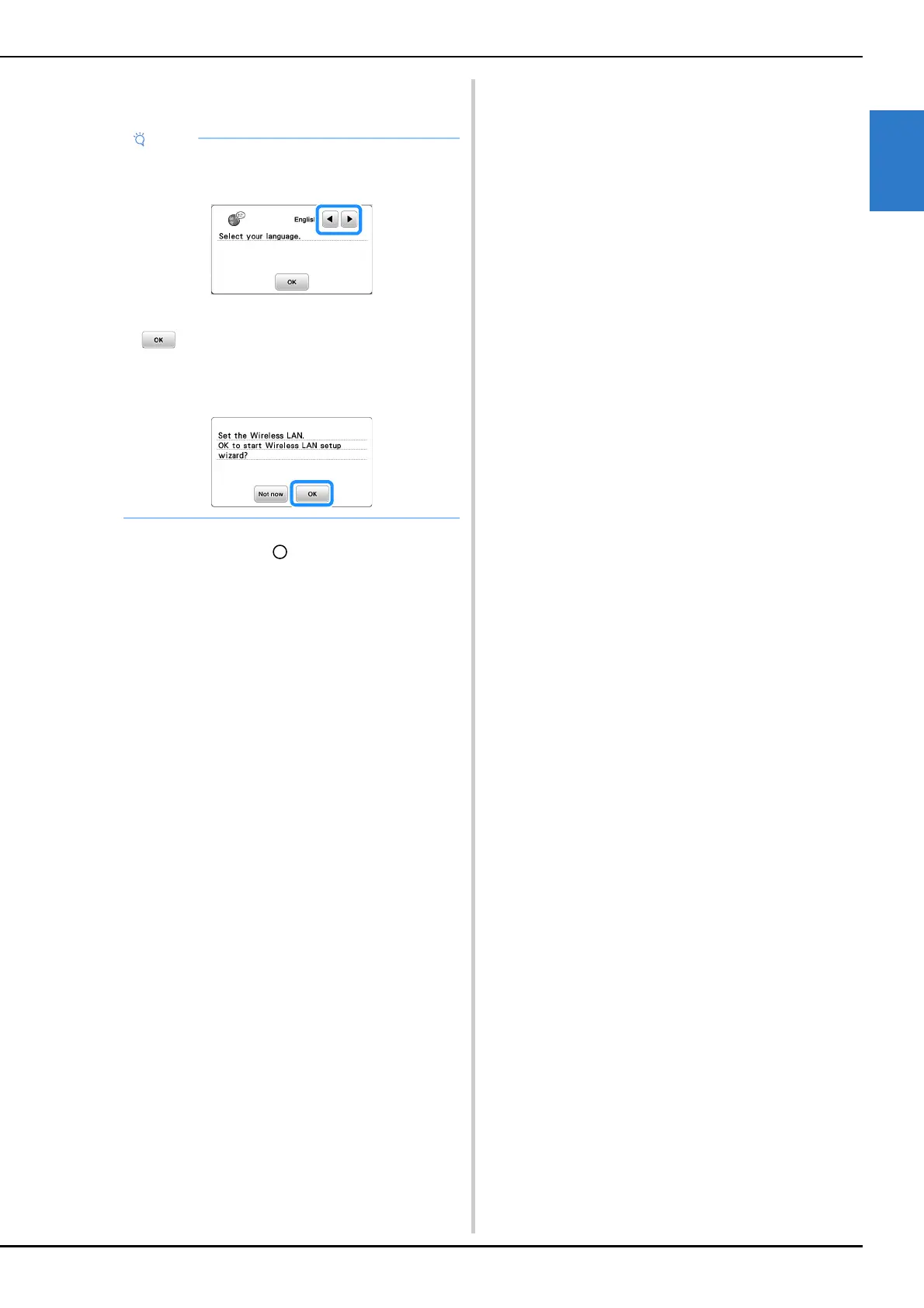
When you first turn on the machine:
• Select the display language for the LCD.
• The following message about a wireless LAN
connection appears. To set up a connection, touch
, and then refer to steps c through f in
“Using the wizard to set up the wireless network
connection” on page 19 to finish setting up a
wireless LAN connection.











 To Next Page