SELECTING PATTERNS
E-8
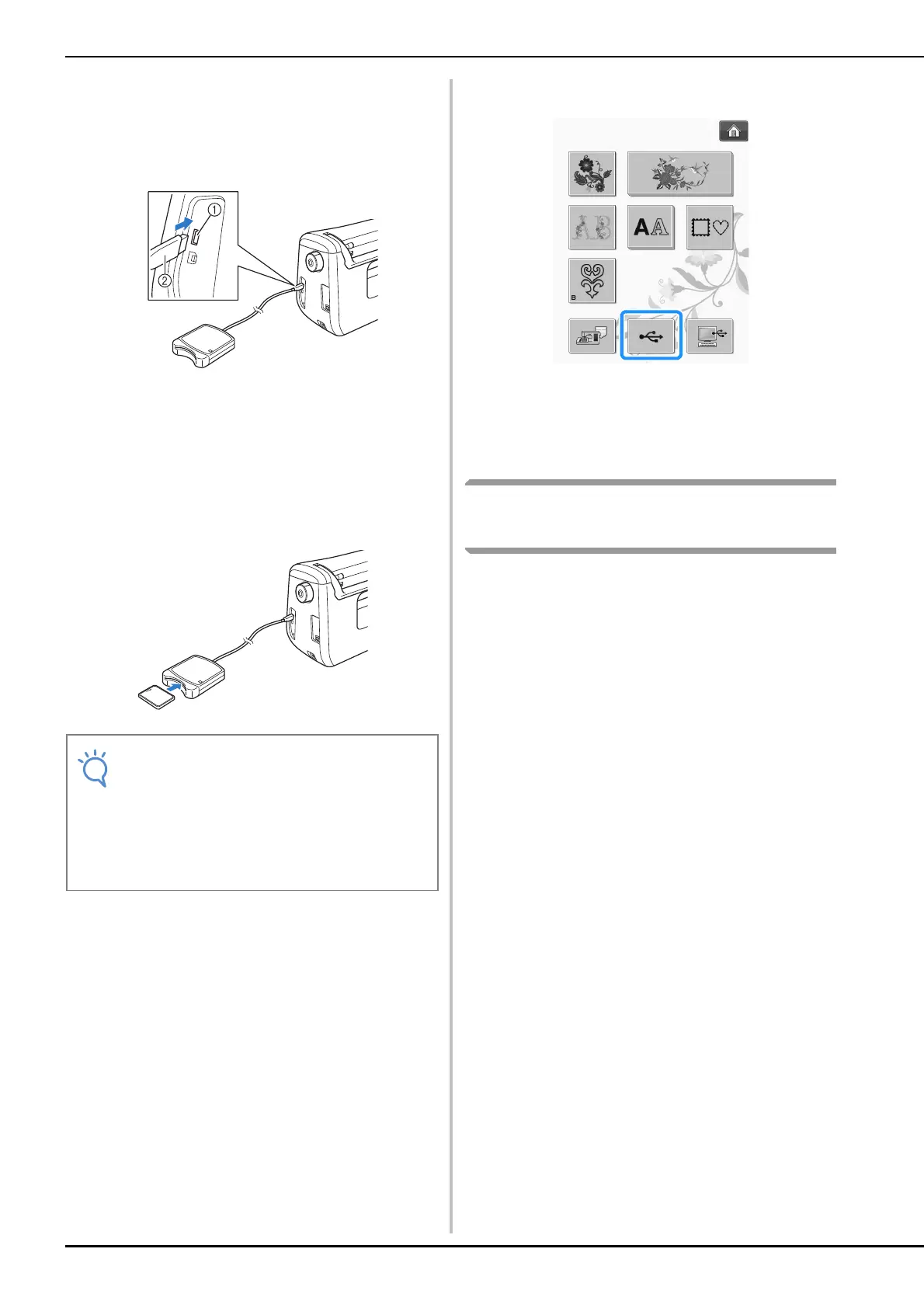
a
Plug the optional embroidery card
Reader/USB card writer module into the
USB port on the machine.
a USB port for mouse/media (USB 2.0)
b Embroidery card Reader/USB card writer module
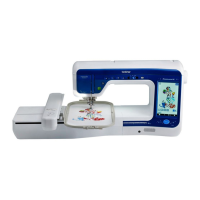
b
Insert the card completely into the card
Reader/USB card writer module.
* Insert the embroidery card so that the end with a
printed arrow is facing up.
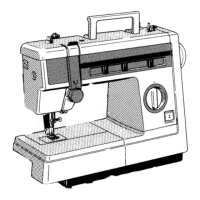
c
Press the key of the USB port.
The patterns on the embroidery card are displayed
on the selection screen.
d
Follow the steps on page E-4 to select a
pattern.
Selecting Patterns from USB
Media/Computer
To recall patterns from the computer or USB
media, see pages E-49 to E-50.
• Two embroidery USB card Readers/USB
card writer module cannot be used with this
machine at the same time. If two
embroidery USB card Readers/USB card
writer module are inserted, only the
embroidery USB card Reader/USB card
writer module inserted first is detected.


 To Next Page