4
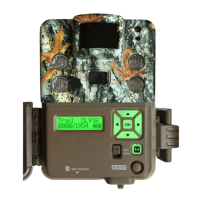
Home Screen
Turn the camera’s power on by sliding
the power switch to the ON position.
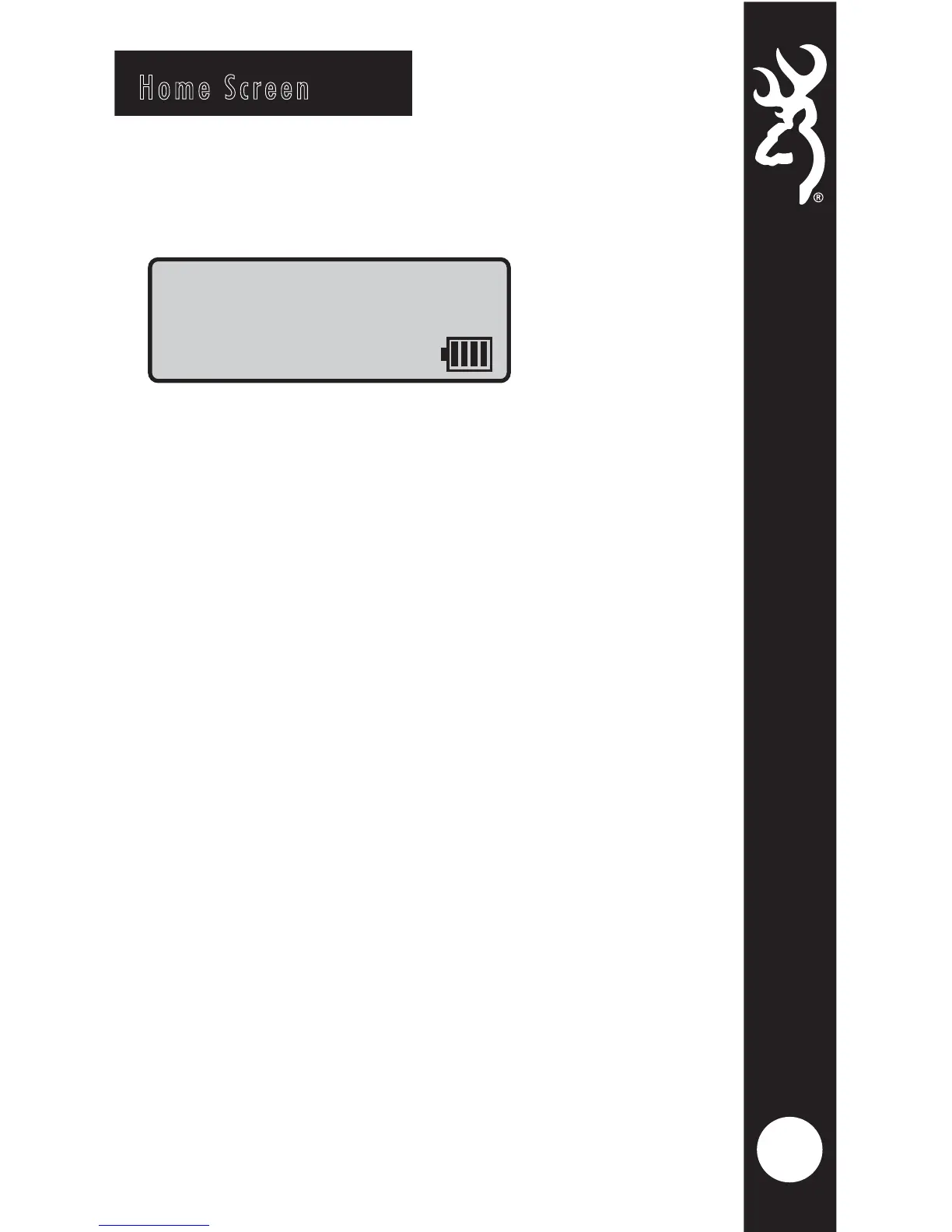
The home screen displays the camera
operation mode, pictures or videos
taken, pictures or videos possible on
the SD card, camera delay countdown
and battery life meter. With home
screen displayed, the camera is armed
and ready to start taking pictures.
The possible camera modes displayed are
Trail, Video,and Timelapse Plus (TL+).
The battery life meter shows the charge
left in your batteries.
The battery indicator changes to EXT
when an external battery is plugged into
the external power port.
Trail DLY19
0005/3500







 To Next Page