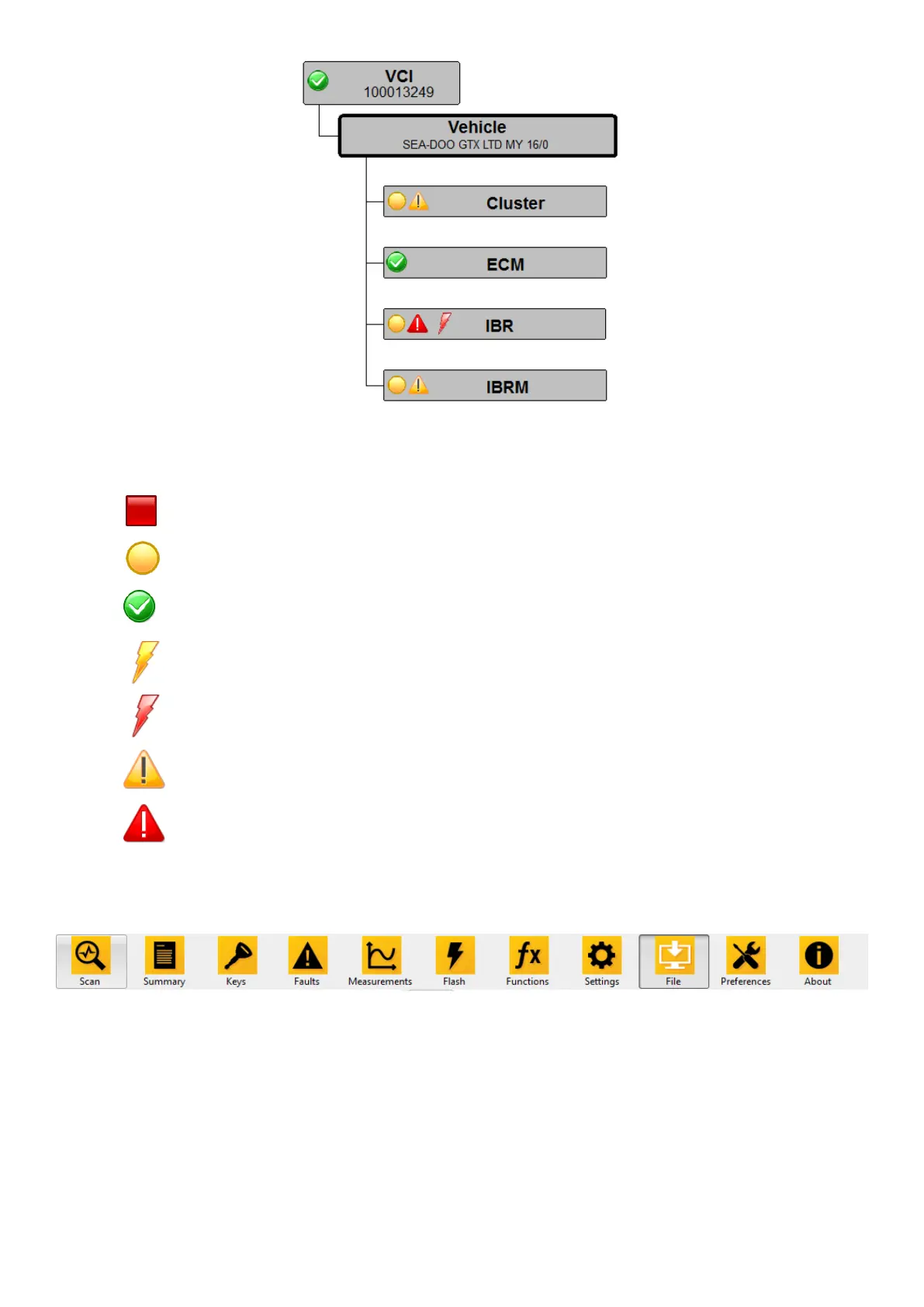
Module is not in boot mode and application is valid.
No fault codes or valid firmware updates available
Toolbar
In the toolbar, shown on the top of the window, you can select the task you want to perform next.
Figure 20: Toolbar
Scan
To scan a vehicle connected via the VCI, select ‘Scan’ in the toolbar. A progress dialog shows you the
progress of the scanning process. Pressing ‘Cancel’ in the progress dialog will stop the scanning process
and clear all data which has already been read. The scanning is not interruptible at any time and, thus,
cancellation may not respond immediately.



 To Next Page