5
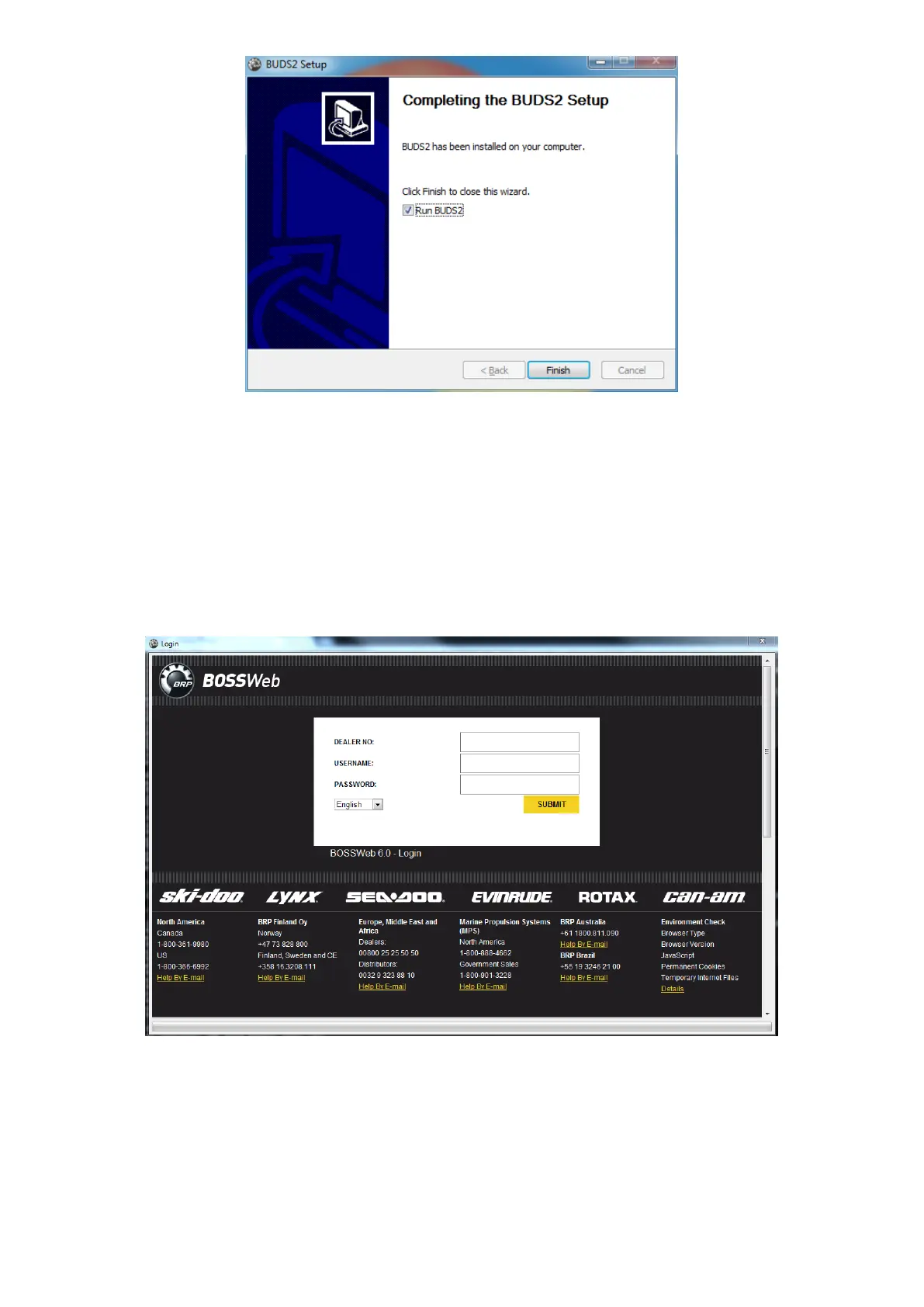
Figure 7: Installation completed
Start-up
To start BUDS2, you can select BRP->BUDS2 from the Windows start menu if you selected to add a
shortcut in the installation process. Otherwise navigate to ‘C:\Program Files (x86)\BRP\BUDS2\’ and
double-click on the BUDS2 executable called ‘BUDS2.exe’.
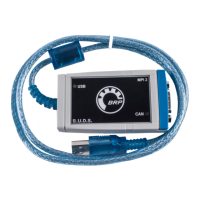
BUDS2 will prompt you a login dialog, first. Enter your BOSSWeb information to log in.
Figure 8: BOSSWeb internet login
During the opening, BUDS2 will check for updates and install them if this is the case. At the end, you will be
asked to restart the program. You will have to re-enter your BOSSWeb data.



 To Next Page