20
export all samples
import previously stored samples
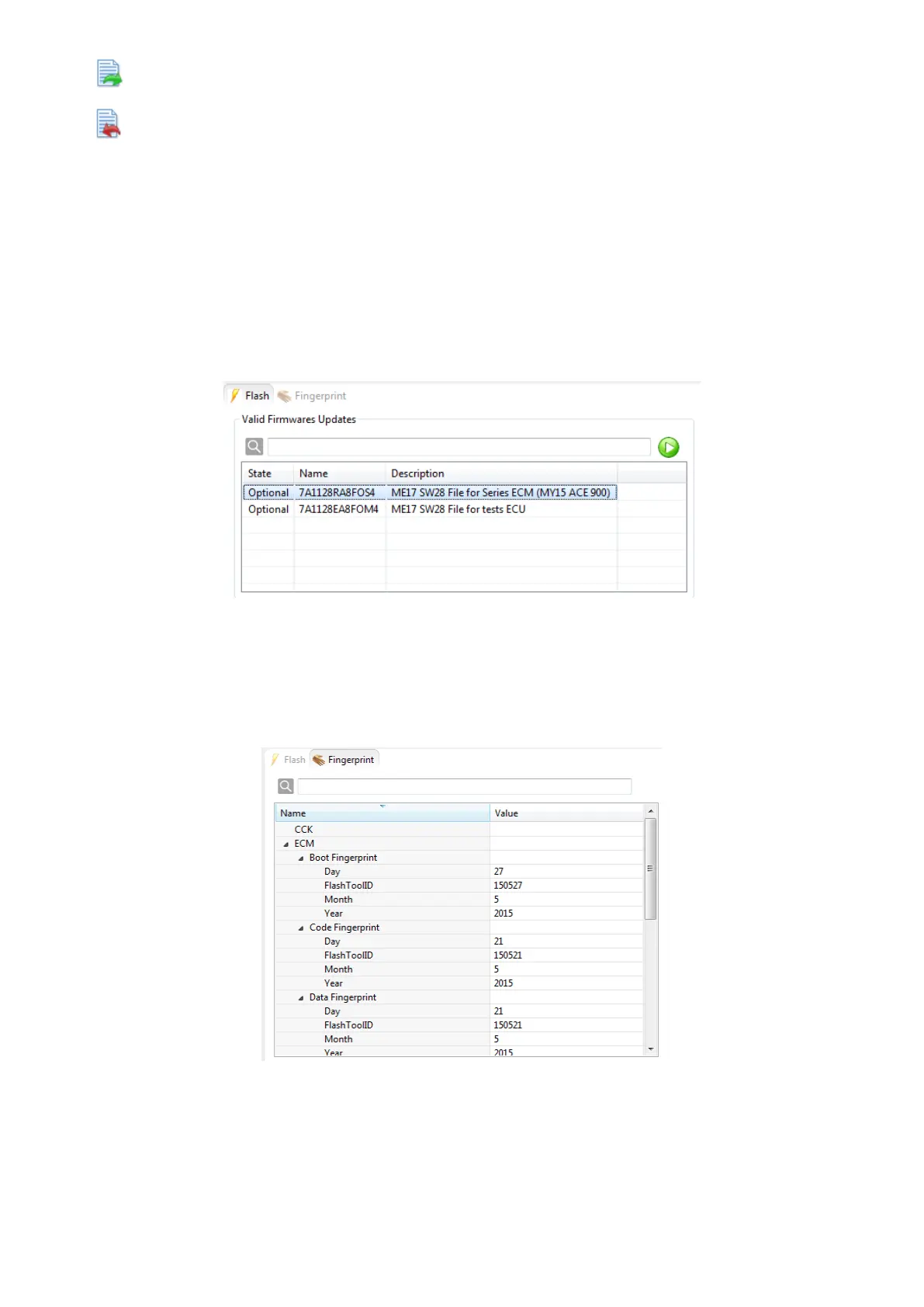
Flash Page
Flash
If you want to flash a module with a new firmware, open the Flash tab. The Flash Page shows a table
including all valid firmware files for the module currently selected in the dashboard. To flash a firmware file
on a module, select one of the flash files in the table and double-click it or press the ‘Play’ button on the
right next to the search line.
Figure 39: Flash Page
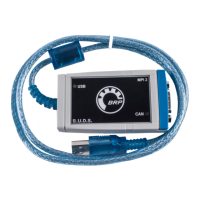
Fingerprint
The fingerprint for the selected module is shown in the Fingerprint tab, i. e. time when and by whom the
software was last flashed.
Figure 40: Fingerprint Page



 To Next Page