17
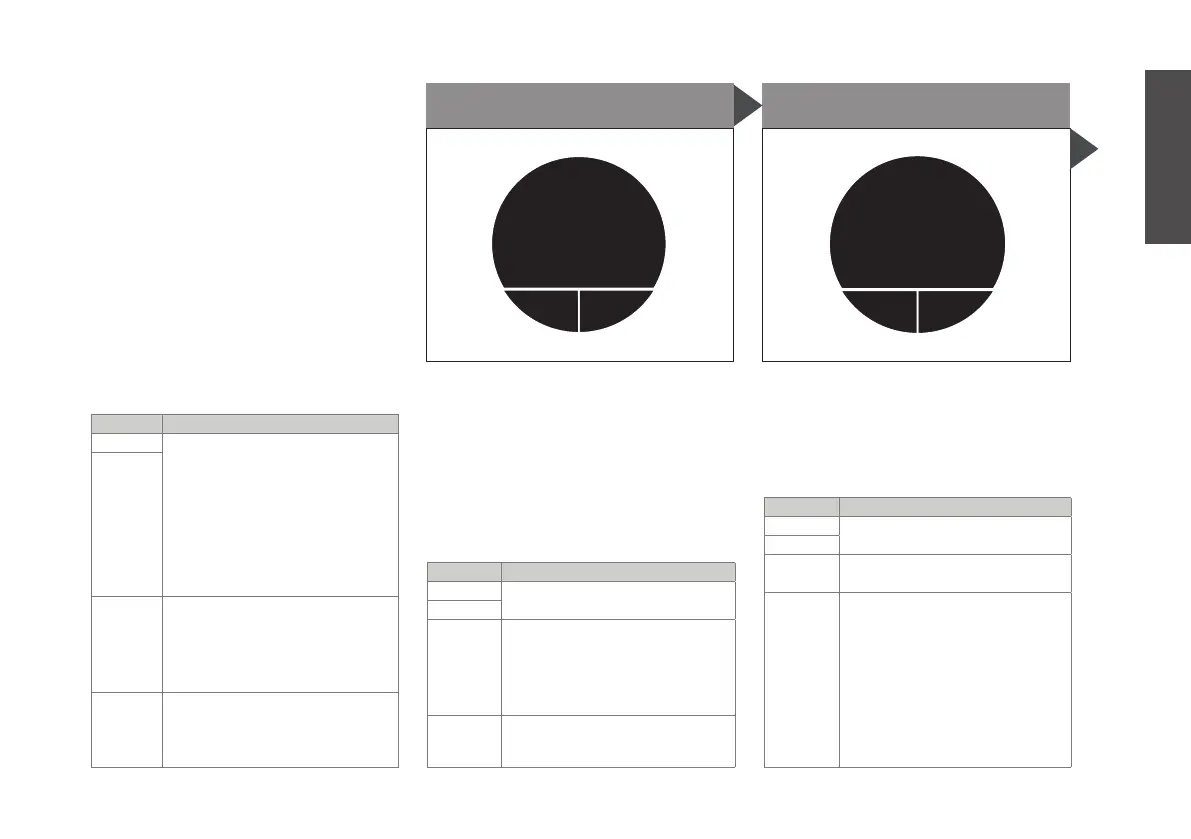
(timer button explanation)
BUTTON ACTION
MAIN press to put the machine in
timer mode. you will see two
indicated times:
top: the time at which your
tea starts brewing.
bottom: the current time.
If this is not correct, adjust
your settings at S1 - current
time (see p. 18)
RIGHT
LEFT press to set up the timer
in following order: hours,
minutes
by turning the main button
and then pressing ‘next’
MAIN turn to go to other menus
enterback
machine
setup
M9. MACHINE SETUP
If you enter the machine setup
menu, you can edit the different
settings of the machine
(settings will be explained on the
next pages)
BUTTON ACTION
MAIN press to enter the machine
setup to edit settings
RIGHT
LEFT press to go back to M1.
main menu
MAIN turn to go to other menus
STARTsetup
50%
water
50%
tea
M8. COOL DOWN
Prepare tea at a more ready-to-
drink temperature, by brewing
part of the tea, and topping up
the rest with unheated water from
the water tank. The main menu
settings will be used. Tip: Increase
the steeping time to not loose on
taste.
BUTTON ACTION
MAIN press to start brewing cool
down
RIGHT
LEFT press to choose the dillu-
tion proportion (e.g. 40%
water, 60% tea) by turning
the main button and then
pressing ‘next’
MAIN turn to go to other menus
English


 To Next Page