26
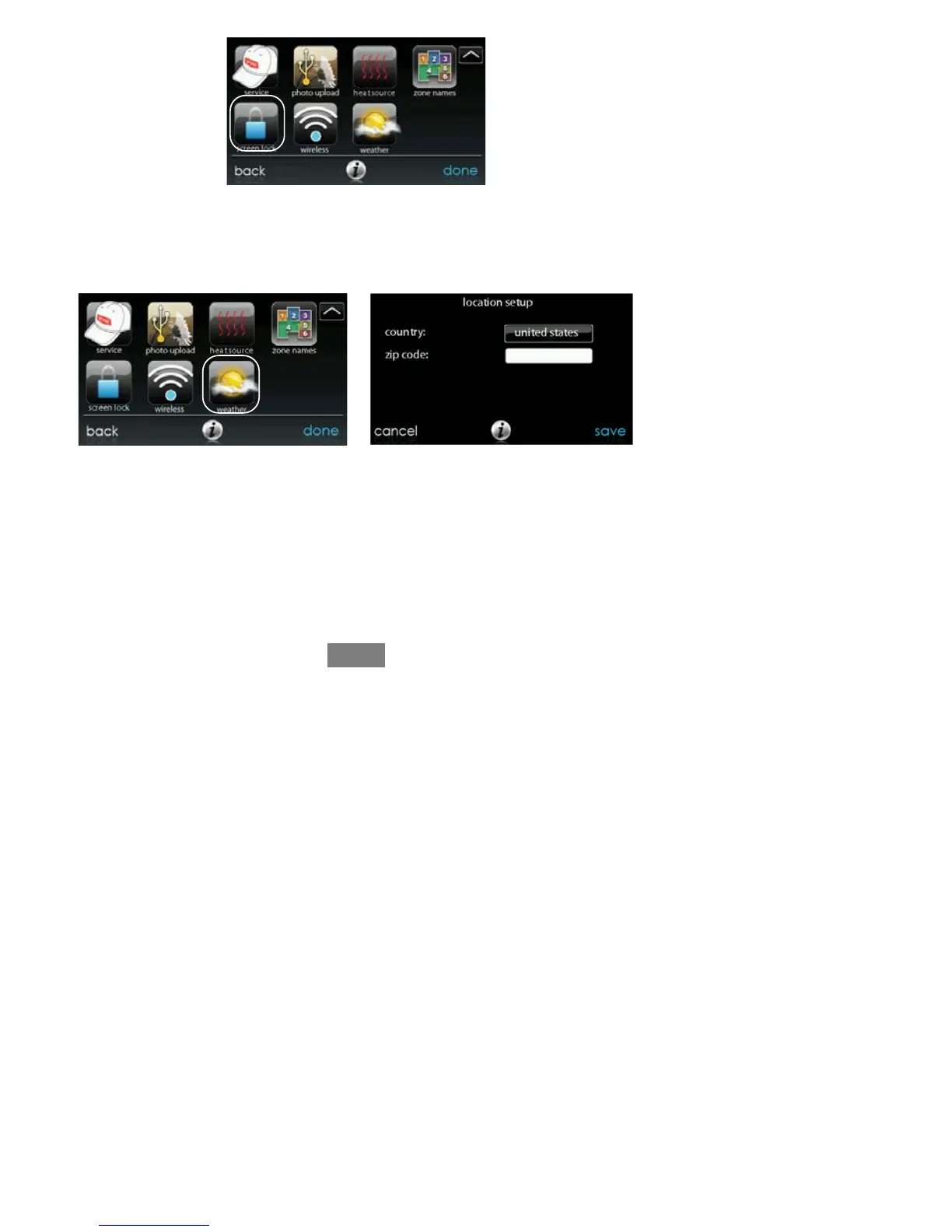
A12492
Weather Forecast
When the EvolutionR Connext Control is connected to a Wi-Fi network, use the
WEATH ER icon to retrieve the weather forecast based your postal code.
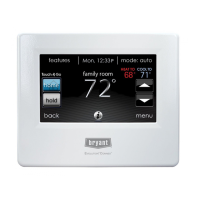
A12493
S To enter your postal code, touch CHANGE CURRENT LOCATION.
S Next, select your country (United States, Canada, or Mexico).
S To enter your postal code, touch in the blank area; then enter your postal
code using the on screen keyboard.
S After you have entered your postal code, touch SAVE.


 To Next Page