2
Information Buttons
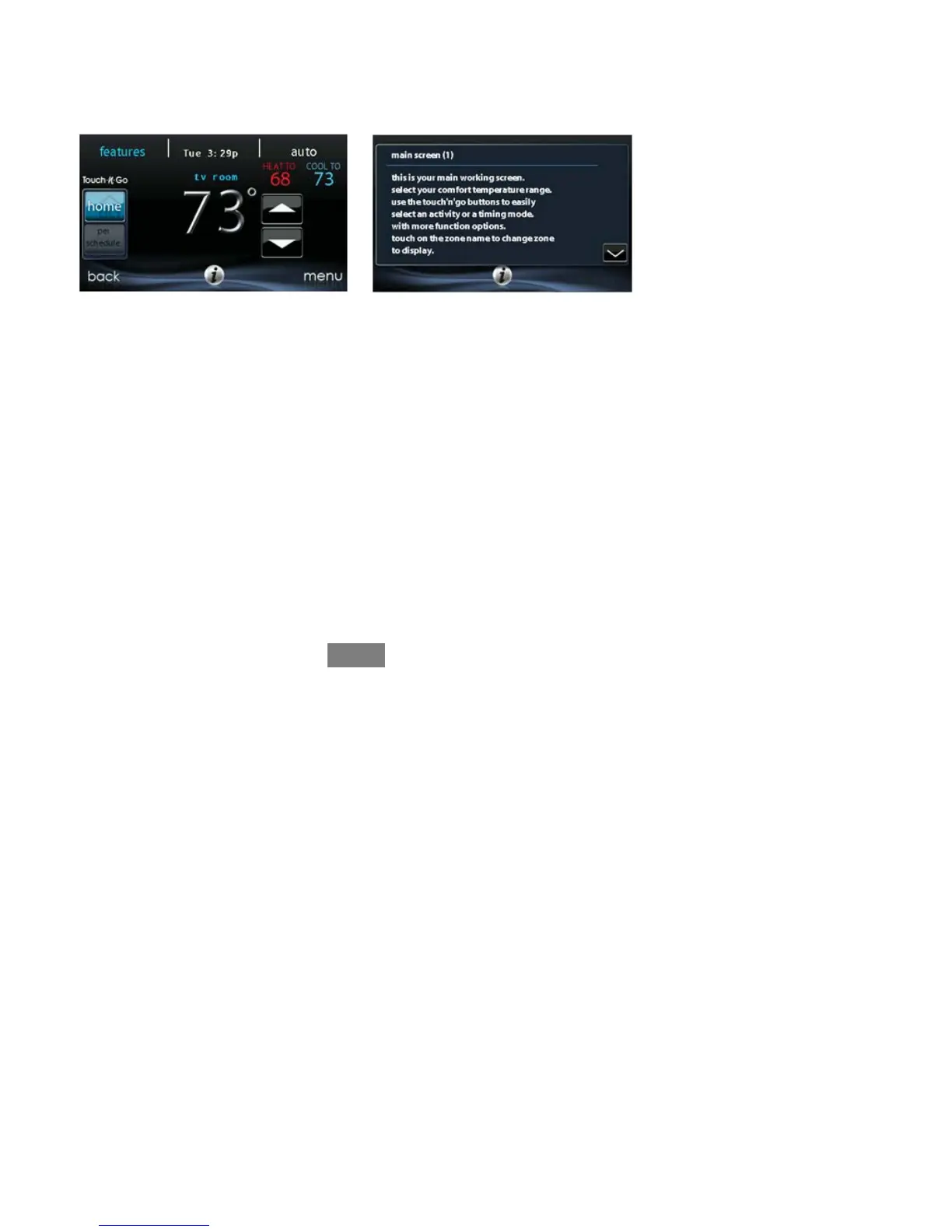
On the bottom of some screens will be an information icon. By pressing the
information icon, a text box will display to show what interactions are available on
that particular screen. To close the text box, press the information icon again.
FIGURE PLACE HOLDER
A12103
MAIN SCREEN
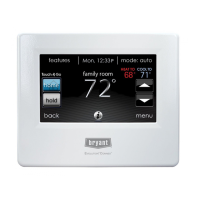
The main screen is where most interactions will take place. Touch anywhere on the
screen to arrive at the main screen.
System Mode
S Once in the main screen,
S To access your system mode touch the MODE label located in the upper
right of the control.
S The drop-down menu will allow you to choose between AUTO, HEAT,
COOL, FAN ONLY an d OFF.
S If OFF is selected that means your heating and cooling systems are not
operational.
S If AUTO is selected, the Evolution Connex Control automatically
switches between heating and cooling to maintain your comfort during
transitional seasons.


 To Next Page