31
A12499
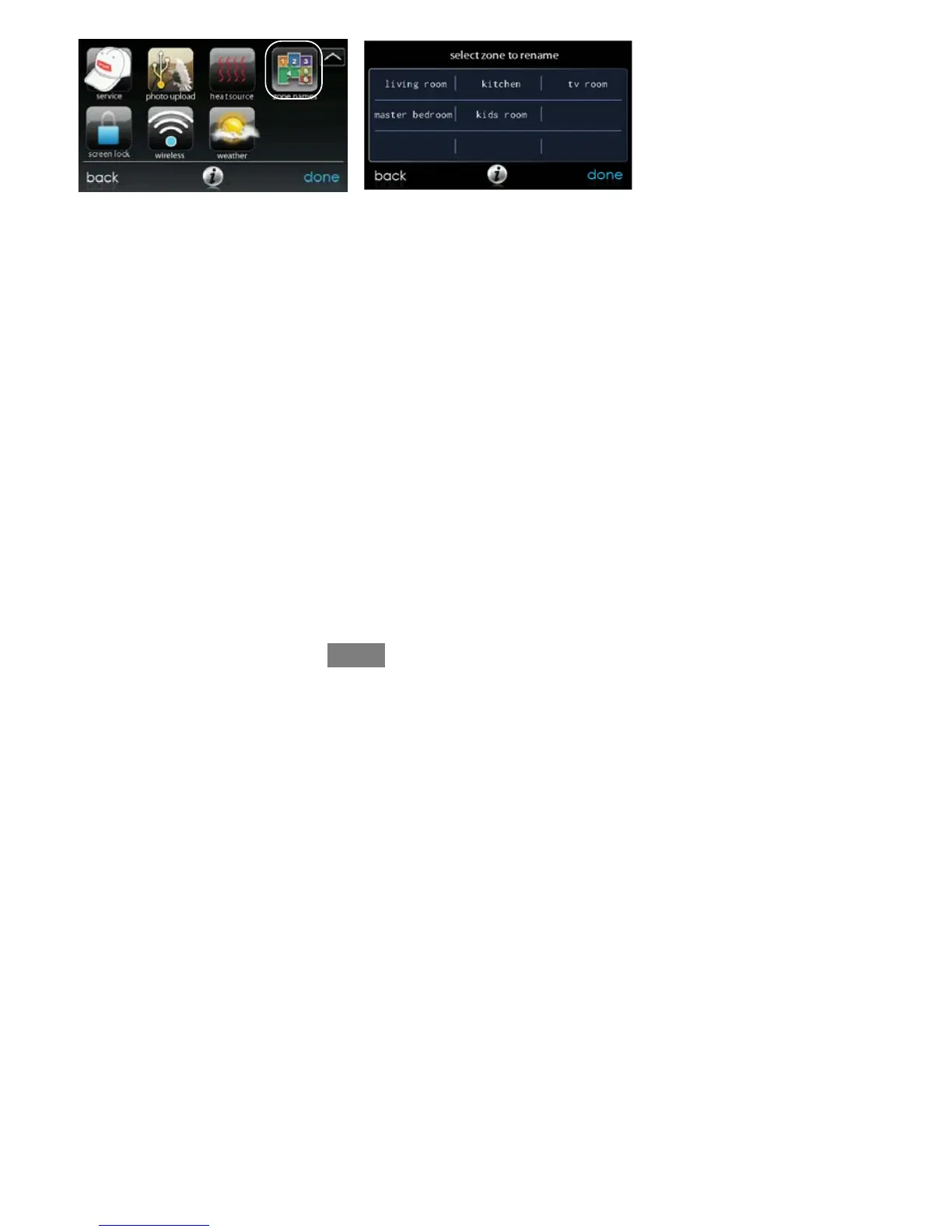
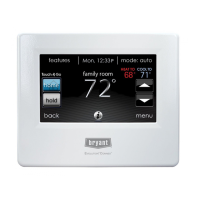
S Touch the zone in which you choose to change the name.
S Choose between selecting a COMMON NAME or CREATE A CUS-
TOM NAME.
d If you choose select a common name, touch the name you want for
that particular zone.
d If you choose create a custom name, use the ( or clear) button to
erase the existing zone name. Then, use the on-screen keyboard to
type in the name you want for that particular zone.


 To Next Page