26
PROGRAMMING THE THERMOSTAT
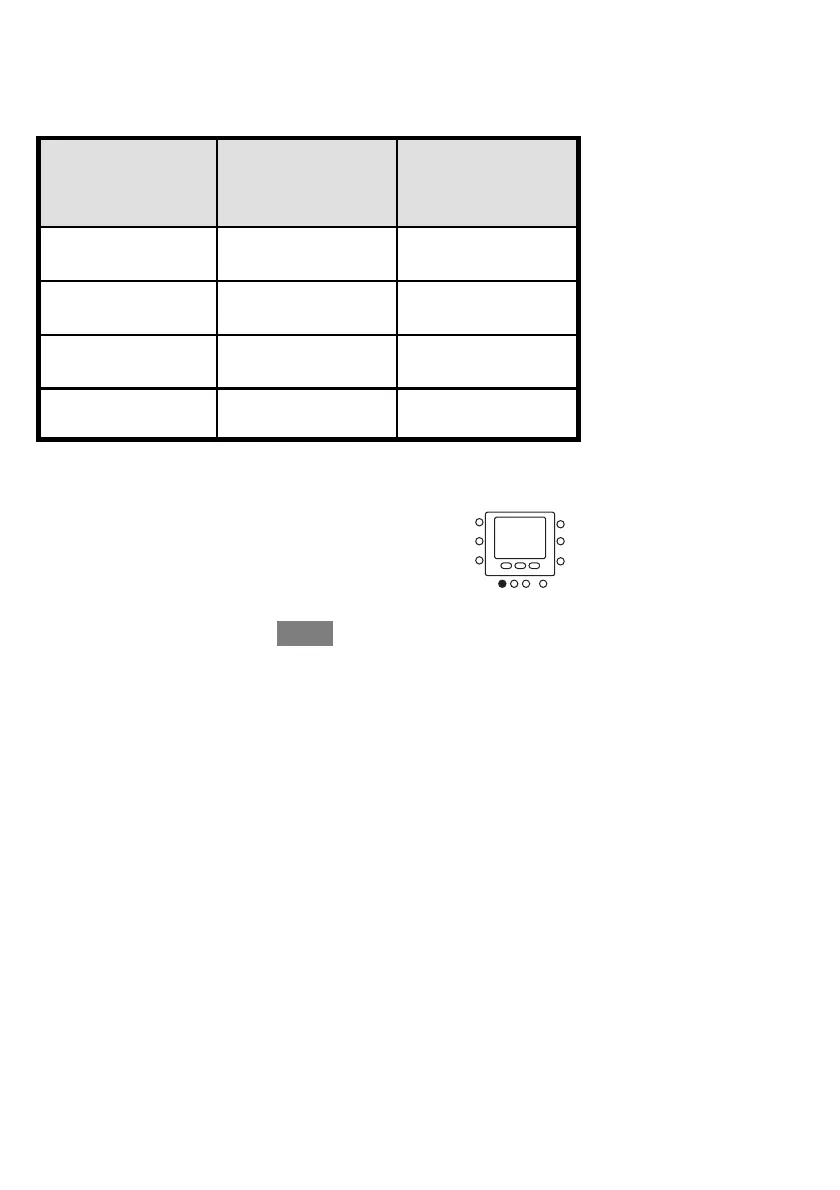
Complete this schedule according to daily routine and use it as you follow the
instructions below.
Your Period
Start Time
Period Number Your Touch ‘N’ Go
Option for
Each Period
1
2
3
4
Here’s how to connect your four time periods with the three comfort ranges – home,
away and sleep.
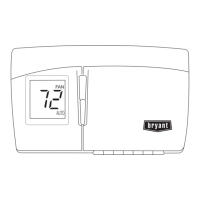
1. Open the door.
2. Press the days button at the bottom of the thermostat.
You will see all days, weekdays and weekends flashing
on the display.


 To Next Page
 Loading...