Page 4
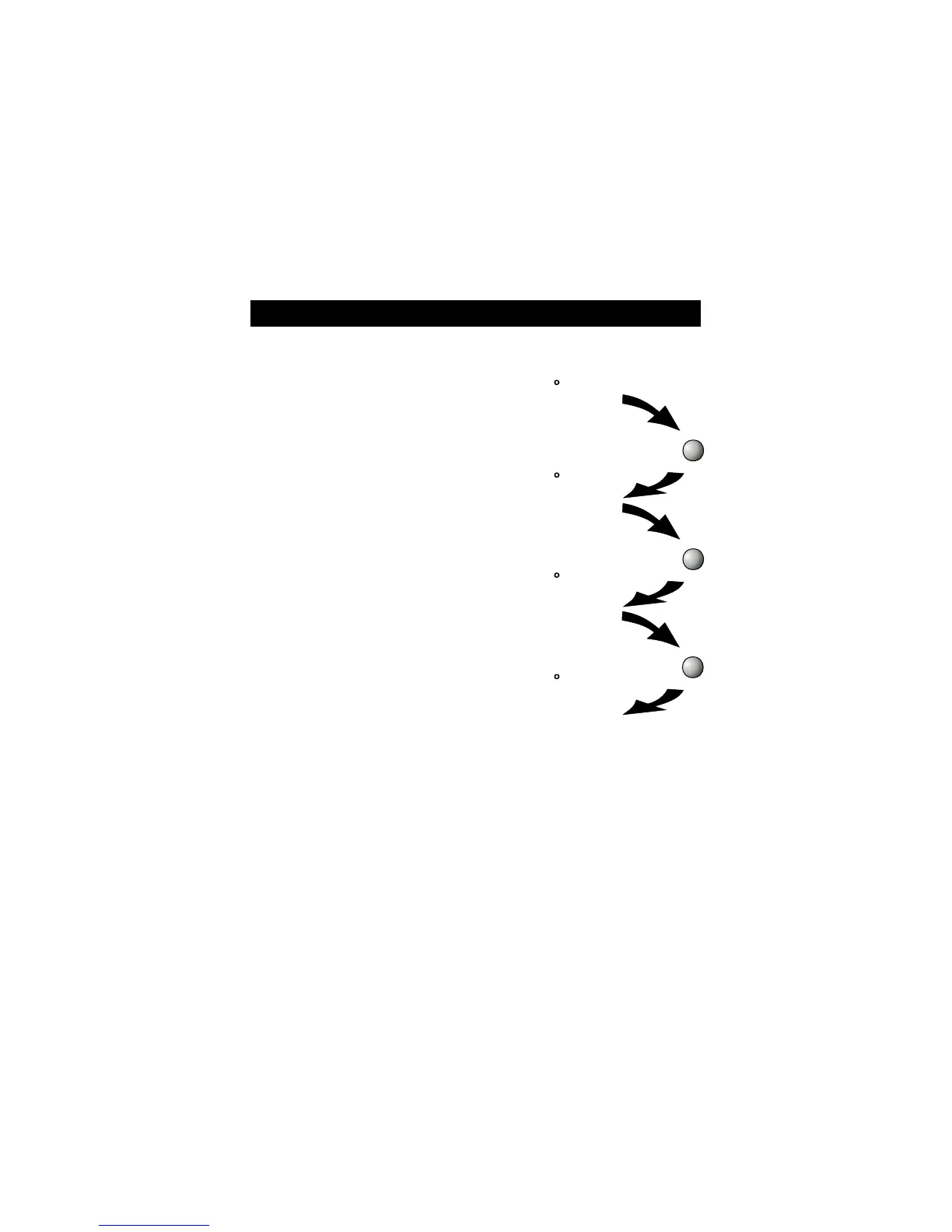
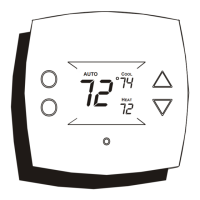
The HEAT setting indicates the
temperature the room has to
reach before the furnace will
turn on to heat the room.
The COOL setting indicates the
temperature the room has to
reach before the air conditioner
will turn on to cool the room.
OFF indicates both heating
and air conditioning
systems are turned off.
AUTO will automatically select
heat or cool based on room
temperature demand.
Select Mode
Basic Operation
HEAT
74
72
COOL
72
72
AUTO
COOL
74
HEAT
72
72
OFF
72
MODE
MODE
MODE








 To Next Page