21
ENABLING DATA TRANSFER TO A COMPUTER
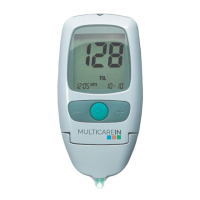
All test results stored in MULTICAREIN device can be downloaded
to a computer.
1. Install the software according to the manufacturer’s
instructions.
2. Connect the device to a computer by means of the cable.
3. Press and release the power button. The message “PC” will
appear on the display.
4. Set up your computer software to receive information from
the meter. After the data has been transferred, it is possible to
switch OFF the device by pressing the power button and remove
the cable.
If you have a bluetooth MULTICAREIN , you can use a dedicated
application to share and manage the data.


 To Next Page