20
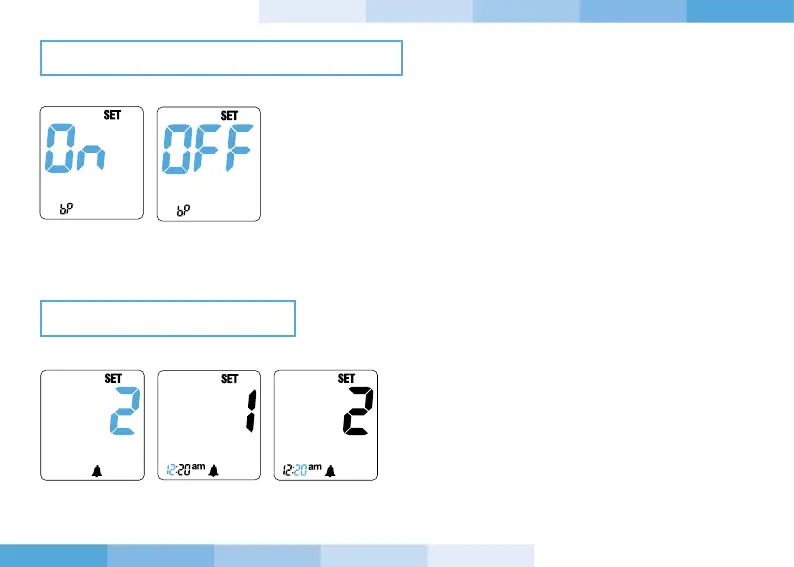
11. Press and release the “-” or “+” button to enable or disable the
acoustic signal. Confirm the setting by pressing and releasing
the power button.
12. Press and release the “-” or “+” button to select
first the hour and then the minutes of the first
alarm. It is possible to set 4 alarms. The alarms
are not activated if they are all set on12.00am
or 0.00.
SETTING THE ACOUSTIC SIGNAL
SETTING THE ALARMS



 To Next Page