BT Freestyle 2200 – Edition 03 – 19.02.04 – 5854
23
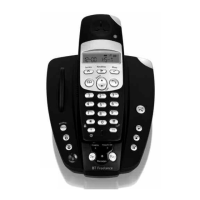
Registering another GAP compatible handset
1. If there is a handset in the base remove it whilst you are
registering the new handset.
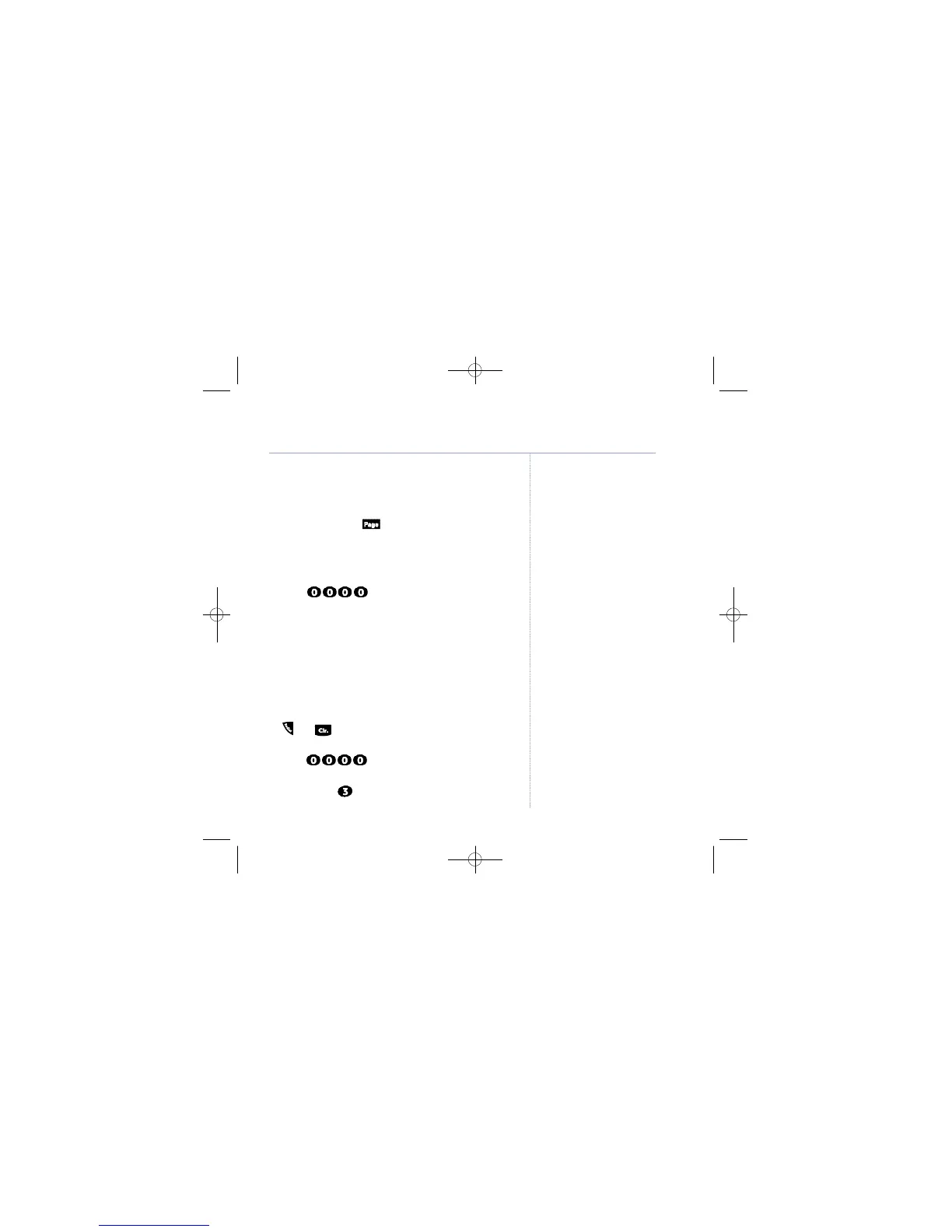
2. Press and hold the button on the base for about
10 seconds until you hear a beep and the In Use light
starts flashing.
3. Set the handset to be registered into registration mode
(see user guide for that handset). When it asks for a PIN,
enter .
4. When the handset beeps and returns to standby
registration is complete.
De-registering a handset
You can de-register handsets using only BT Freestyle 2200
handsets that are registered to that base (you can’t use
other GAP compatible handset to de-register a handset).
1. On the BT Freestyle 2200 handset, press and hold the
and buttons together until the handset beeps
and displays
PIN
.
2. Enter . The display shows
P I N 0 0 0 0
and
H S -
.
3. Enter the number of the handset you want to de-register,
for example, . The display shows
PIN0000
and
HS-3
.
The handset beeps when de-registration is complete.
Additional handsets
You cannot delete the handset
you are using to perform the
de-registration.


 To Next Page