strategy by design
Buddy User Manual Page 9 of 9
Version 1.1
B3. PLAY/ PAUSE
Press to select an item in menu operations. Functions as PLAY/
PAUSE selected media during playback.
Press and hold to turn on (more than 1 second) and off Buddy.
USING THE KEYS
Action Basic operations
Short press Key press for time less than 500 milliseconds
Long press Key press for more than 500 milliseconds
Hold Keep the key pressed
Note: Unless otherwise specified, press in this manual means short press.
Many multi-function keys TIME OUT after 5 seconds to default function.
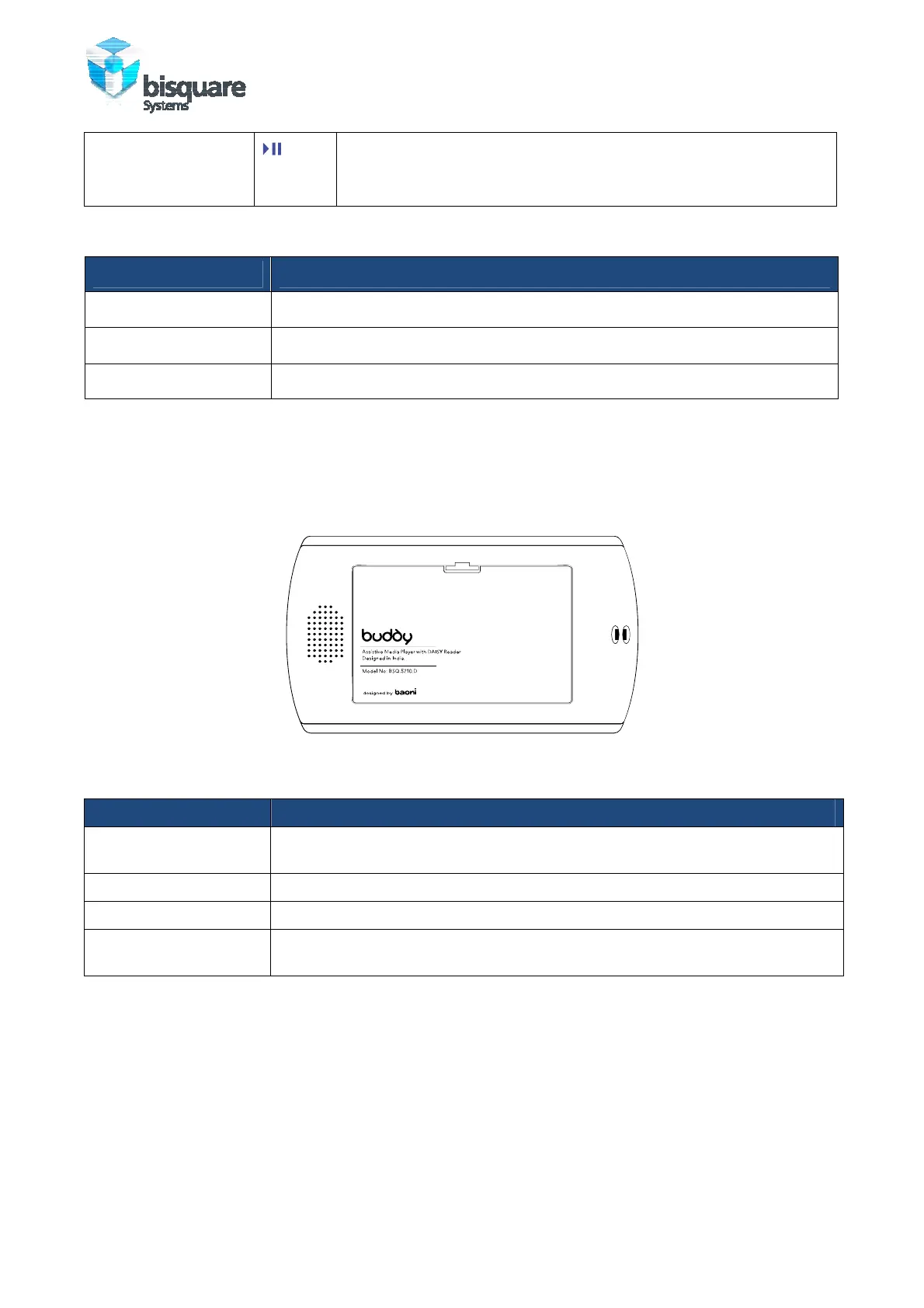
BATTERY AND SPEAKER
Figure 3: Back view of buddy
Item Function
Display Screen Colour TFT LCD screen for the presentation of the User Interface. Shown in
Front view.
Speaker Built-in 0.5 Watt Speaker for personal usage only
Battery Cover Open flap to insert Lithium Ion battery.
Strap Holder Lets you attach a strap to carry your Buddy. Loop the end of a strap through
this opening.
PORTS AND CONNECTORS
Buddy has 2 connector ports and two pinholes on the top while 2 connector ports and 1
card slot on bottom metal fittings. Connectors are placed towards left and right edges of
both the fittings. On the top fitting, left is external microphone input port while right is
Mini-B USB 2.0 receptacle. Two pinholes are provided between these two, left is for
internal microphone and right is for reset. On the bottom fitting, left and right are
earplug output and auxiliary input while SD card slot is in the center.



 To Next Page