Buehler,(An(ITW(Company(
Worldwide Headquarters
!!!!!!! ! ! ! ! ! ! ! !!!41!Waukegan!Road,!Lake!Bluff,!Illinois,!60044!USA!
!!!!! ! ! ! ! ! ! ! !!!+1.847.295.6500!|!800-BUEHLER!!!
!!!!! ! ! ! ! ! ! ! !!!info@bue h ler.c o m !
(((((( ( ( ( ( ( ( ( (((www.buehler.com(
3!
IS2010105S811_1.0! ! ! ! [Original!Instr uc tio ns ]! ! ! ! ! ! 5/2016!
!
Installing)the)Containment)Cover)
!
!
1. Open!the!upper!mold!closure!mechanism.!
!
Note:!For!information!about!how!to!close!the!mold!
mechanism,!refer!to!the!Operator’s!Manual!or!download!
a!copy!here:!!http://www.buehler.com/XPS1-Certify.php.!
!
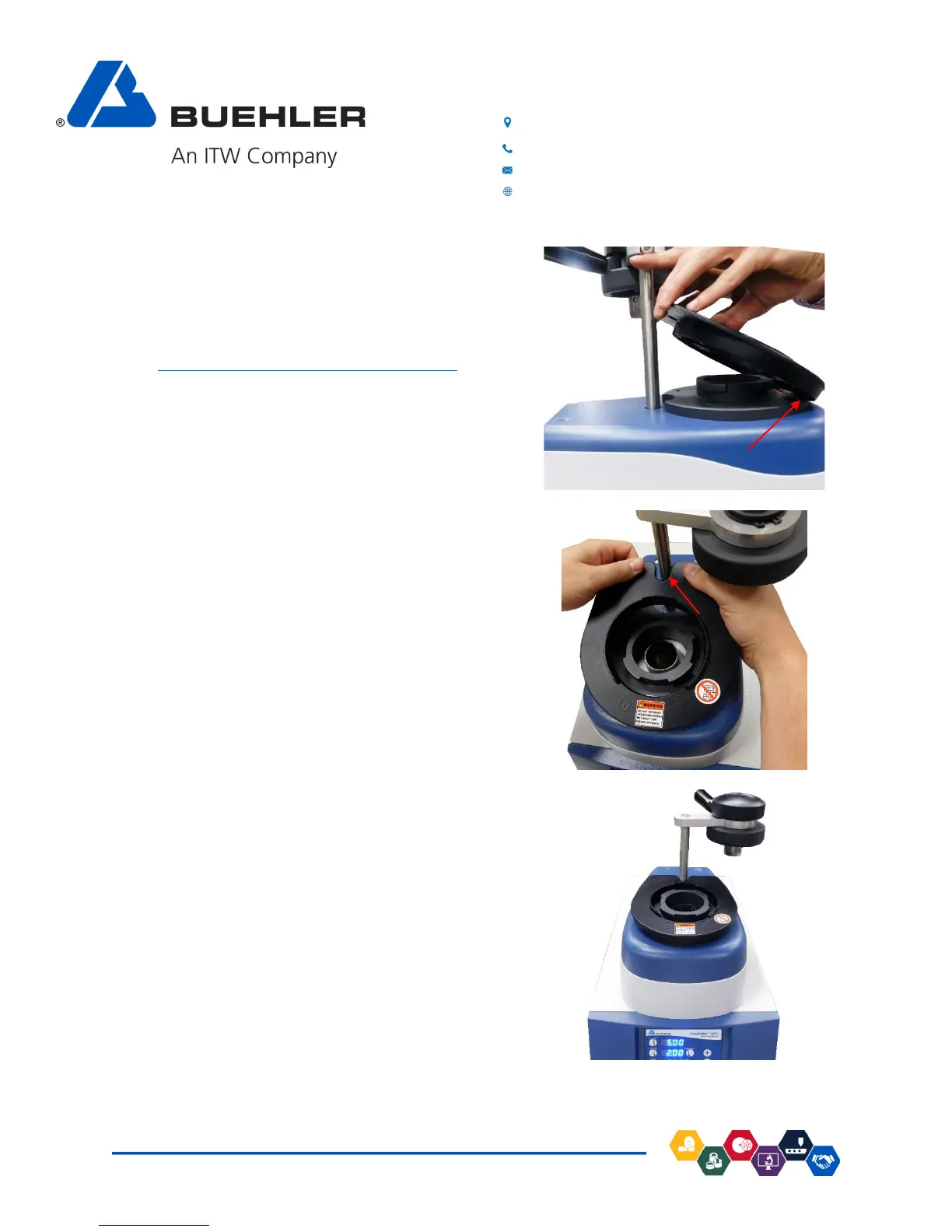
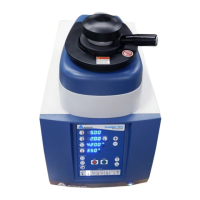
2. Hold!on!to!the!rear!of!the!cover!with!both!hands.!!
Apply!the!cover!assembly!by!pressing!the!
containment!cover!all!the!way!forward!against!
the!lower!mo ld!m e cha nism .!
!
!
!
3. Align!the!containment!cover!with!lower!mold!
mechanism!and!the!mold!closure!post.!
!
!
!
4. Once!correctly!aligned,!the!magnets!will!securely!
snap!the!containment!cover!into!place.!
!


 To Next Page