12Bualo Filter® VisiClear™ Operator’s Manual
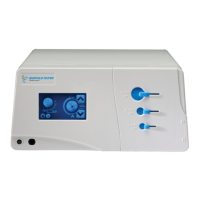
Figure 4.
FOOTSWITCH / EZLINK AUTOMATIC ACTIVATION DEVICE
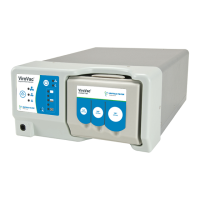
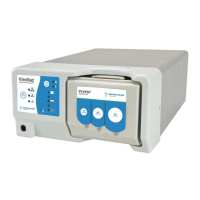
e VisiClear™ Surgical Smoke Plume Evacuator also comes equipped with a pneumatic
footswitch. A footswitch or an EZLink Automatic Activation Device may be added to any
system by simply plugging in a BUFFALO FILTER® activation accessory into the appropriate
jack on either the front (footswitch) or back (EZLink) panel of the unit. When the footswitch
is plugged in, the unit may be turned on or o by depressing the footswitch pedal once for
each operation. For directions on using the EZLink Automatic Activation Device, please see
instructions that accompany that product.
FILTER LIFE INDICATOR
e filter life indicator on the touch screen control panel provides a visual indication of the
status of the life of the filter in use. e filter life indicator for the VisiClear™ Surgical Smoke
Plume Evacuator will automatically adjust according to the mode setting selected.
CAUTION: Using e lter life time and RFID Technology is a measure of time only, not a
measure of lter performance.
Laparoscopic Mode = 35 hours of filter life
Electrosurgical/Diathermy Mode = 21 hours of filter life
Open Tubing Mode = 18 hours of filter life
e VisiClear™ Filter Life Indicator is factory set. All filter life timing is automatic. See Figure 5.


 To Next Page