4
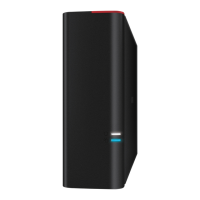
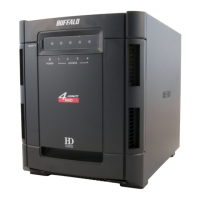
Congratulations on your new DriveStation Duo! With dual hard drives, the
DriveStation Duo gives you many options for large capacity and easy-to-use
redundancy.
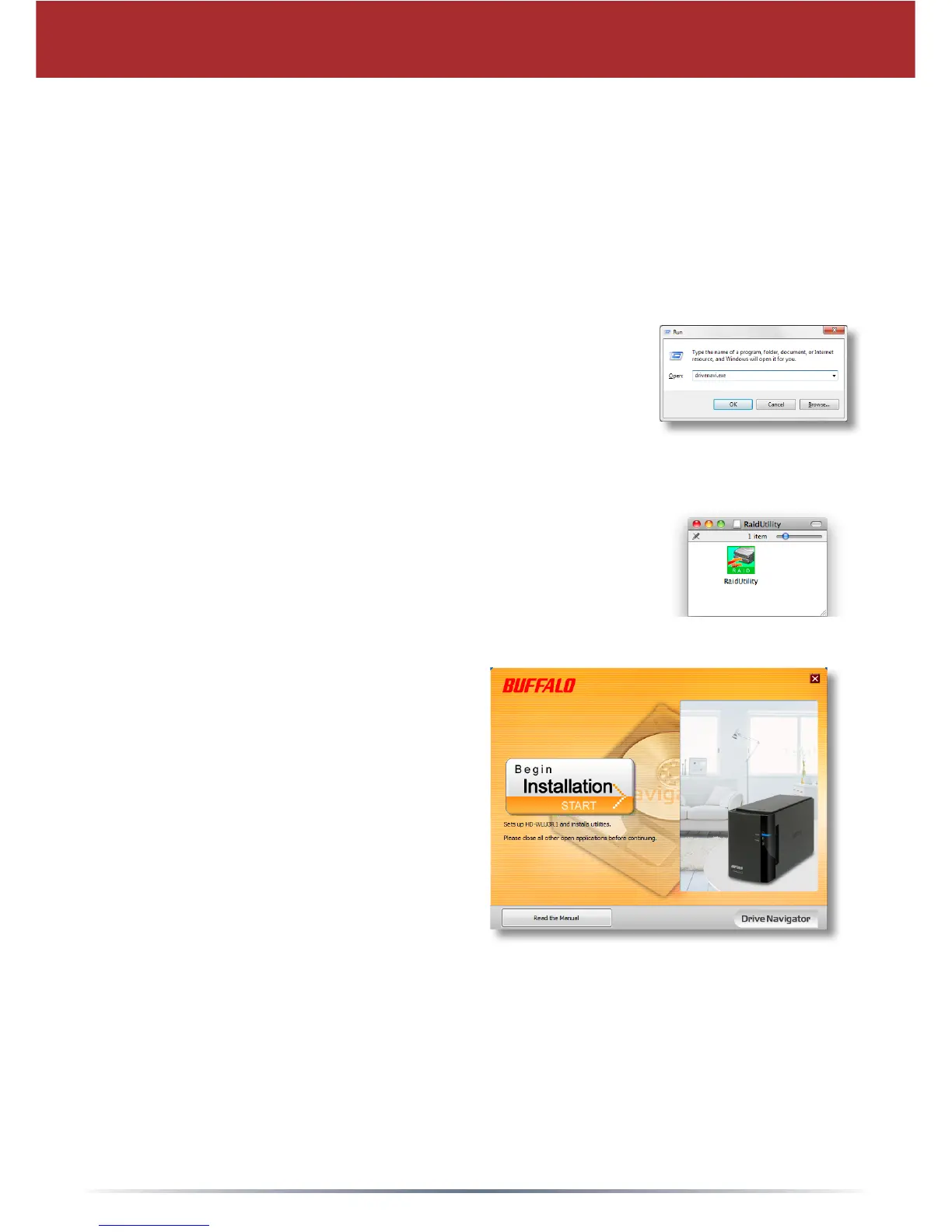
Insert the DriveNavigator CD into your computer’s CD-ROM drive.
DriveStation Setup
On a PC, DriveNavigator should automatically launch.
If it does not, click [Start] and select [Run]. In the Run
dialog, enter “d:\DriveNavi.exe” (where d is the drive
letter of your CD-ROM drive). Click [OK] to continue.
For a Mac, open the CD and click [RaidUtility.dmg] to
begin installation.
Click [Begin Installation]. Click [Next] to
step through the installation. Mac users
can skip this step.




 To Next Page