13
You can map additional driveletters to shares on your LinkStation.
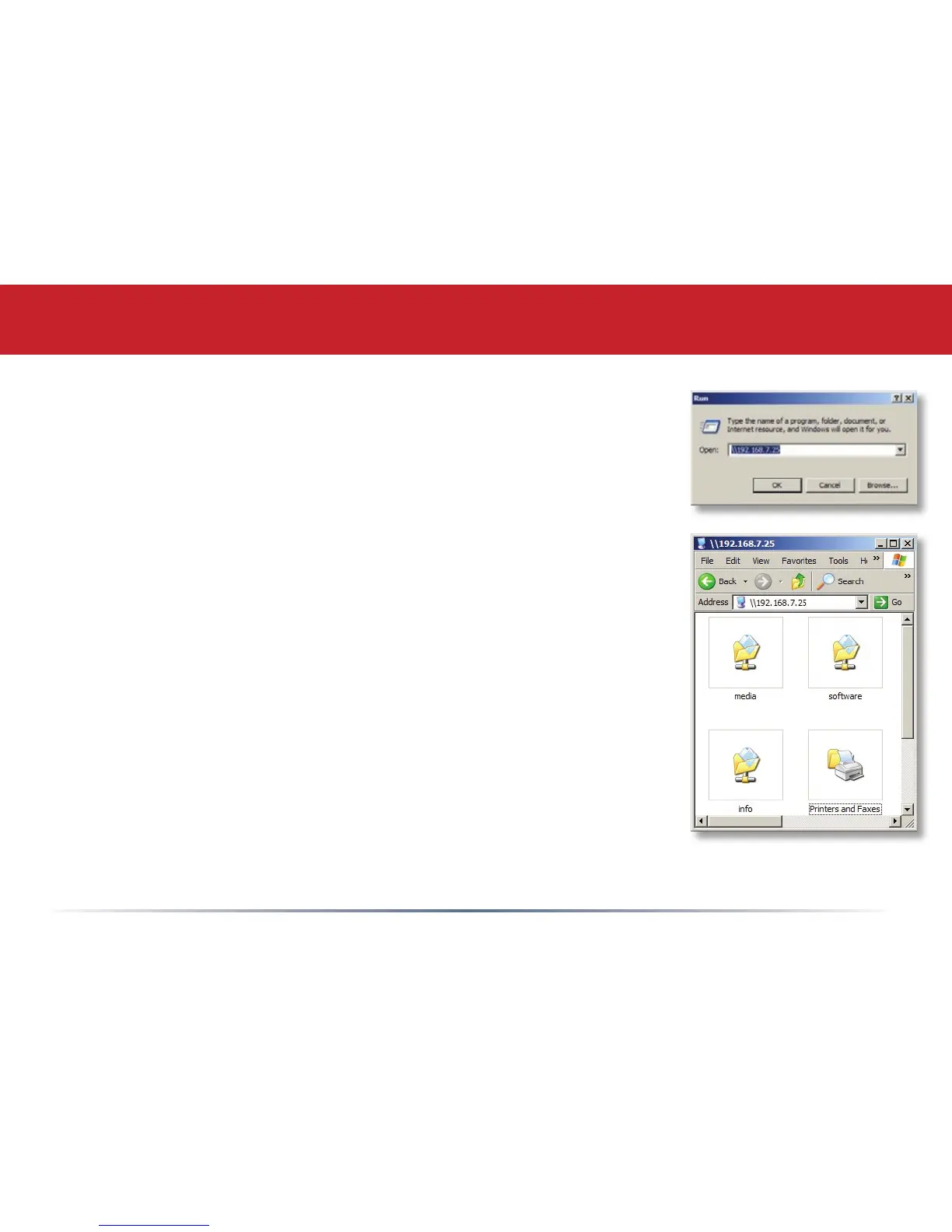
From the Start menu, select Run.... Enter your LinkStation’s
hostname (see page 25, or you can get it from the NASnavigator
utility) or IP address. Press OK.
Your LinkStation should open. “Share” is a data folder in your
LinkStation by default. “Info” contains your user manuals. If you
have created other folders, they will be visible here too. You can map
drive letters to any of these folders.
Accessing LinkStation Data from your PC















 To Next Page