21
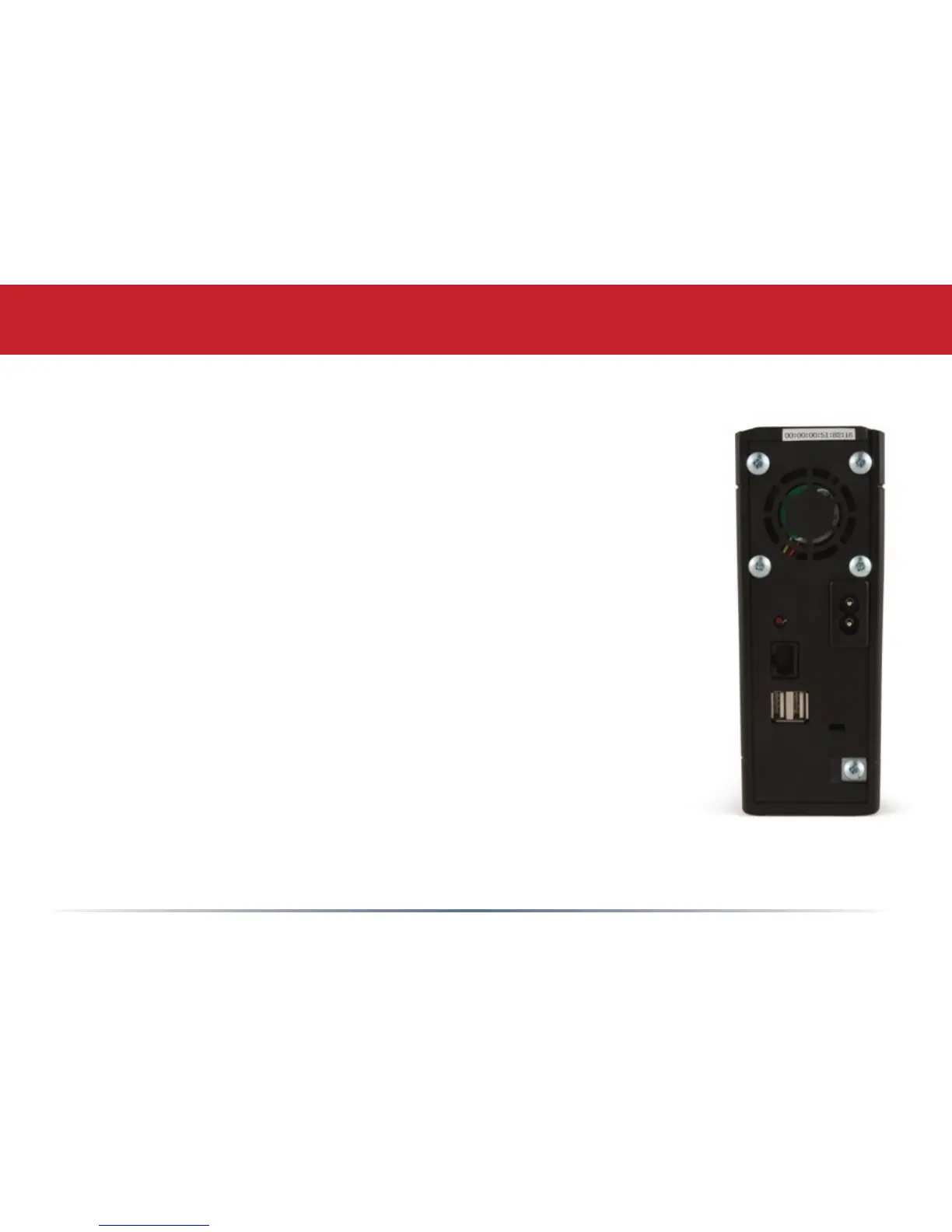
Init button – The red Init button allows you to return
your LinkStation to factory defaults.
10/100/1000 Mbps Ethernet Port – Use this port
to connect your LinkStation to a switch, a router, or
another computer. The port is autosensing, so either a
conventional Ethernet cable or a crossover Ethernet cable
may be used.
USB Ports – LinkStation offers two USB 2.0/1.1 ports for
adding external drives or a USB printer. See page 19 for
more on using the LinkStation’s USB ports.
LinkStation Layout















 To Next Page