70
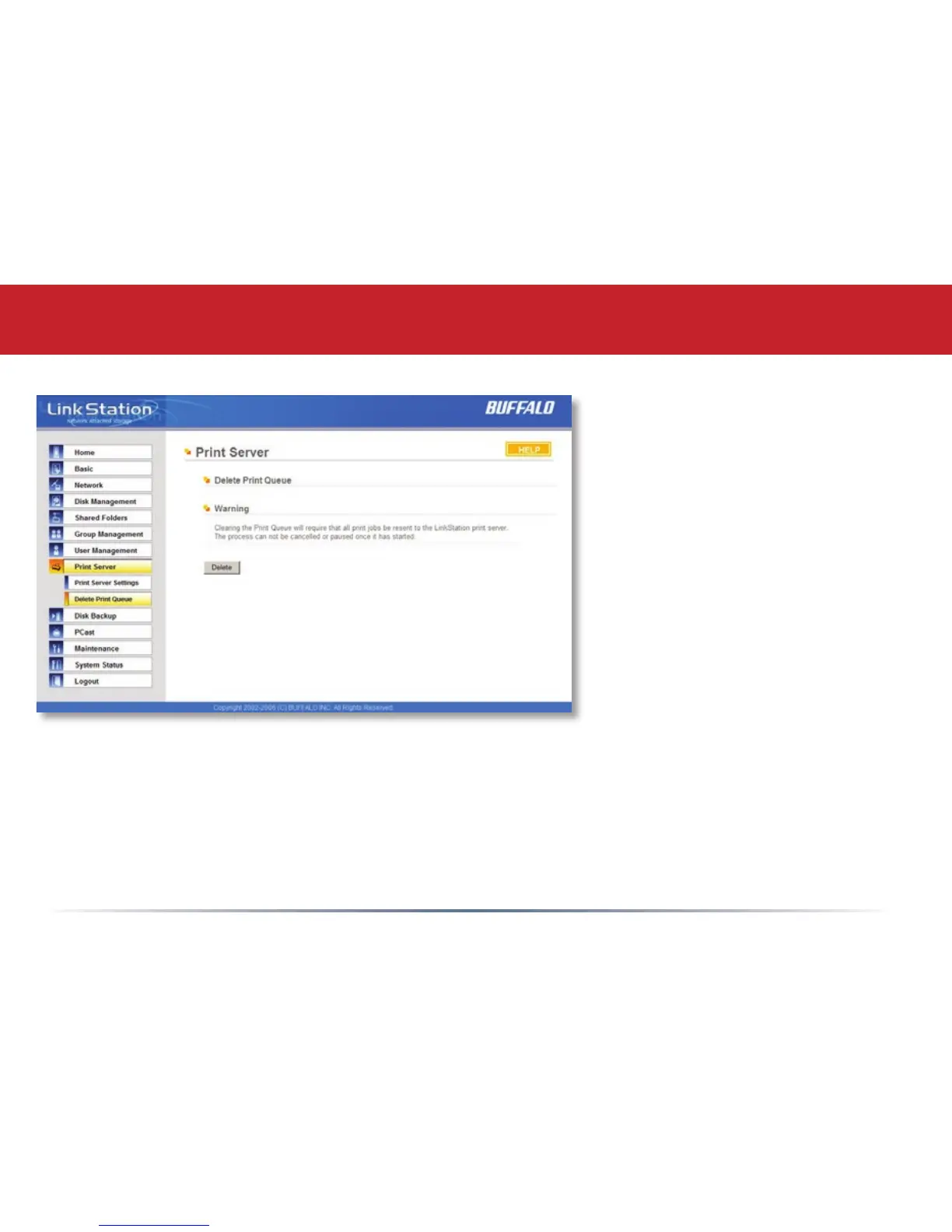
Print Server (Delete Print Queue)
If a corrupt print job is sent to a
printer, printing may suddenly fail.
If your print jobs seem to be locked
up, clearing the print queue may
resolve the issue.
To delete the print queue, press the
Delete button. This will clear all
current print jobs. Users will have
to re-send any incomplete print jobs
to the printer.
If there are still problems printing to
the printer, then check the printer
manufacturer’s documentation for
troubleshooting information. Also,
verify that the USB cable is securely
fastened to both the printer and the
TeraStation. Finally, you may try turning the TeraStation off, turning the printer off, turning the
printer back on, and then turning the TeraStation back on again.















 To Next Page