11
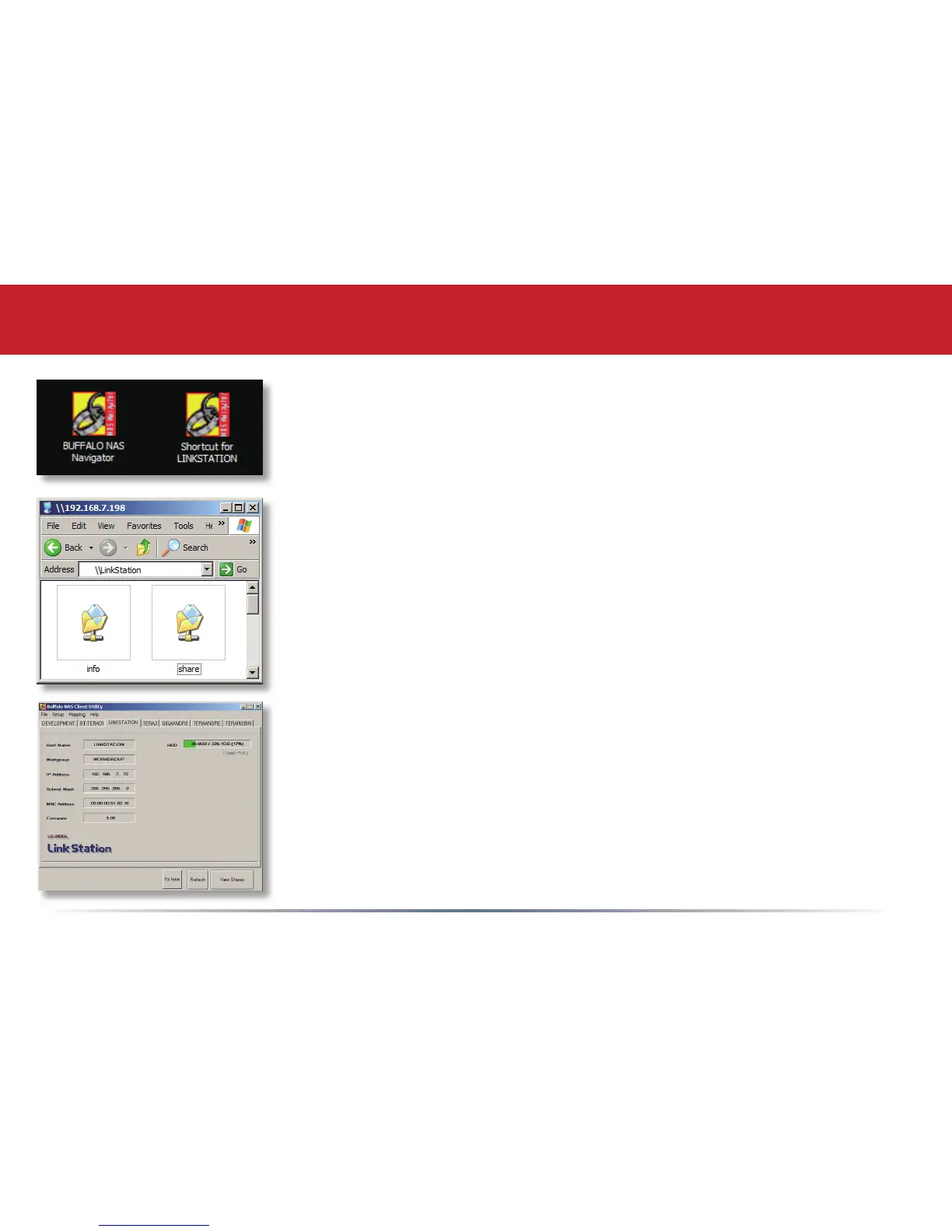
Two new icons will be on your desktop: Shortcut for LinkStation and
Buffalo NAS Navigator.
Clicking Shortcut for LinkStation takes you directly to the folders on
your LinkStation. Share is the main folder that you can put fi les and
folders in. Info contains a copy of your user manual.
The Buffalo NAS Navigator icon opens the LinkStation’s client utility.
Turn to page 64 for more on using the NAS Navigator client utility.
Using your LinkStation with a Windows PC













 To Next Page