8
Insert the LinkNavigator CD into your computer’s CD-ROM drive.
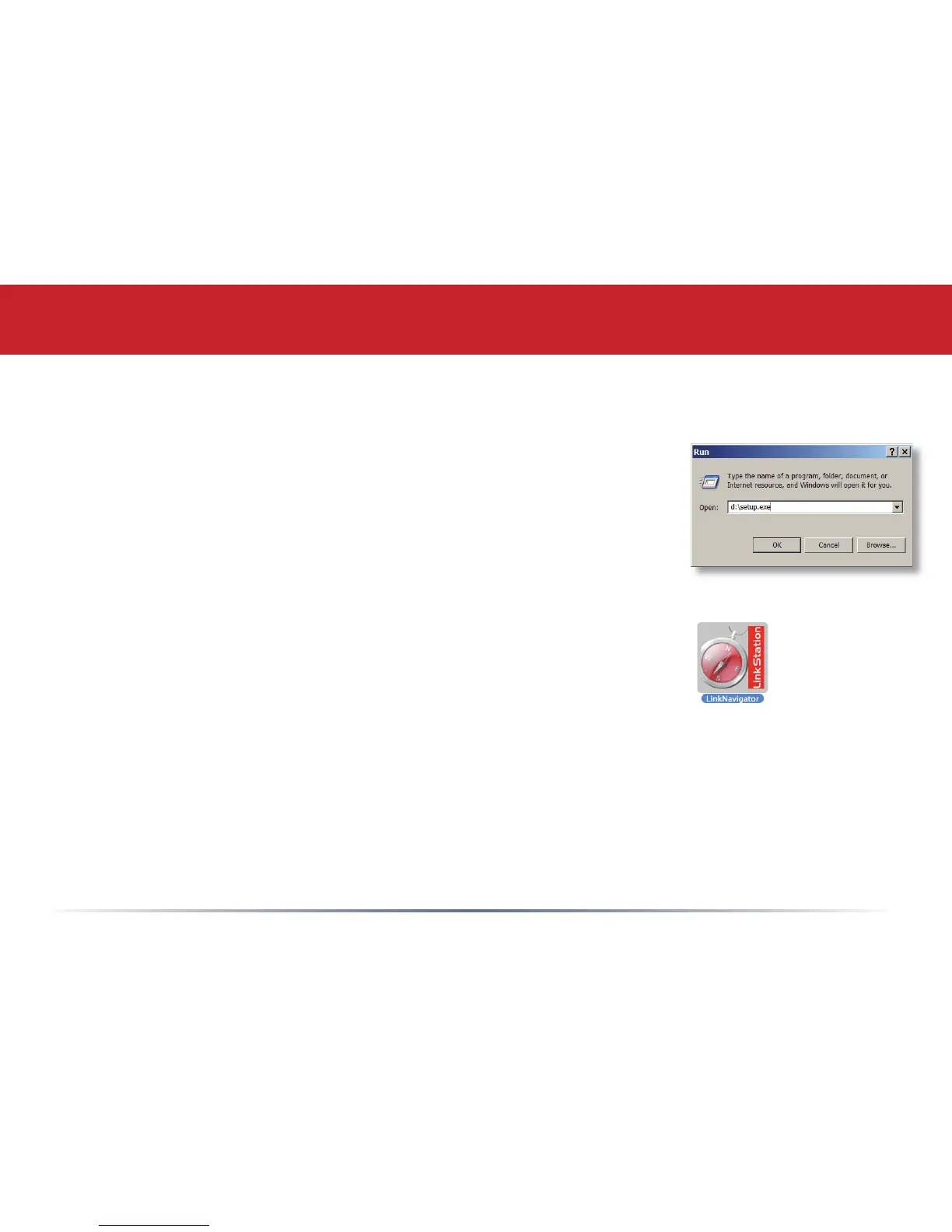
On a PC, setup should automatically launch. If it does not, manually
launch setup.exe by pressing Start and selecting the Run... option.
When the Run dialog opens, type d:\setup.exe (where d is the drive
letter of your CD-ROM drive). Press OK to continue.
Installing Software
If you are installing the software on a Mac, open the CD and click
LinkNavigator to begin installation.













 To Next Page