Home
Buffalo
Network Storage Server
LinkStation Live
Page 5 (Connect your Cables)
Buffalo LinkStation Live - Connect your Cables
76 pages
Manual
Save Page as PDF
To Next Page
To Next Page
To Previous Page
To Previous Page
Loading...
5
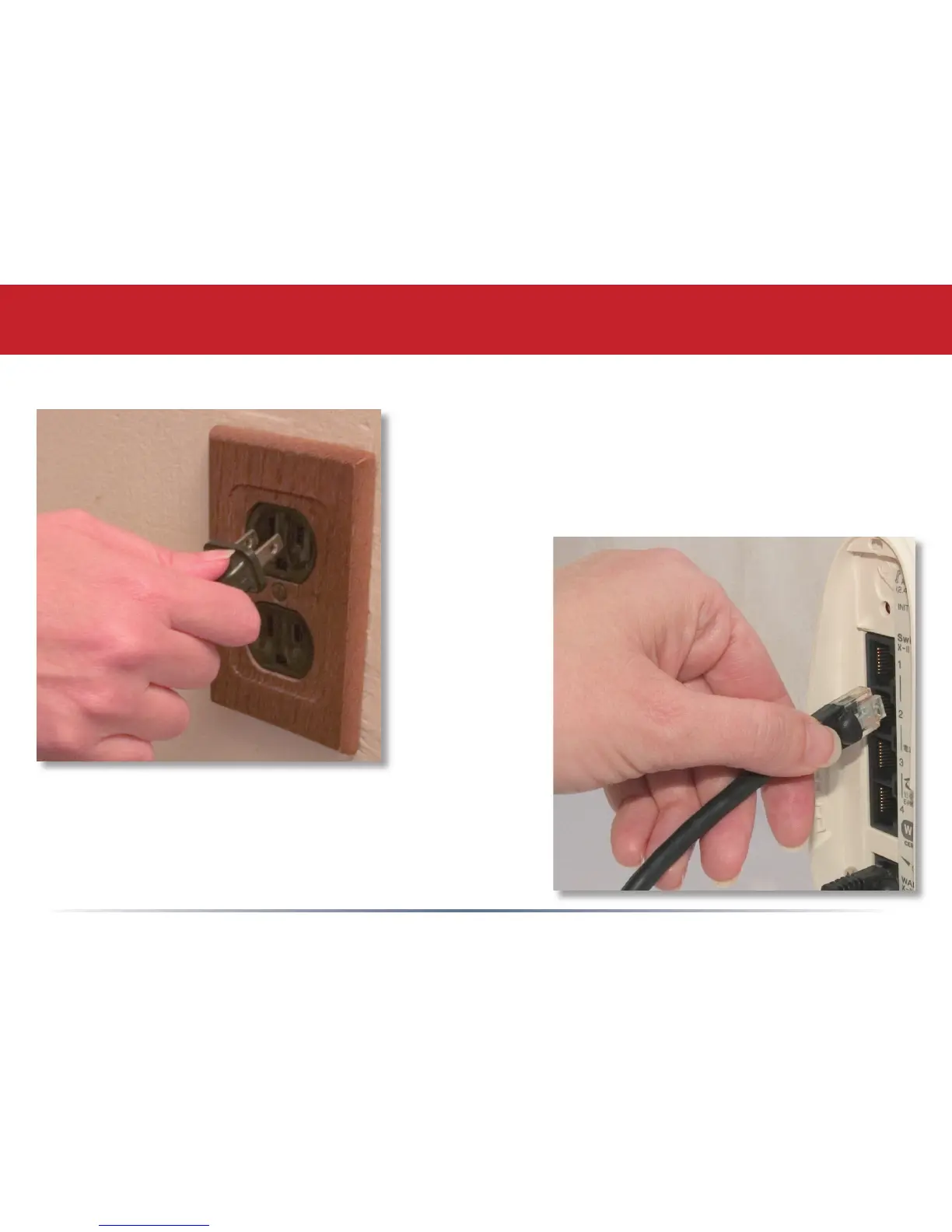
Plug the power cord into a wall socket or
surge protecter. Plug type and socket will
differ according to country of use.
Plug the other end of the Ethernet cable
into a hub, router, or switch in your
network.
Connect your Cables
4
6
Table of Contents
Main Page
Table of Contents
3
Initial Setup
4
Installing Software
8
Install Software
8
Using Your Linkstation with a PC
11
Using Your Linkstation with a Mac
15
Linkstation Expansion
19
Linkstation Layout
21
Advanced Settings
22
Network Settings
26
Disk Management
28
Shared Folders
32
Groups
36
User Management
37
Users
37
Webaccess
39
Troubleshooting Multiple Shares
43
Backups
48
Pcast and DLNA
49
Using Your Linkstation with Itunes
52
Maintenance Settings
56
System Status
60
Client Utility
64
Printer Installation
66
Troubleshooting
71
Technical Specifi Cations
72
Contact Information (USA)
73
Contact Information (Europe)
74
GPL Information
75
Other manuals for Buffalo LinkStation Live
Quick Setup Guide
112 pages
Related product manuals
Buffalo LinkStation LS-VL
196 pages
Buffalo LinkStation LS-WXL
196 pages
Buffalo LinkStation LS210D0101
97 pages
Buffalo LS-WVL
2 pages
Buffalo LS210D
104 pages
Buffalo LS520D Series
2 pages
Buffalo LS220D0802-EU
132 pages
Buffalo LinkStation Live LS-CHL
76 pages
LinkStation Live Shared Network Storage
76 pages
Buffalo TS3210DN
272 pages
Buffalo HS-DGL Series
80 pages
Buffalo TeraStation 5200
2 pages













 To Next Page