14
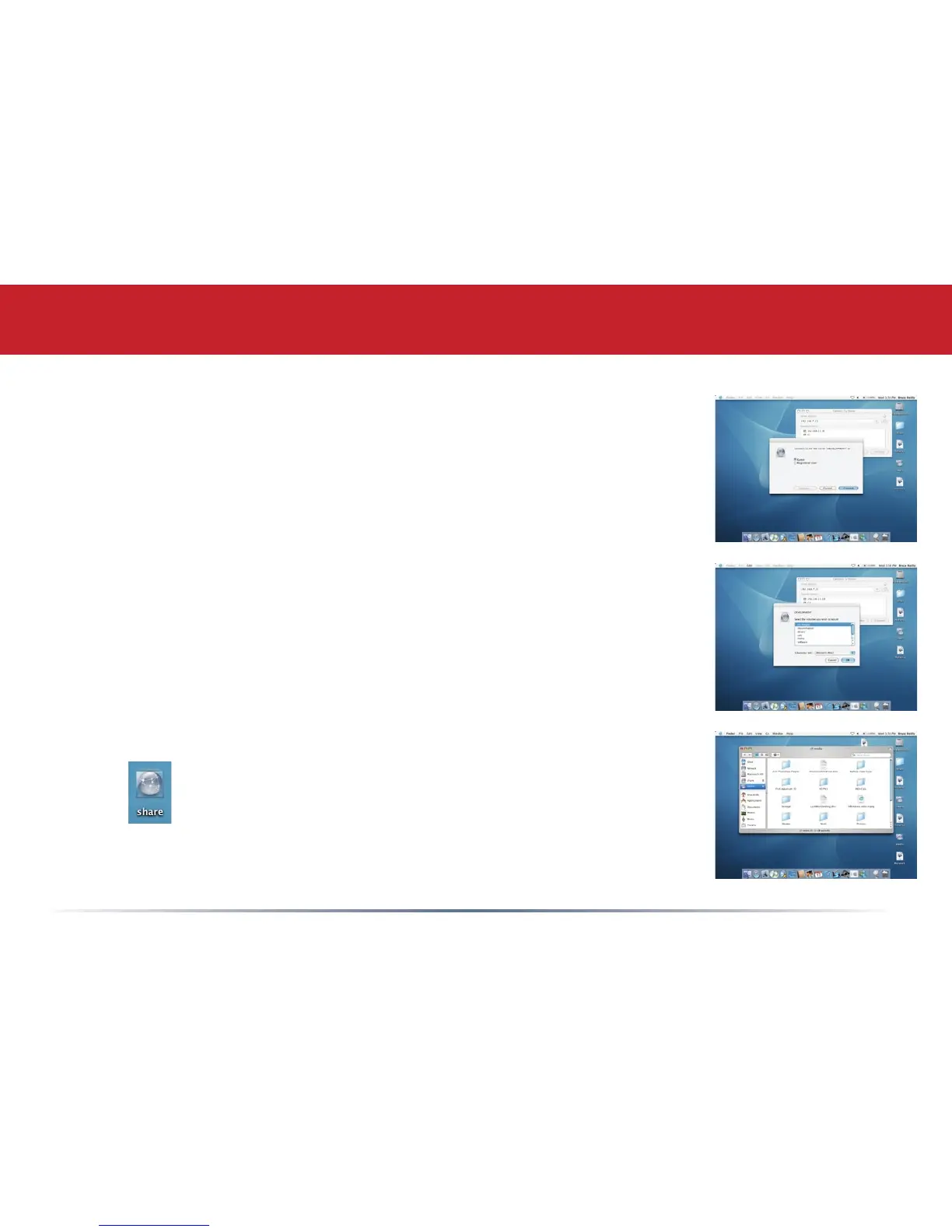
Select Guest and click on Connect. Note: If you have congured share
permissions on your LinkStation, select Registered User and enter your
Registered User credentials.
Accessing LinkStation Data from a Mac
Select the volume that you want to mount, such as share or share-mac,
from the list of folders on the LinkStation.
The share will open. A link to the shared folder will appear on your
desktop.














 To Next Page