28
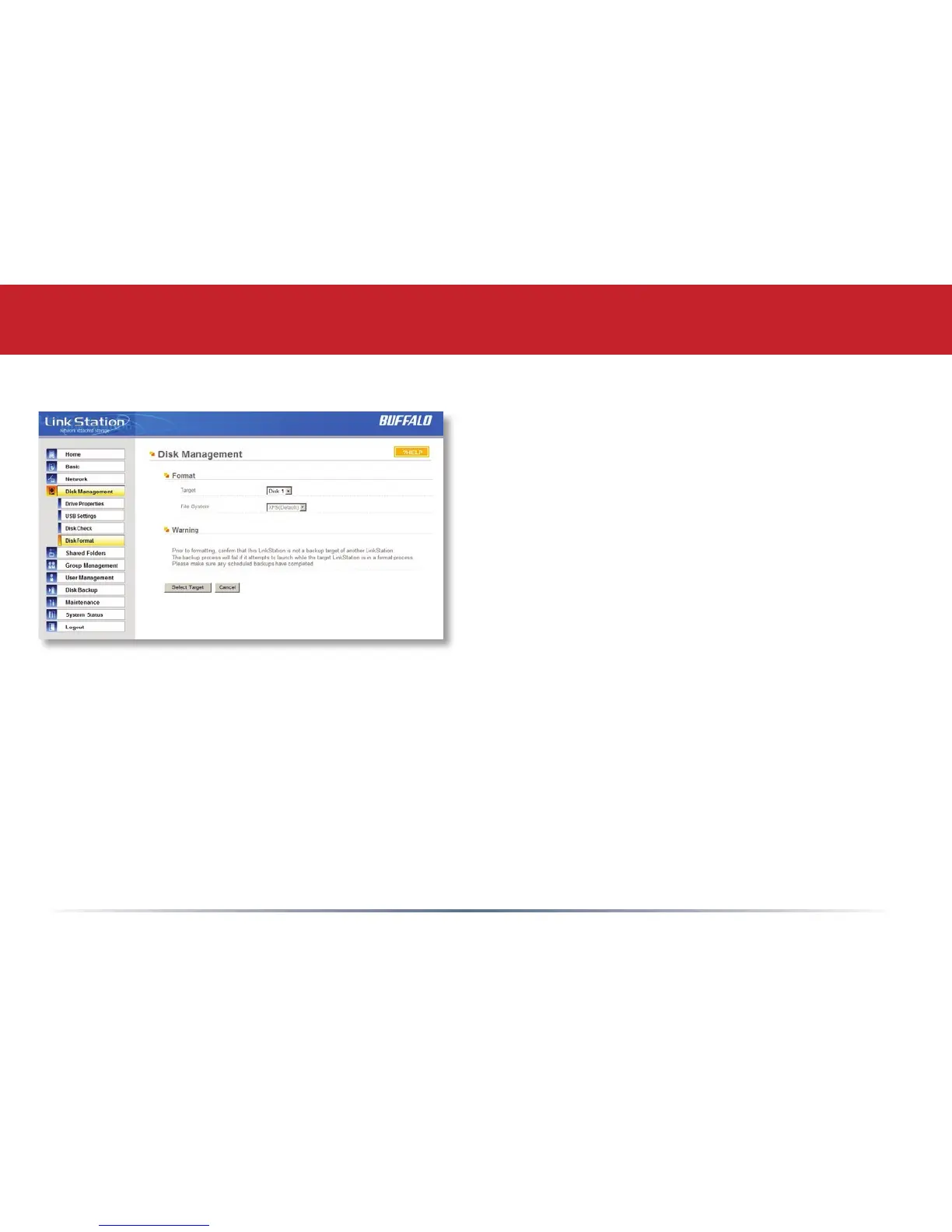
Disk Management (Disk Format)
To format a hard drive or array, select it from
the Target Disk drop box. Choose the le
system desired from the File System dropbox
(internal drives can only be formatted with XFS).
Note that FAT32 has a 2 gigabyte single le size
limit. If you choose FAT32 for your le system,
you will not be able to store single les larger
than 2 gigabytes on the drive. Use of the XFS or
EXT3
le systems is recommended. Press Select
Target Disk when done.
Depending on the size of the target hard disk or
array, a Disk Format may take several hours to
complete. Performance will be slow during the
disk format.
Advanced Settings














 To Next Page