5 BUGERA 1960 User Manual
bugera-amps.com
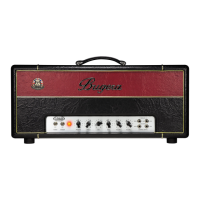
Front panel
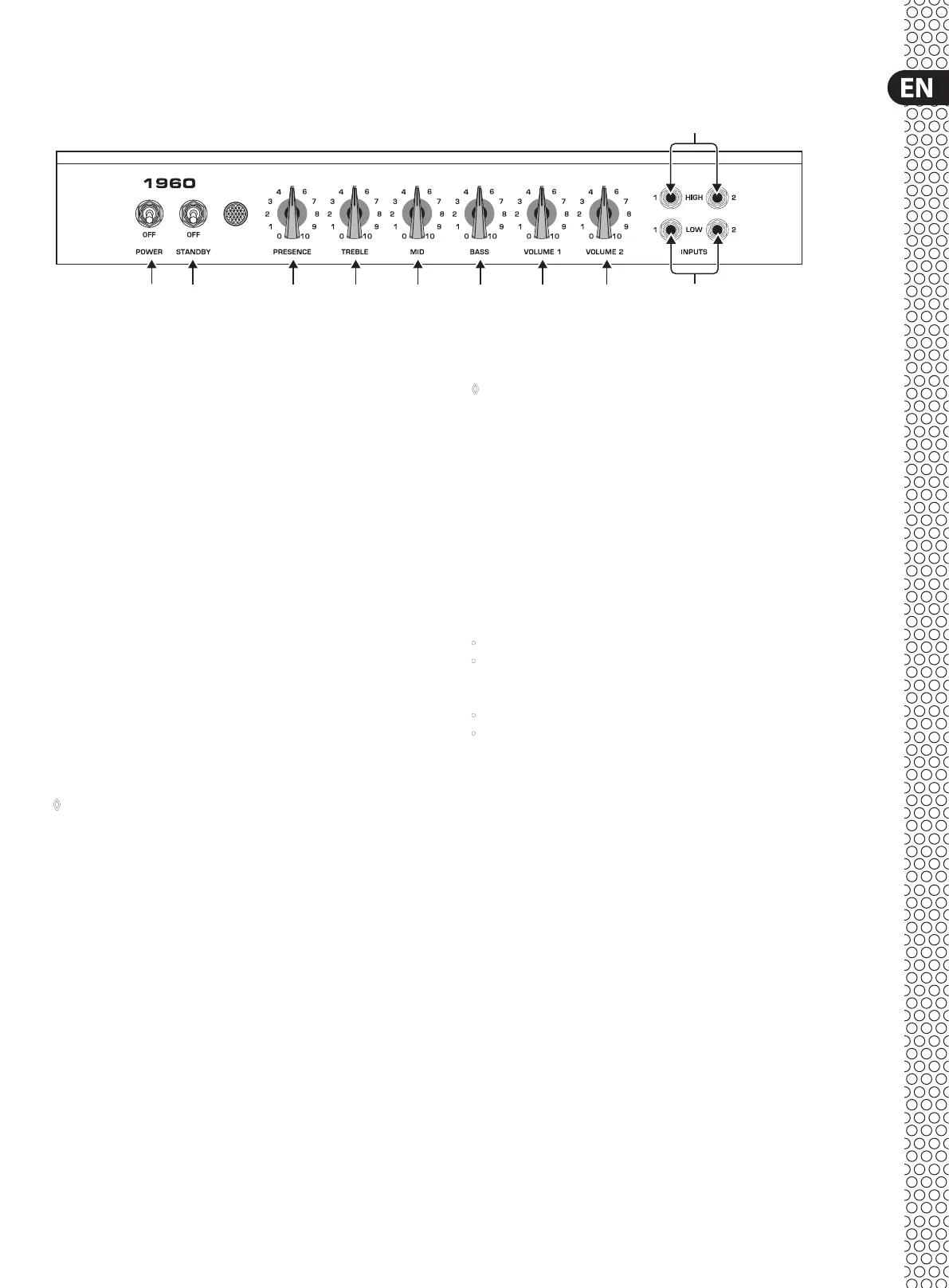
(1) The POWER switch is used to turn the power of the BUGERA amplier
onando.
(2) The STANDBY switch allows you to place the amp in STANDBY mode
(OFFposition). This way the amp is idle, but the operational temperature of
the valves is maintained (POWER switch turned on). When the switch is set
to its ON position the amplier is activated.
ATTENTION!
TO AVOID DAMAGE TO YOUR AMP, NEVER USE THE BUGERA VALVE
AMPLIFIER WITHOUT A LOUDSPEAKER CONNECTED!
(3) The PRESENCE control modies the amp’s damping factor at high
frequencies. This allows you to boost the presence range, thus giving the
sound more “edge”.
(4) The passive TREBLE control adjusts the upper frequency range.
(5) The passive MID control adjusts the middle frequency range.
(6) The passive BASS control adjusts the lower frequency range.
◊ The four tone controls PRESENCE, TREBLE, MID and BASS are effective
on both channel 1 and 2.
(7) The VOLUME 1 control determines the volume of the instrument connected
to the HIGH 1 or LOW 1 instrument input (channel 1). This channel sounds
brighter than channel 2 and is usually the main channel.
(8) The VOLUME 2 control controls the volume of the instrument connected to
the HIGH 2 or LOW 2 instrument input (channel 2). This channel produces a
linear sound with a less pronounced treble range than channel 1.
(9) The instrument inputs HIGH 1 and HIGH 2 have approximately 6 dB more
gain than the LOW inputs and can be used for most electric guitars. Use the
VOLUME 1 and VOLUME 2 controls to set the volume levels separately.
(10) The instrument inputs LOW 1 and LOW 2 have approximately 6 dB less
gain than the HIGH inputs and can be used for instruments with a high
output level. Since their input impedance is considerably lower, the sound
is somewhat darker. Use the VOLUME 1 and VOLUME 2 controls to set the
volume levels separately.
◊ When the HIGH 1 and LOW 1 (or HIGH 2 and LOW 2) connectors are used
simultaneously, their sensitivity is the same (both LOW).
Bridging the input channels
Your BUGERA 1960 has two gain stages (controllable using the VOLUME 1 and
VOLUME 2 controls) which have dierent sound characteristics. With a patch
cord you can also operate the amplier inputs in bridge mode, so that both
channels can be used for one instrument at the same time. In this way, it is
possible to mix the brighter sound of channel 1 with the darker timbre of channel
2 and thus benet from the entire range of sounds that you amplier can
produce. Simplyconnect your instrument to one of the high-sensitivity inputs
(fortechnical reasons it is not possible to bridge the low-sensitivity inputs).
Thenproceed as follows:
• Connect your instrument to the HIGH 1 input.
• Connect the LOW 1 input to the HIGH 2 input.
Or:
• Connect your instrument to the HIGH 2 input.
• Connect the LOW 2 input to the HIGH 1 input.
Control elements
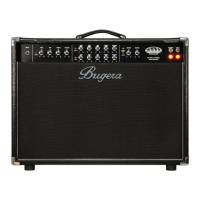
Front panel of the BUGERA 1960
(1) (2) (3) (4) (5) (6) (7) (8)
(9)
(10)


 To Next Page