7-12 Infotainment System
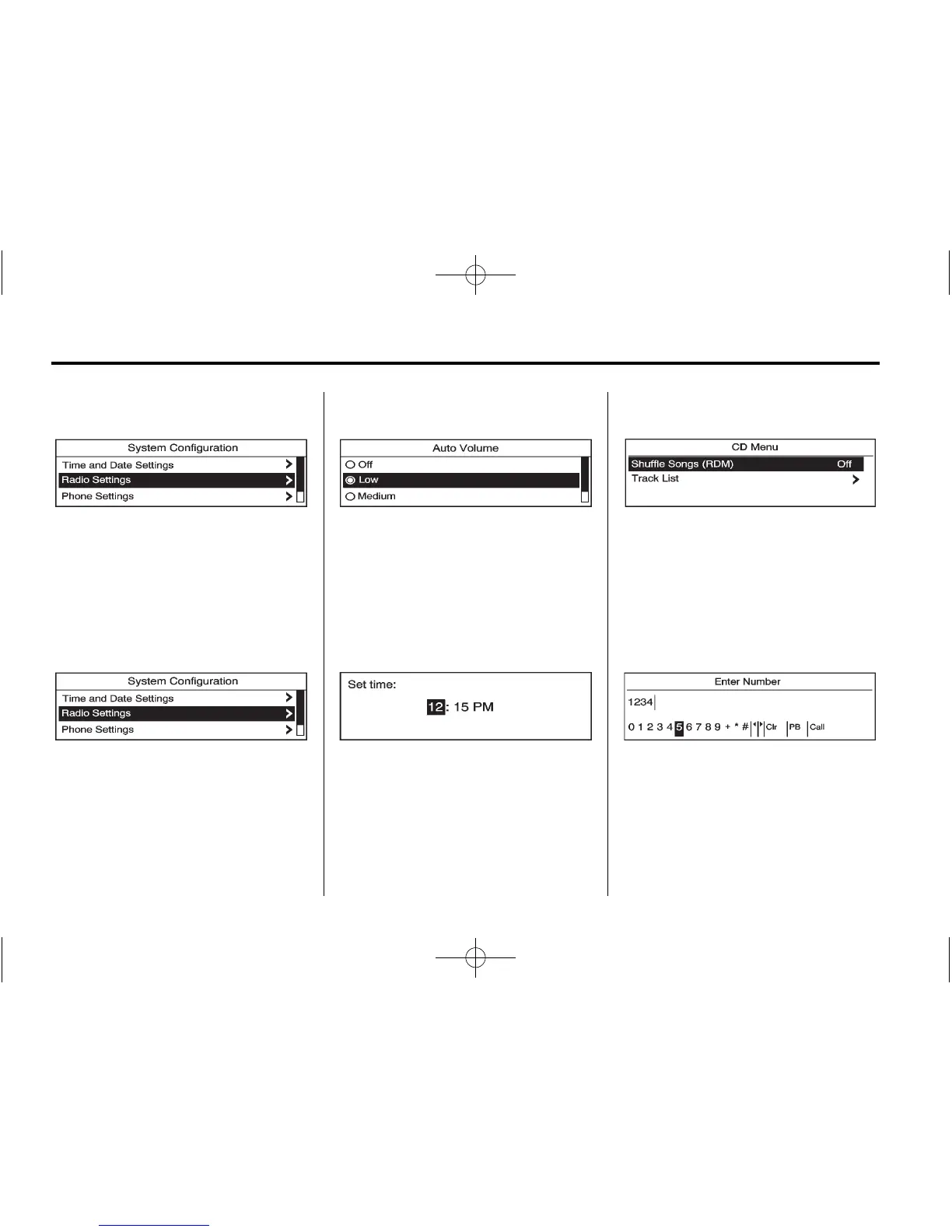
Selecting a Menu Option
1. Turn the Multifunction knob to
move the highlighted bar.
2. Press the Multifunction knob to
select the highlighted option.
Submenus
An arrow on the right‐hand edge of
the menu indicates that it has a
submenu with other options.
Activating a Setting
1. Turn the Multifunction knob to
highlight the setting.
2. Press the Multifunction knob to
activate the setting.
Setting a Value
1. Turn the Multifunction knob to
change the current value of the
setting.
2. Press the Multifunction knob to
confirm the setting.
Turning a Function On or Off
1. Turn the Multifunction knob to
highlight the function.
2. Press the Multifunction knob to
turn the function on or off.
Entering a Character Sequence
1. Turn the Multifunction knob to
highlight the character.
2. Press the Multifunction knob to
select the character.















 To Next Page