Driving and Operating 9-41
d flashes to indicate that TCS is
active. See Traction Control System
(TCS)/StabiliTrak
®
Light on
page 5‑21 for more information.
If there is a problem detected with
TCS, SERVICE TRACTION
CONTROL is displayed on the
Driver Information Center (DIC).
See Ride Control System Messages
on page 5‑33. When this message
is displayed and
d comes on and
stays on, the vehicle is safe to drive
but the system is not operational.
Driving should be adjusted
accordingly.
If
d comes on and stays on, reset
the system. To reset:
1. Stop the vehicle.
2. Turn the engine off and wait
15 seconds.
3. Start the engine.
If
d still comes on and stays on, the
vehicle needs service.
Notice: Do not repeatedly brake
or accelerate heavily when TCS is
off. The vehicle's driveline could
be damaged.
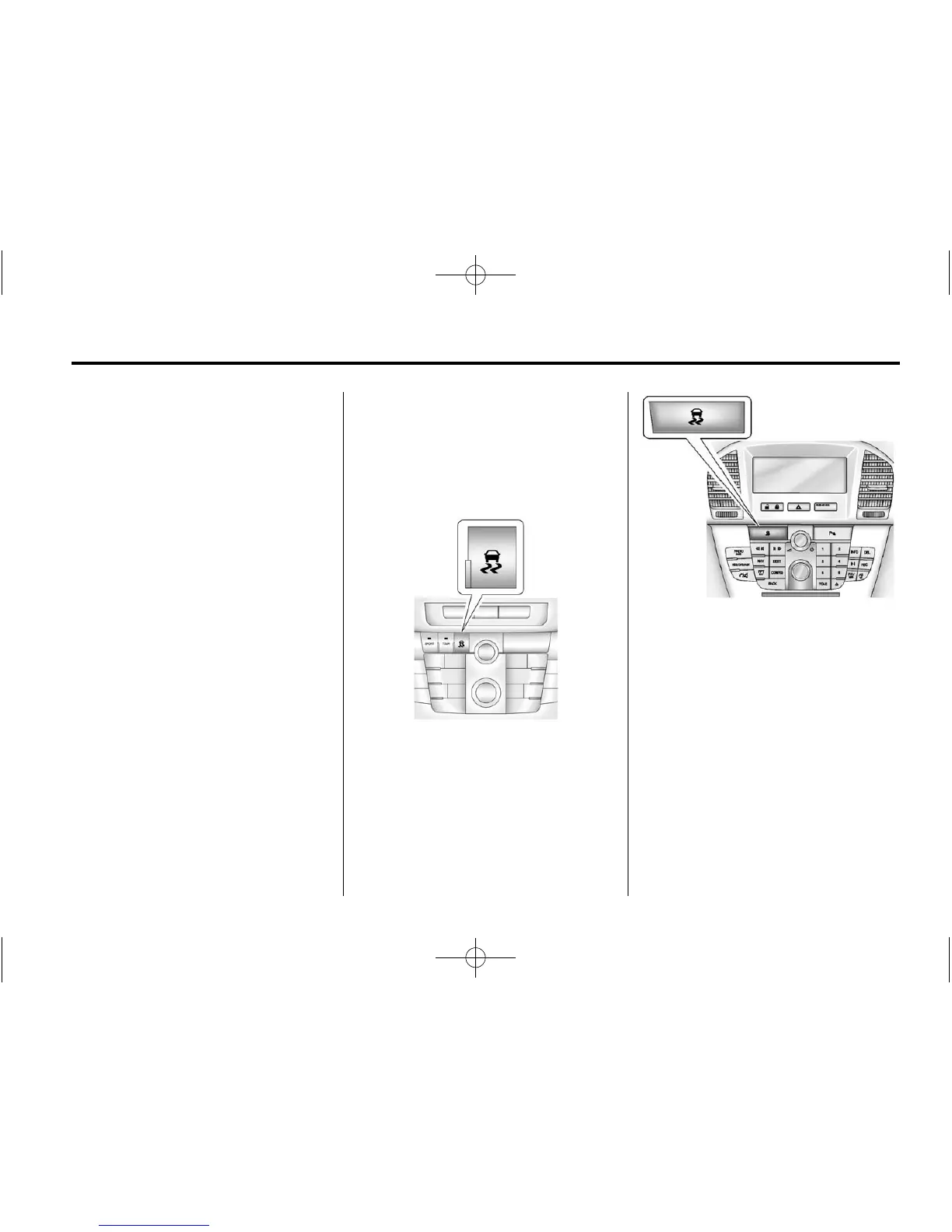
With Interactive Drive Control
System
Without Interactive Drive Control
System
TCS can be turned off by pressing
and releasing the TCS/StabiliTrak
button. When TCS is turned off,
i comes on, and the appropriate
DIC message displays. See Ride
Control System Messages on
page 5‑33. With TCS turned off, the
system does not limit wheel slip.
Driving should be adjusted
accordingly. See Traction Off Light
on page 5‑21 for more information.















 To Next Page