Infotainment System 171
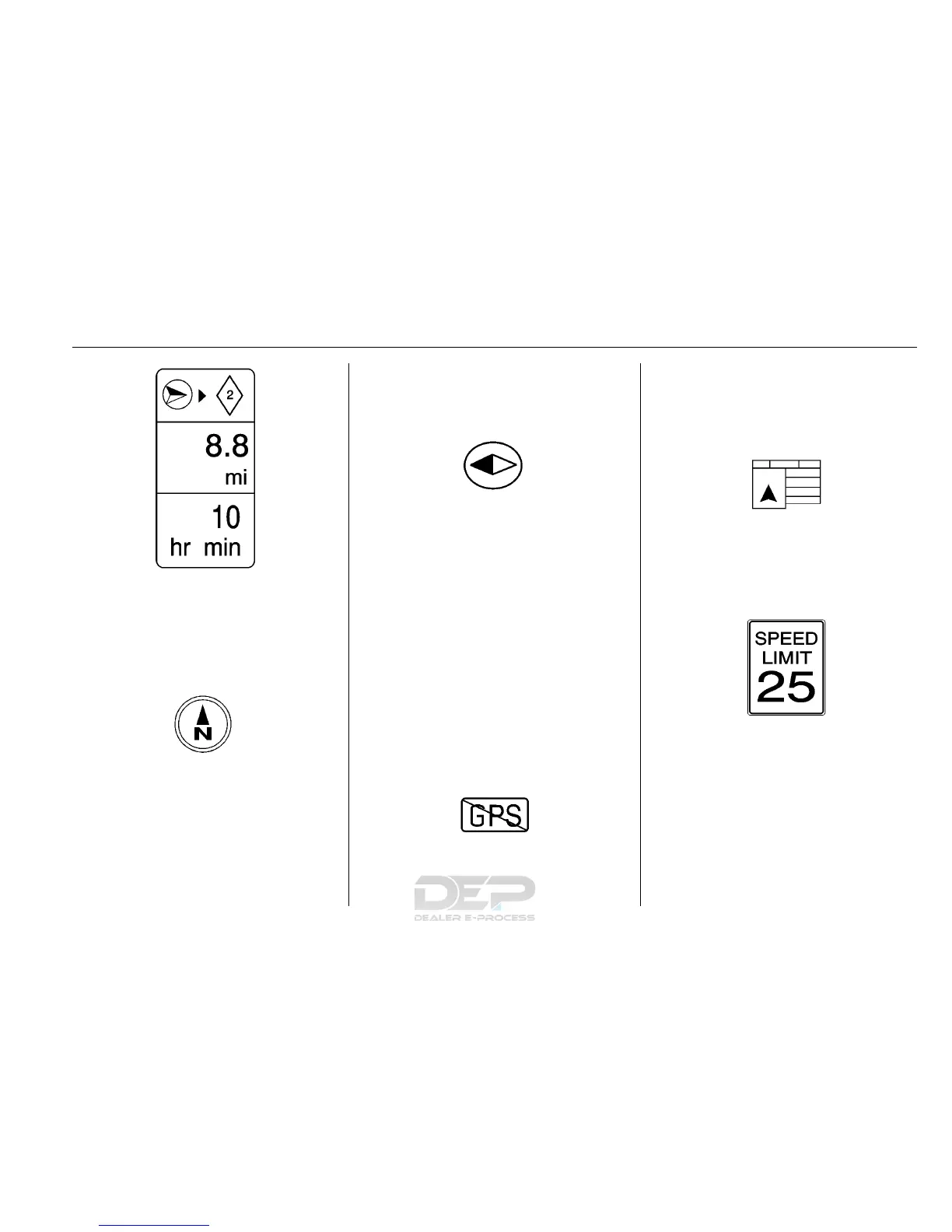
If waypoints have been added to the
current route, each waypoint
destination displays estimated time
and distance.
This symbol indicates that the map
view is North up. North up displays
North at the top of the map screen
regardless of the direction the
vehicle is traveling.
Select this screen symbol to change
the view to Heading up or 3D.
This symbol indicates that the map
view is Heading up.
Heading up view displays the
direction the vehicle is traveling at
the top of the map screen. The
shaded triangle indicates North.
Touch this screen symbol to change
to 3D mode.
The 3D symbol is the same as the
Heading up symbol, but the map is
in 3D.
The No GPS symbol appears when
there is no Global Positioning
System (GPS) satellite signal.
This symbol at the bottom of a map
screen changes the current map
mode screen.
This symbol on the right of the map
screen displays the speed limit
while on a route. The speed limit
may not be accurate due to
changes from the Department of
Transportation, the local
municipalities, or older map data.
Always follow the posted speed limit
on the road.













 To Next Page