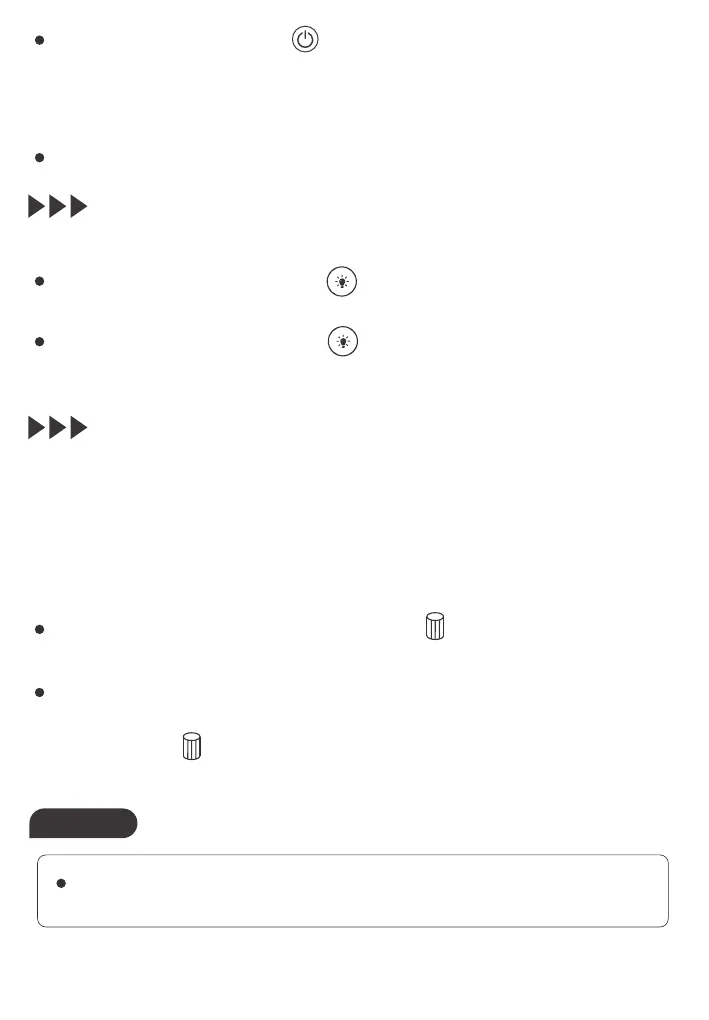
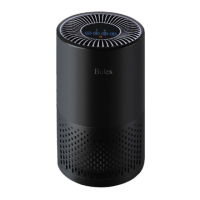
4. Turning on and off the night light
5. Resetting the filter timer
This air purifier is equipped with a filter reset indicator to make sure that
the air purification filter is in optimal condition when the air purifier is
operating. When the filters need to be replaced (The filter lifetime is 2,000
hours with normal usage), the Filter Reset button indicator light turns
orange.
Touch and hold the Filter Reset button for 3 seconds to turn off
the Filter Reset button indicator light after replacing the filters.
When the air is heavily polluted, you can replace the filters even the
filter reset indicator light may not be on. Touch and hold the Filter
Reset button for 3 seconds to reset the filter lifetime counter manually
after replacing the filter.
With the Night Light button, you can switch on or off the night light.
Touch the Timer button repeatedly to choose the number of
hours you want the air purifier to operate. The available intervals for
the timer are 2, 4, and 8 hours. The Timer button indicator light turns
blue and automatically indicates the selected timer.
The timer is deactivated by default.
Touch the Night Light button to turn on the night light, and the
Night Light button indicator light turns blue.
Touch the Night Light button again to switch off the night light,
and the Night Light button indicator light turns white.
Always switch off and unplug the air purifier before replacing the
filters.
Notes


 To Next Page