OPERATING INSTRUCTIONS
Operating Instructions
MAIN MENU ITEMS
SET TOP LEFT DISPLAY: Select this to enter a sub-menu with a list of OutLook Display Options that you select
to view in the top left display quadrant of the OutLook Screen. All of the OutLook Display Options are listed in this
instruction set with options specic to this make, model, and year of vehicle.
SET TOP RIGHT DISPLAY: Select this to enter a sub-menu with a list of OutLook Display Options that you can select
to view in the top right display quadrant of the OutLook Screen. All of the OutLook Display Options are listed in this
instruction set with option specic to this make, model, and year of vehicle.
SET BOTTOM RIGHT DISPLAY: Select this to enter a sub-menu with a list of OutLook Display Options that you
can select to view in the bottom right display quadrant of the OutLook screen. All of the OutLook Display Options are
listed in this instruction set with options specic to this make, model, and year of vehicle.
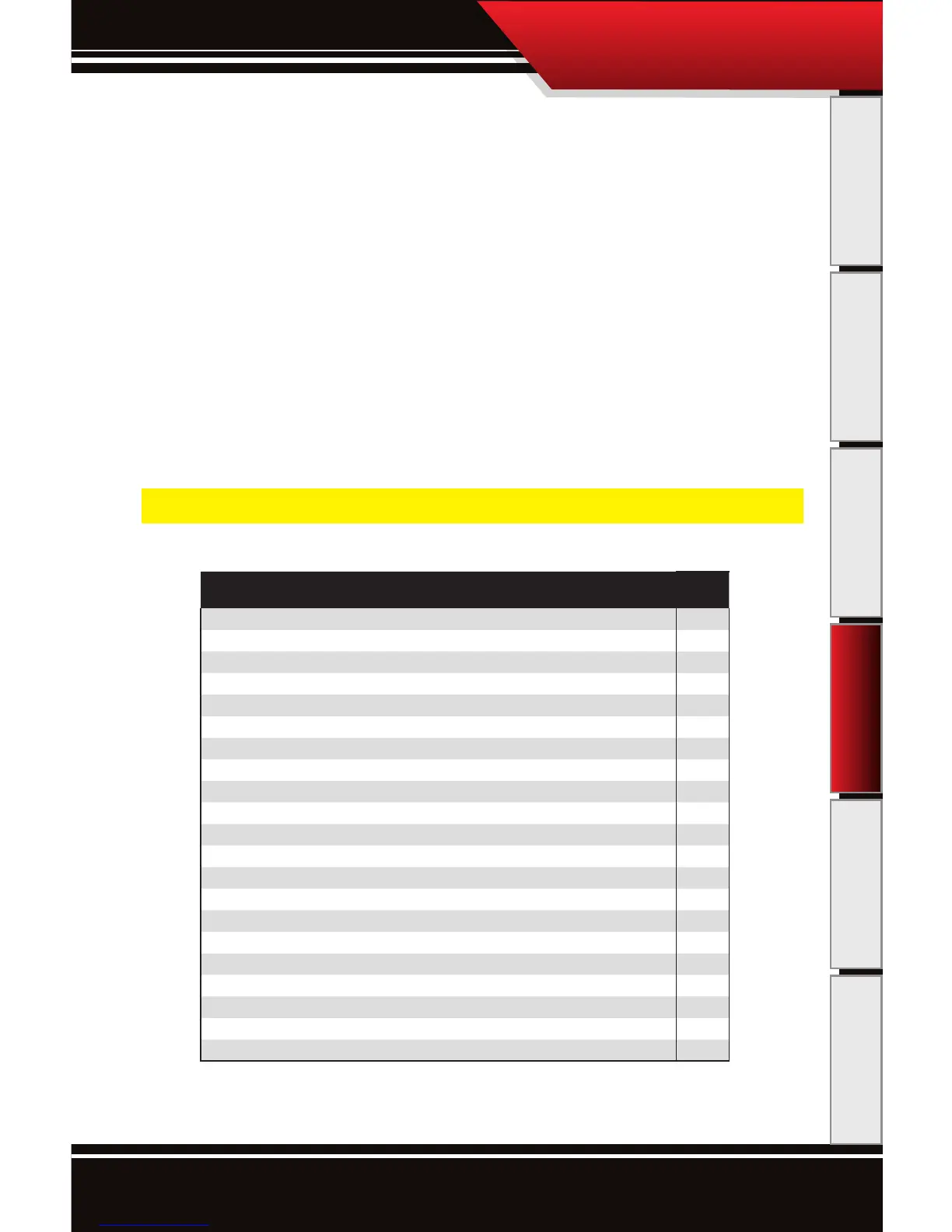
The chart below depicts the features available for display in the Top Left, Top Right, and Bottom
Right Quadrants of the OutLook General Display Screen.
NOTE: The BOTTOM LEFT DISPLAY quadrant always displays Pyro #1. This quadrant item cannot be changed.
FEATURES DODGE
On The Fly Adjustability X
Pyrometer Probe Defuel X
Transmission Temperature defuel ‘06 only
Display and erase DTCs ‘06 only
Boost Pressure X
Dual Pyrometer Probe (2) X
Accurate Speed Display (MPH) X
Engine RPMs ‘06 only
Throttle Position ‘06 only
Coolant Temperature X
Transmission Temperature ‘06 only
Injection Control Pressure X
Horsepower and Torque X
0-60 times (MPH) X
1/4 Mile Time X
Peak Boost X
Peak Pyro X
Peak Horsepower X
Peak Torque X
Fastest 0-60 X
Fastest 1/4 mile X



 To Next Page