OPERATING INSTRUCTIONS
Operating Instructions
IMPORTANT: Skip these steps if your vehicle is not a ’06 Dodge Cummins.
SPECIFIC INSTRUCTIONS FOR ‘06 DODGE CUMMINS:
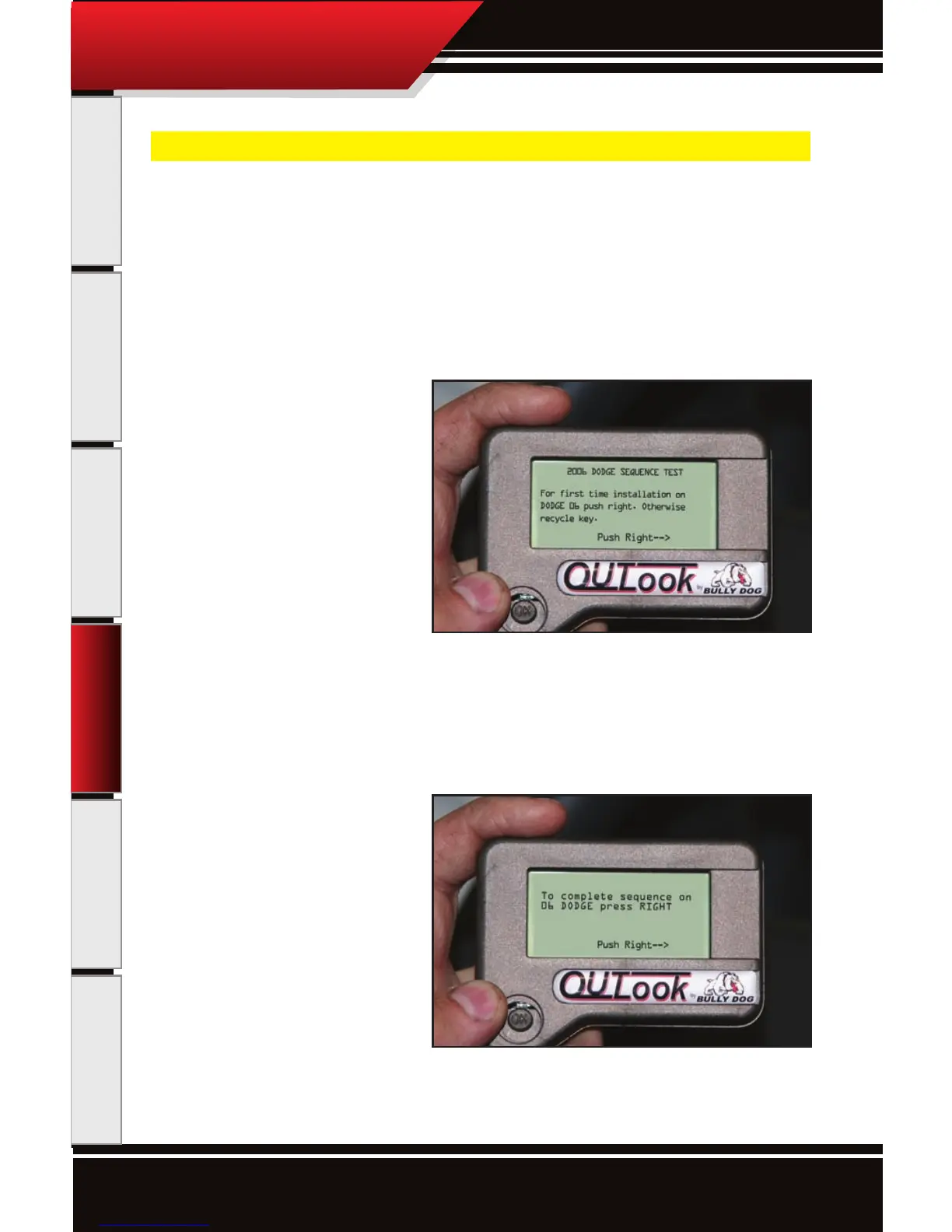
When using the OutLook on the ‘06 Dodge Cummins the rst time the OutLook is installed, immediately after
the vehicle is selected, the OutLook will undergo a vehicle sequence test. The screens below illustrate exactly
what is seen during the test.
SEQUENCE INSTRUCTIONS:
1. When this rst screen appears simply
press right on the joystick to continue the
sequence test. If you have previously com-
pleted the sequence test, then recycle the
key. If the screen repeatedly appears, call
Bully Dog Technical Support.
2. On the second sequence test screen sim-
ply press right on the Joystick to complete
the test. After the test has been complet-
ed, then the OutLook will navigate to the
General Display Screen.



 To Next Page