EasyManua.ls Logo

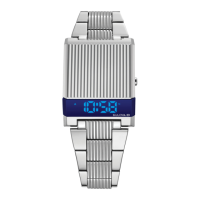
Bulova COMPUTRON 98C135 - User Manual

Bulova COMPUTRON 98C135
25 pages
Print Icon
To Next Page IconTo Next Page
Loading...
Computron User Manual BlackCVR_multi-lingual.indd 1 6/11/19 5:43 PM
Question and Answer IconNeed help?

Do you have a question about the Bulova COMPUTRON 98C135 and is the answer not in the manual?

Summary

Operation

Normal Time Mode

Press B key to shift display modes: seconds, date, day, T2.

Time Setting

12;24 Hour Format Setting

Select between 12 or 24 hour format.

Hour and Minute Setting

Set hour and minute values.

Date Setting

Year Setting

Set the year value.

Day and Month Setting

Set day and month values.

T2 Time Setting

T2 Hour and Minute Setting

Set T2 hour and minute values.
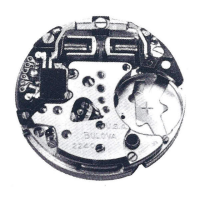
Bulova COMPUTRON 98C135 Specifications

General IconGeneral
BrandBulova
ModelCOMPUTRON 98C135
CategoryWatch
LanguageEnglish

Related product manuals