Page 8
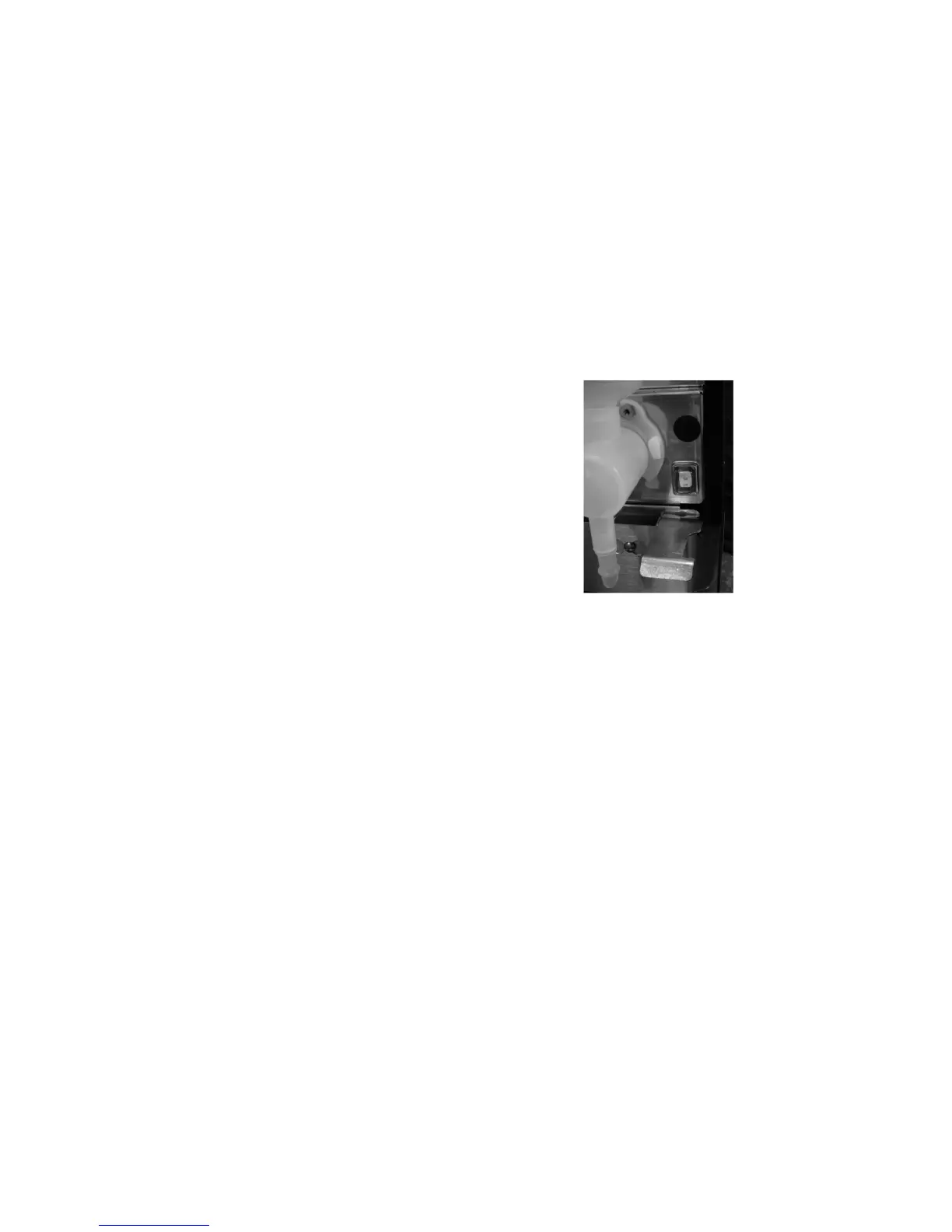
COOLING FAN SWITCH
For low temperature tank settings of approximately
90°Forover,leavethecoolingfanswitch,located
inside the front door, in the “OFF” position. For
lowtemperaturetanksettingsunder90°F,placethe
cooling fan switch in the “ON” position. A low end
temperatureofabout7°Foverambientmaybeat-
tained when the cooling fan is engaged.
DRAINING THE WATER TANKS
CAUTION - The dispenser must be disconnected from the power source throughout these steps
1. Disconnect the dispenser from the power source.
2. Shut off and disconnect the incoming water supply.
3. Remove the drip tray and access panels below the door.
4. Pull the clamped end of the silicone tube out of the dispenser and direct it into a drain or a container large
enough to hold the volume of water in the tank.
5. Make certain the shut off clamp is locked tightly on the tube, then remove the snap type clamp and plug from
end of tube.
6. Carefully release the shut off clamp to let the water drain from the tank.
7. Repeat steps 4 - 6 for other tank.
NOTE - The dispenser must be refilled using the INITIAL FILL & HEAT steps before reconnecting to the power
source.
41802.1 071312


 To Next Page