2
8. Refer to the Ratio Target Chart below. If the Target Total Volume
(collected in step 5) matches the corresponding Water Only
Volume column (collected in step 4), proceed to step 10.
Lemonade Ratio Target Table
Approximate water amount
dispensed during test
Adjust finished product amount
as close to possible to target
9. If the Target Total Volume is higher or lower than the Water Only
Volume, calibration needs further adjustment. Remove the drip
tray and the splash panel.
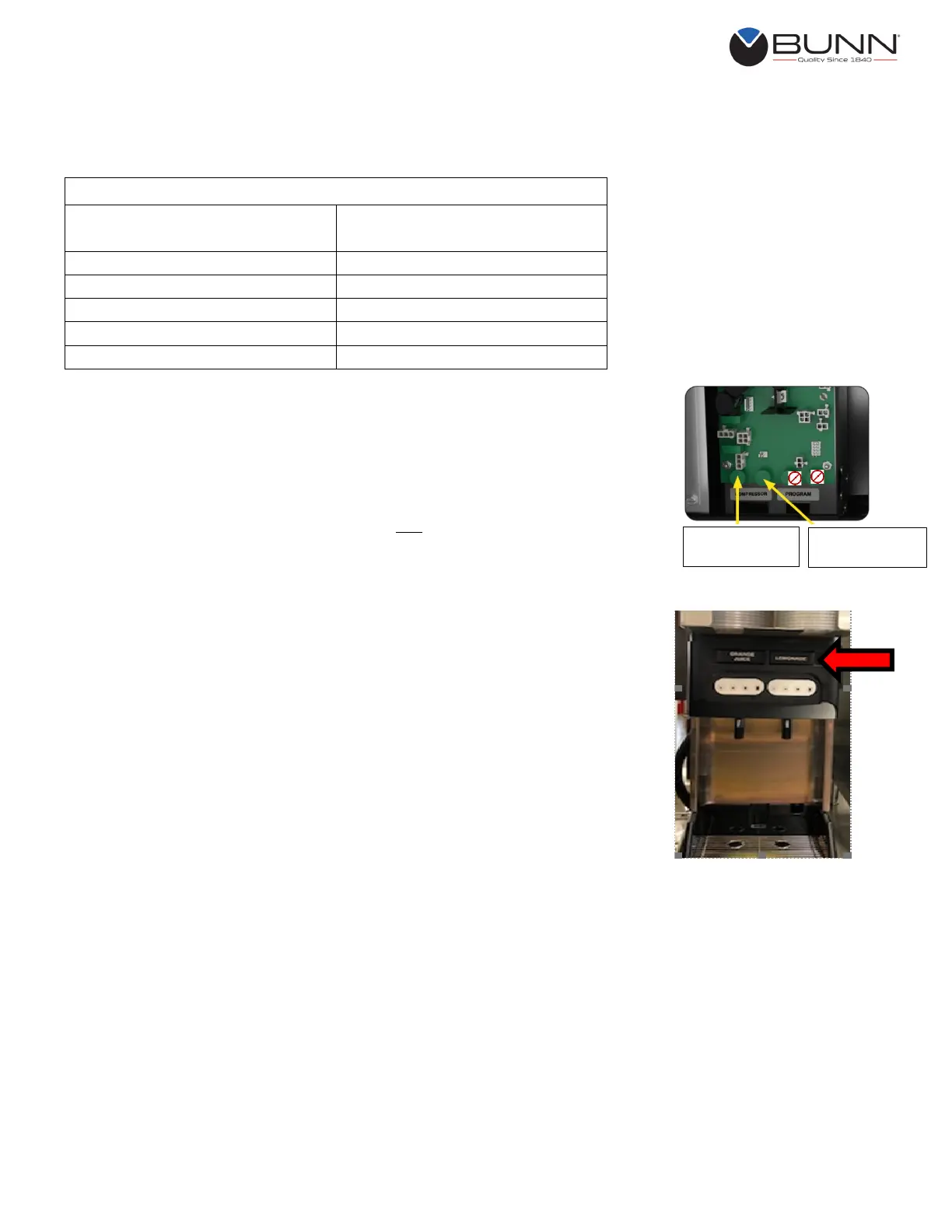
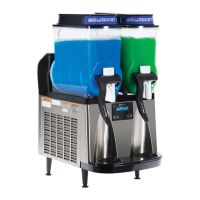
10. Locate the two adjustment knobs located above Compressor. If
lemonade dispenses from the right side of the machine, use the
knob on the right side. If lemonade dispenses from the left side,
use the knob on the left side. NOTE: Do not use the knobs located
above Program.
11. Turn the adjustment knob in small increments, clockwise to
increase or counterclockwise to decrease. Continue to adjust until
the Product Volume is correct.
12. Repeat calibration process (steps 6 thru 11) and make adjustments
as necessary until the Measured Volumes are correct.
13. Apply Lemonade label to the juice machine (labels were included in
your training kit).
14. Proceed to Setting Portion Controls.
Right Side
Portion Controls
Left Side
Portion Controls


 To Next Page