5
TEMP & TORQUE SCREEN
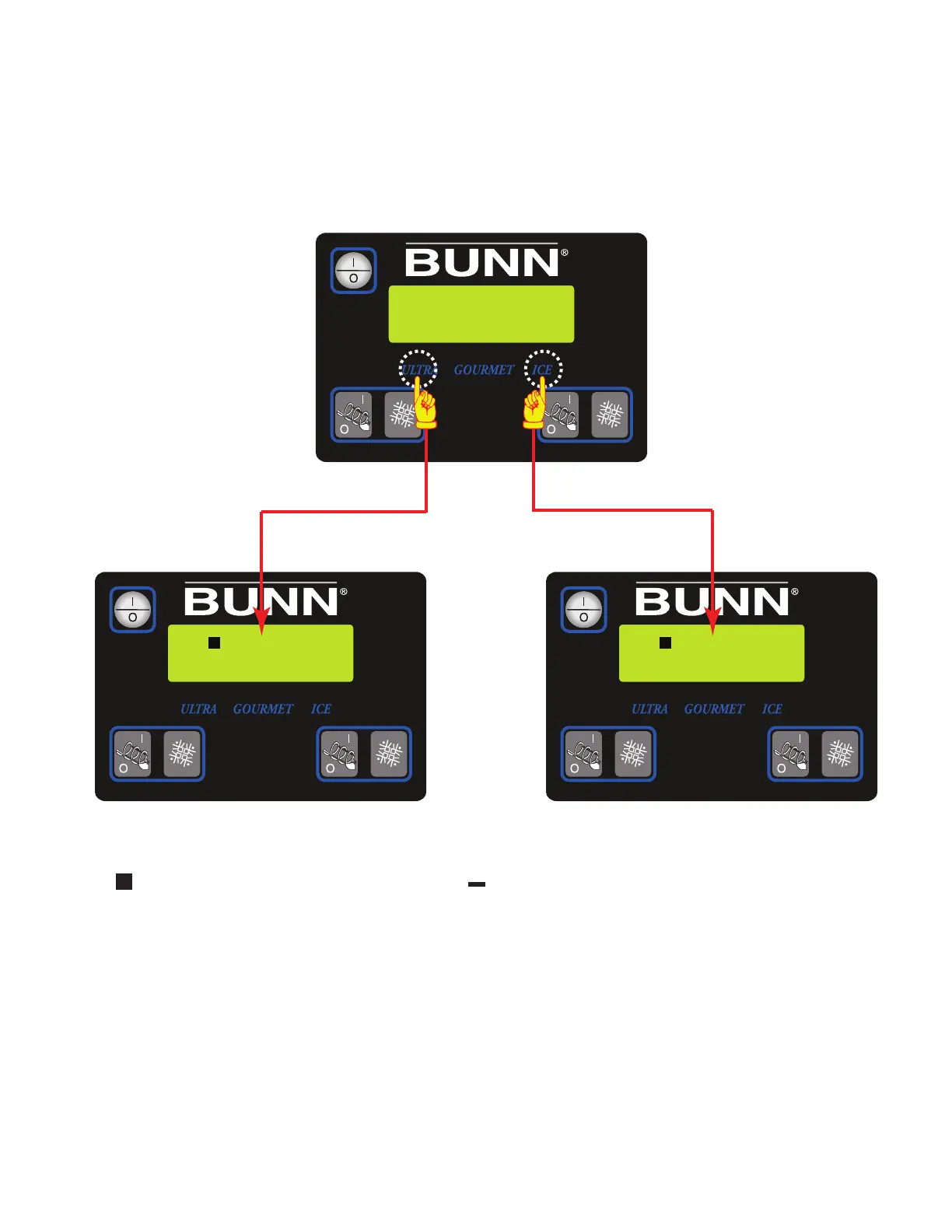
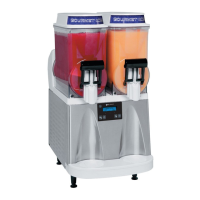
Press and hold for five seconds the ULTRA and ICE hidden switches to display the TEMP & TORQUE. The
temperature of each cooling drum and the hot gas temperature will toggle back and forth. The auger torque is
displayed continuously. Press and release the ULTRA and ICE hidden switches to return to HOME SCREEN. The
TEMP & TORQUE mode is typically used for service.
NOTICE: While in the TEMP & TORQUE screen, the UPPER/lower case will be replaced by symbols.
The indicates the solenoid valve is open, and the indicates that solenoid is closed.
DISPLAY
TEMP & TORQUE
30 25
-
161 161°h
27 28°b
30 25-
41084 102709


 To Next Page