Need help?
Do you have a question about the Burson Conductor and is the answer not in the manual?
Outlines Burson Audio's design philosophy focused on transparency and minimal tampering with music.
Describes the company's dedication to creating beautiful and well-crafted audio products.
Instructions on how to unpack the device and check for shipping damage.
Lists all items that should be included in the package with the Conductor.
Guidance on selecting an optimal placement for the Conductor to ensure best sound quality.
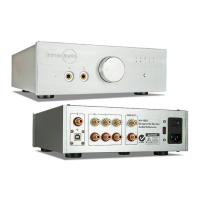
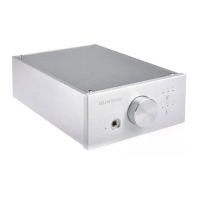
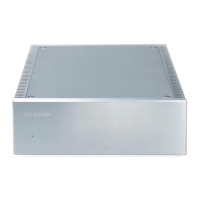
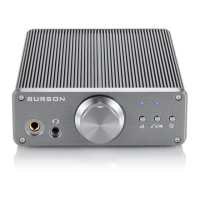
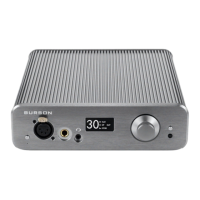
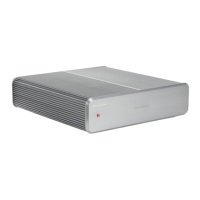
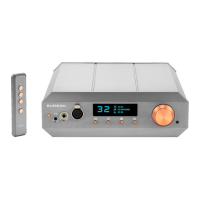
Identifies the headphone output jack and power indicator on the front panel.
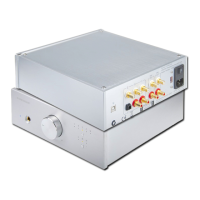
Details the various digital and analog input ports located on the rear of the unit.
Describes the line level RCA and Pre Amp output connections on the rear panel.
Explains the voltage switch and the power switch/fuse holder.
How to switch between headphone amplifier and pre-amplifier operation modes.
Details the three levels of gain for matching audio systems.
Instructions for connecting the device to the mains power supply.
Advice on selecting power line conditioners to avoid degrading sonic performance.
Explains the gradual improvement in sound quality after initial power-up.
How to safely power on and off the system with the Conductor.
Tips include direct wall connection, warm-up periods, and contact cleaning.
Instructions on how to extend the standard 12-month warranty to 24 months.
Details terms and conditions for product warranty coverage.

 To Next Page
 General