9
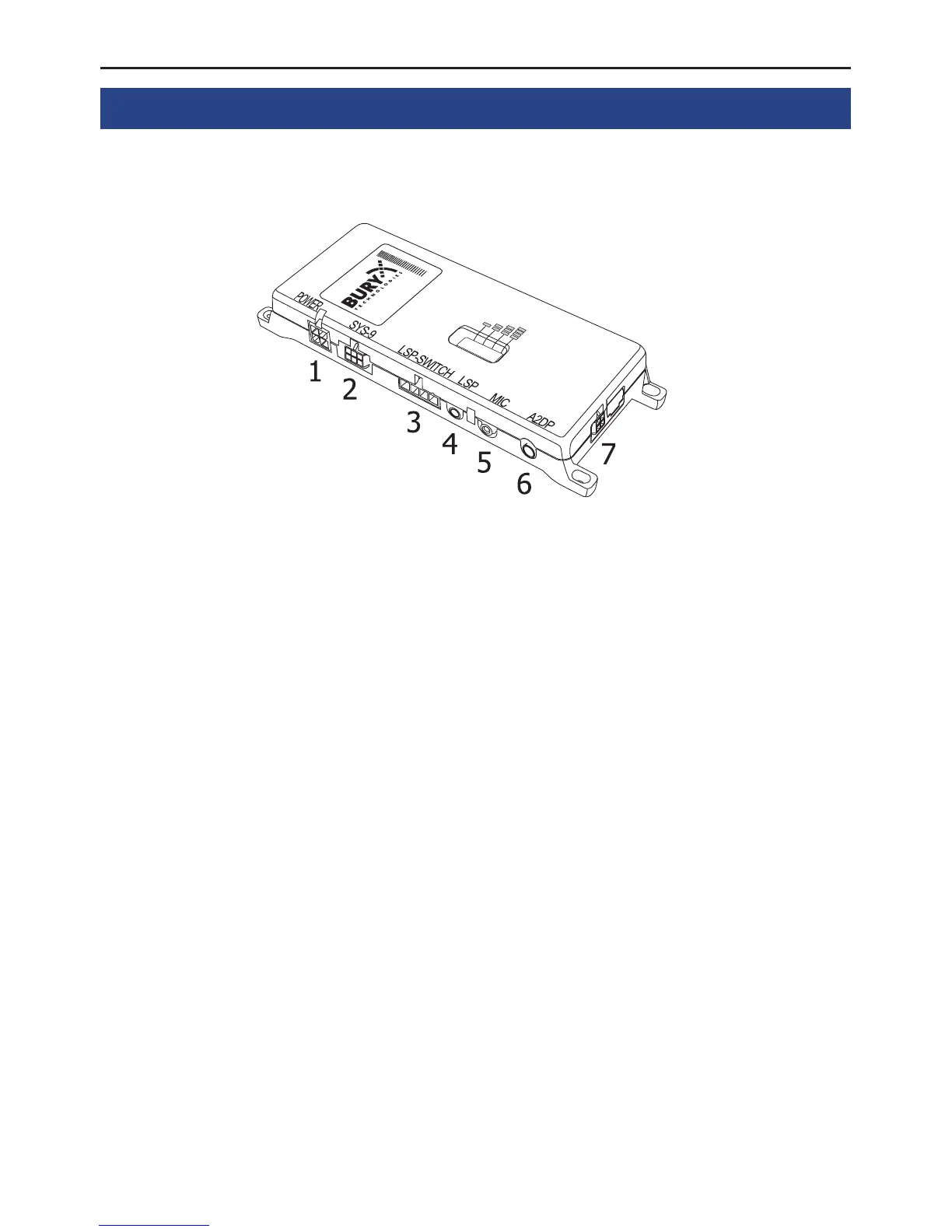
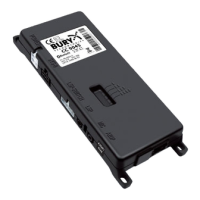
5. Connections on the electronics box
The additional components of the HFCK are connected to the electronics box. The following connec-
tions are provided:
Connection options:
1 Power supply
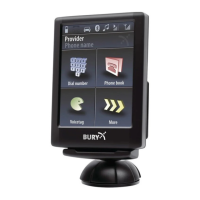
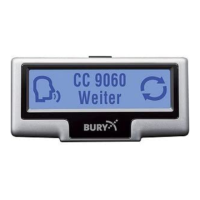
2 basePlate System 9 adapted for CC 9060 Plus
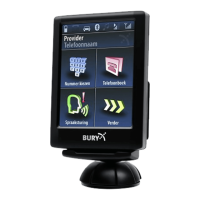
3 Internal loudspeaker switch box
(with or without an internal switch box, depending on version)
4 External loudspeaker
5 Mikrophone
6 Aux Out
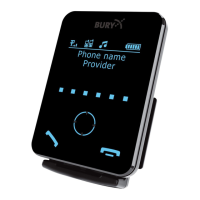
7 Monitor
1 - Power supply
Version 1:
Refer to the separate chapter: Installation of the audio switch box AC 5120
Note:
If the DIN ISO plug of the AC 5120 does not fit in your vehicle, numerous adapters are X
available from dealers.
Version 2 and 3:
The power supply of the hands-free car kit is established via a 4-core cable (no. 6). Connect the black
(clamp 31 – minus), the red (clamp 30 – steady plus) and the blue cable (clamp 15 – ignition plus) to
the power supply of your radio (where required via the cigarette lighter or the fuse box). After connec-
tion to the counterpart, the yellow cable provides for radio muting during a phone conversation. Please
connect the white Molex connector with connection 1.


 To Next Page