16
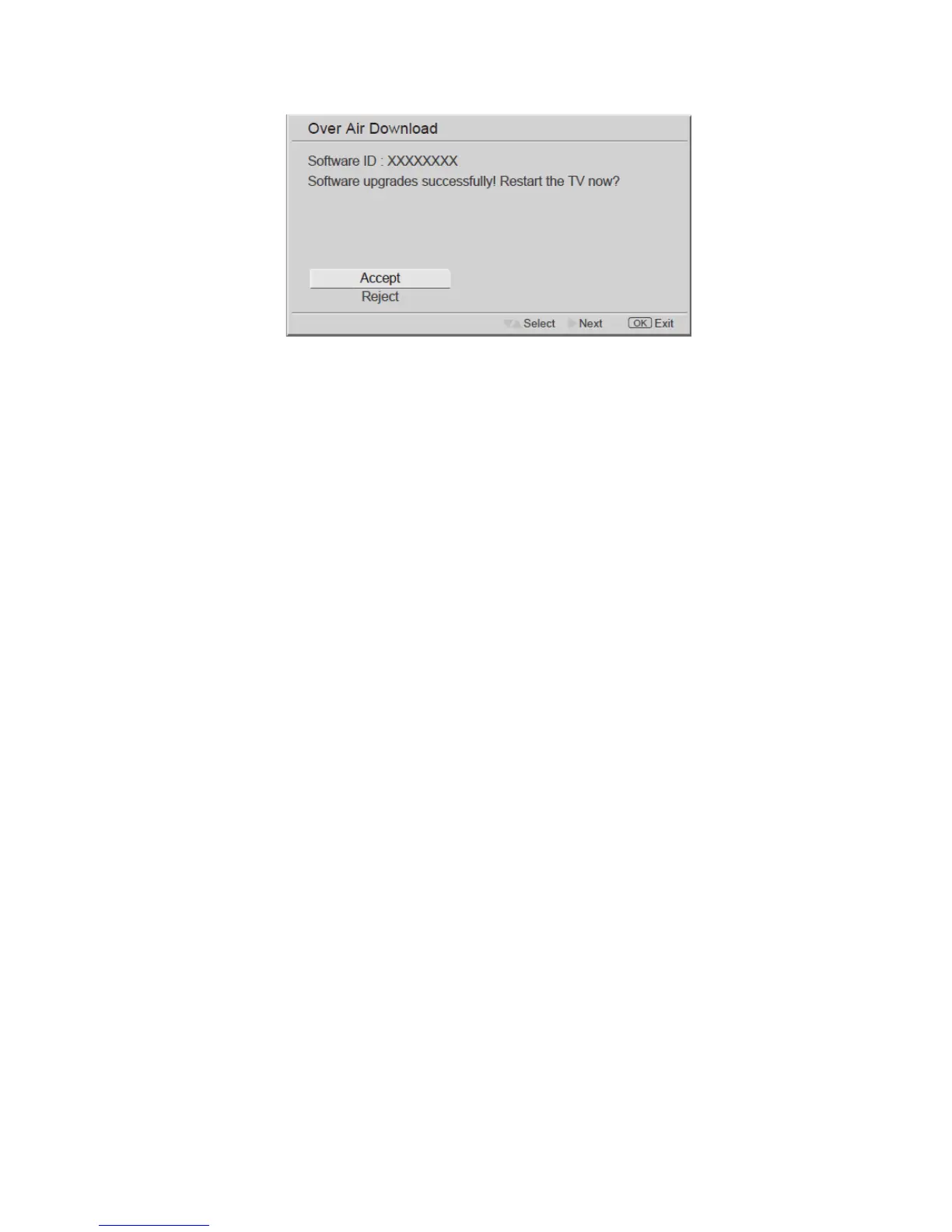
3. After the programming, please use ▲ ▼ to confirm if you would like to restart the TV.
The software will be updated completely after restart the TV.
NOTE: You must not switch off the unit during this process!
Tips
Care of the screen
Do not rub or strike the screen with anything hard as this may scratch, mar, or damage the screen permanently.
Unplug the power cord before cleaning the screen. Dust the TV by wiping the screen and the cabinet with a soft,
clean cloth. If the screen requires additional cleaning, use a clean, damp cloth. Do not use liquid cleaners or aerosol
cleaners.
Mobile telephone warning
To avoid disturbances in picture and sound, malfunctioning of your TV or even damage to the TV, keep away your
mobile telephone from the TV.
End of life directives
We are paying a lot of attention to produce environmental friendly in green focal areas.
Your new receiver contains materials, which can be recycled and reused.
At the end of its life, specialized companies can dismantle the discarded receiver to concentrate the reusable
materials and to minimize the amount of materials to bedisposed of.
Please ensure you dispose of your old receiver according to local regulations.



 To Next Page