EasyManua.ls Logo

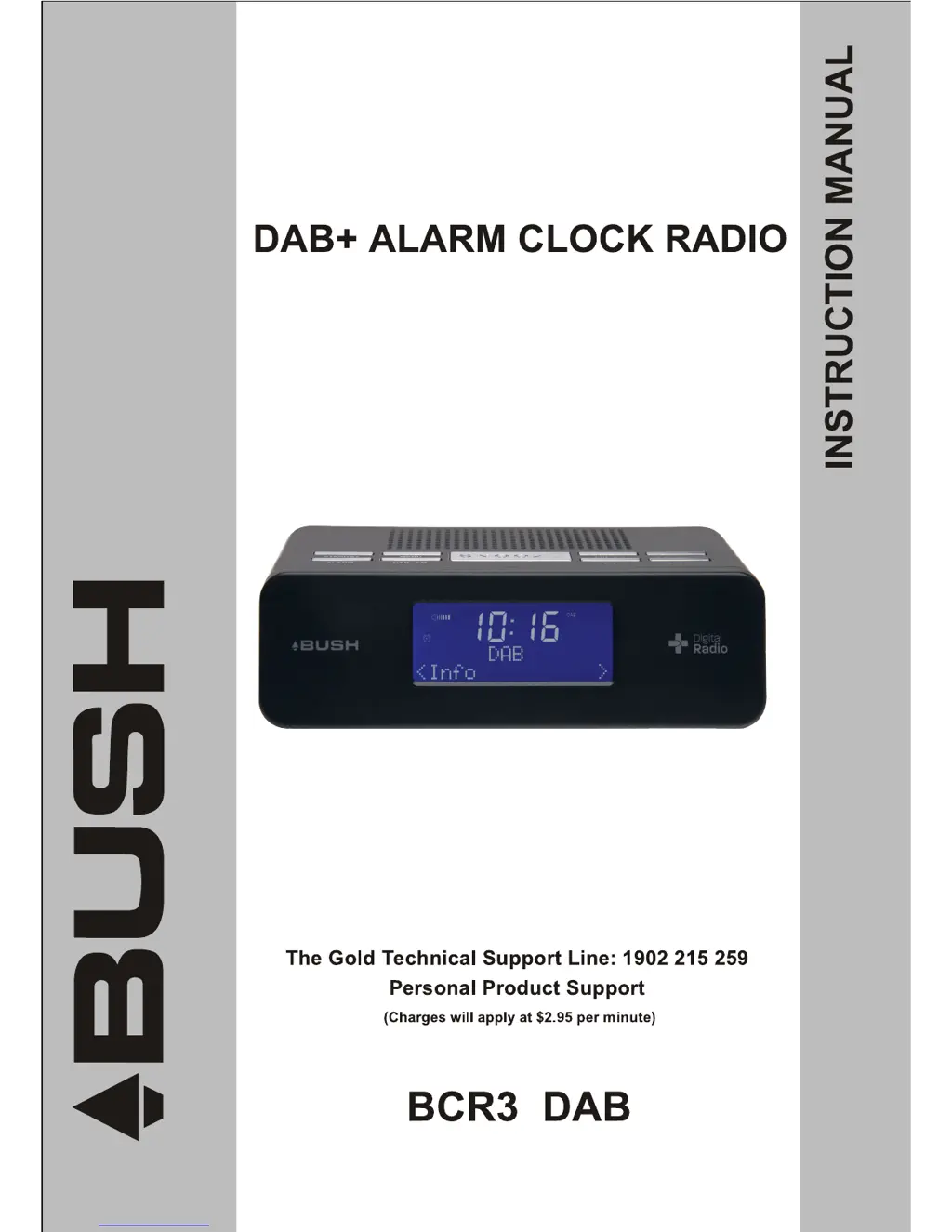
Bush BCR31DAB - User Manual

Bush BCR31DAB
22 pages
Print Icon
To Next Page IconTo Next Page
Loading...
1

Questions and Answers

  • D
    Diana LongJul 30, 2025
    Why is there no sound on my Bush BCR31DAB?
    • R
      robertyatesJul 30, 2025
      There might be several reasons why your Bush Clock Radio has no sound. First, check if headphones are connected and disconnect them. Second, ensure the volume is properly adjusted. Finally, verify that the power cord is correctly connected to the device.
  • Q
    qwilsonAug 9, 2025
    How to improve radio reception on Bush BCR31DAB?
    • V
      vhardyAug 9, 2025
      To improve radio reception on your Bush Clock Radio: 1. Adjust the aerial for the best possible signal, ensuring it's fully extended. 2. Keep the unit away from electrical equipment such as TVs, video recorders, computers, thermostats, and fluorescent lamps, as they may cause interference.
  • J
    Jessica LloydAug 20, 2025
    What to do if the buttons on my Bush BCR31DAB Clock Radio are not working?
    • C
      courtney91Aug 20, 2025
      If the buttons on your Bush Clock Radio aren't working, it may be due to electrostatic discharge. To resolve this, turn off the unit, disconnect it from the mains plug, and then reconnect it after a few seconds.

Summary

Safety Instructions

Safety Considerations

Lists important safety points to follow while using the unit, covering cable placement, environment, and usage.

Getting Started

Turning the Unit On;Off

Guides on connecting the power adapter and turning the unit on/off using the standby button.

Performing a Full Scan

Using DAB+ Radio

DAB+ Menu Options

Provides a flowchart of the DAB+ menu options and their navigation.

Viewing Station Information

Using Presets

Setting Station Presets

Guides on how to store favourite DAB+ and FM stations as presets.

Playing a Preset Station

Explains how to recall and play stored preset stations.

Using FM Radio

FM Mode and Tuning

Instructions for switching to FM mode and manually or automatically tuning frequencies.

Viewing FM Station Information

System Setup

How to Enter System Setup

Explains how to navigate to the main System Setup menu.

How to Set the Clock

Guides on setting the device's internal clock.

Choose 12;24 Hour Format

Allows selection between 12-hour and 24-hour time display formats.

System Time and Date Settings

Set Time; Date (Manually)

Guides on manually setting the time and date, including date format selection.

Alarm and Snooze Functions

How to Set Alarm

Details how to set alarm time, duration, source, and frequency.

Radio Sleep Timer

How to Set Radio Sleep Time

Explains how to set the automatic sleep timer for the radio using the Snooze button.

System Backlight Settings

Backlight for Power On Mode

Guides on adjusting backlight brightness when the unit is powered on.

Troubleshooting and Technical Specifications

Bush BCR31DAB Specifications

General IconGeneral
BrandBush
ModelBCR31DAB
CategoryClock Radio
LanguageEnglish

Related product manuals