BCR31DAB
11
Setting Station Presets
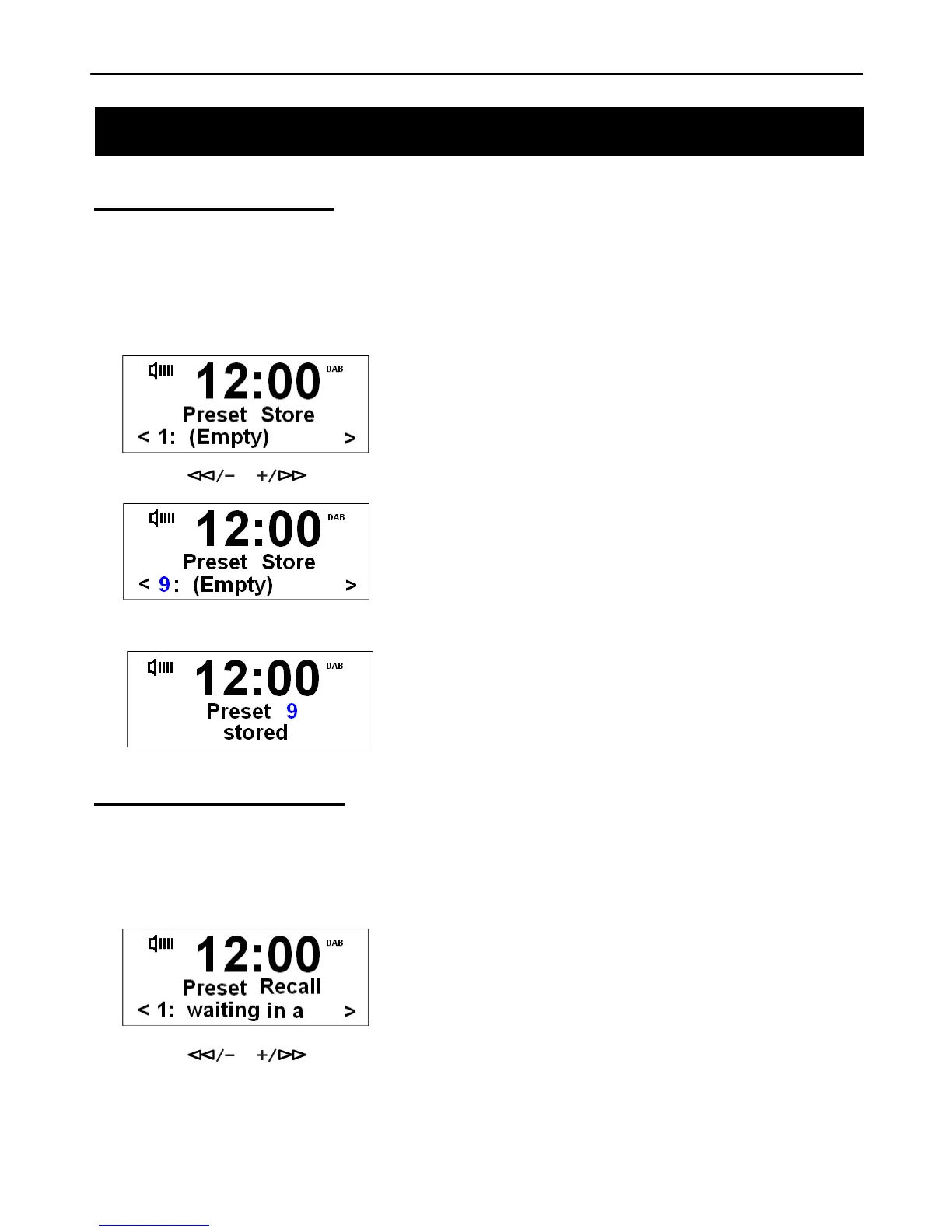
Your radio can store 10 DAB+ & 10 FM station presets. To store presets:
@ Note: This is the same for DAB+ and FM Radio stations.
1. Press the DAB+/FM Button to select the mode you wish to set.
2. While playing your favourite station, press and hold the PRESET Button.
3. Press the or Button to cycle through the preset stations store numbers, 1-10.
4. Then select your preferred preset station number and press the SELECT/NAV Button to confirm.
Playing a Preset Station
To select a stored station:
1. Press the DAB+/FM Button to select the mode you wish to play.
2. Press the PRESET Button to enter ‘Preset Recall’ setting.
3. Press the or Buttons to select your preset number and then press the SELECT/NAV Button to
confirm.



 To Next Page